
Full notes
Full Orc Survivor update
Read the full published notes in a cleaner layout. The original post stays linked below.
What changed
- UI and audio
- Events
- Balance
- Gameplay
Orc Survivor changes
- Roguehero
Hi everyone,
Today we're releasing an update that I didn't think we'd be ever be able to do - local multiplayer! Play together on one computer (or over the internet using Steam Remote Play Together), with up to 3 total players. And if multiplayer isn't your thing, there's something for you as well - we've added a few new Consumable items, and 5 new challenges to go with them. We've also added a new option to the Settings menu to change the transparency of player projectiles. Increase the transparency to reduce screen clutter and increase the visibility of the Orc, perfect for massive +projectile size runs.
A few notes on how multiplayer works:
Chests rewards are not shared by players - first to touch the chest gets it!
Revives are shared across all players. If any player dies without a revive left, that's it - game over.
Players share a single attribute list. Pick up Fury for 10% damage and it will apply to all players! Another player can also get Fury for 10% more. However, to evolve an item, you need to own the associated passive yourself. You can't rely on your teammates having it.
You're able to play over the internet using Remote Play Together. However, in my testing I found a couple issues with it: Client sessions do not get the game sounds, only the host does. And Macs do not seem to be able to host the game, but they can play as a client. If anyone figures out a way to fix any of these issues, please let me know! Also note, only 1 player can use a keyboard, the rest need controllers.
Happy playing! Alex and Zak
A full summary of the changes made: Multiplayer
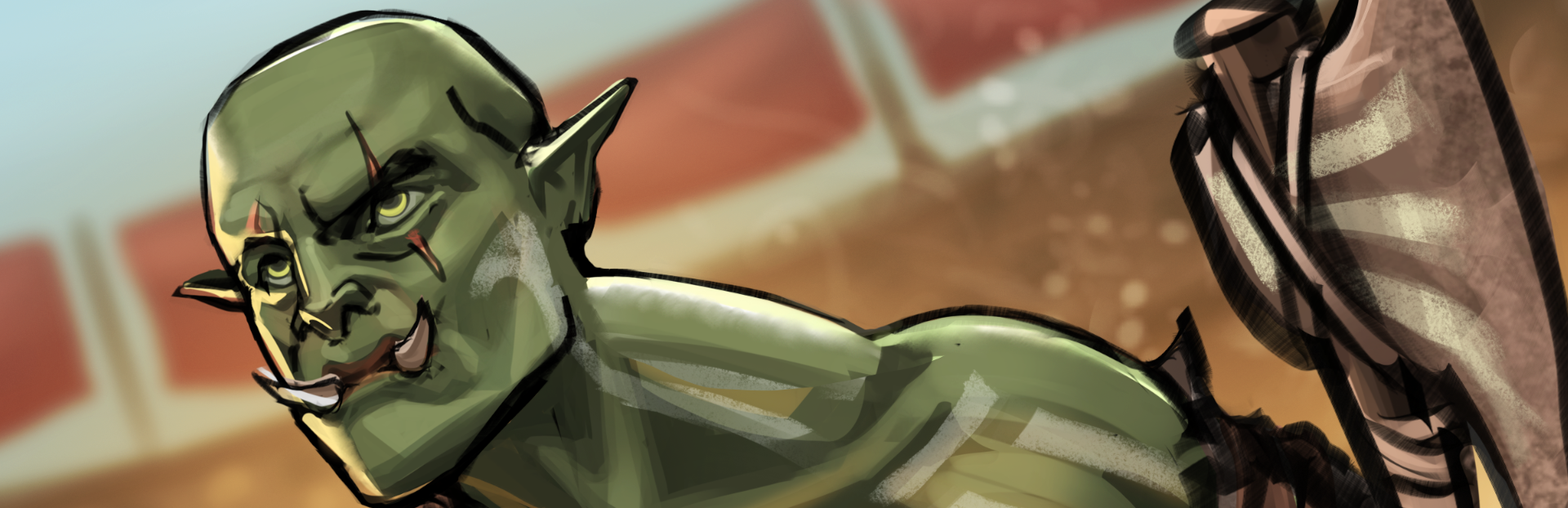
Added 3 more colors for the Orc. Choose to play as the base Green, or play as Orange, Blue, or Purple. Each player needs to play as a unique color.
When starting a new run from the main menu, the input device you use to hit the 'Survive' button gets assigned as the active device to control Player 1. Then, any other devices can hit Start/A/Space/Enter to begin going through the New Player Join Flow. From this flow, select your Player Color, your Class, and your hat, which will then put your new Orc in the arena. Up to 2 players can join Player 1 for the run.
All players need to select a starting weapon from the weapon pillars. When the last one is picked, the run will begin. Due to how the weapon starting pillars work, starting weapons are limited to the class selected by P1. These are still usable just fine by other player classes, and can be evolved as normal. However, I would advise to not pick the Blink weapon if you're not the Rogue - you can't get any benefit out of it, since you don't have the ability to teleport! If you are a class without mana that picks a Mage weapon, no need to worry about your mana - the weapon will always be treated as empowered.
XP is partially split between all players. The player that picks up the experience gets half the XP, then the remaining half is split between ALL players. For example, with 2 players, P1 picks up 10xp - P1 will get 5xp (half), then the other 5xp is split between both P1 and P2, with P1 receiving a total of 7.5xp and P2 receiving 2.5xp.
Updated the inventory and XP displays to work for 1 to 3 players.
Update the level
Source
Changelog.gg summarizes and formats this update. How we read updates.