
HomeGamesUpdatesPricingMethodology
Steam News31 March 20233y ago

New release:v2.2 - Settings and Sketches

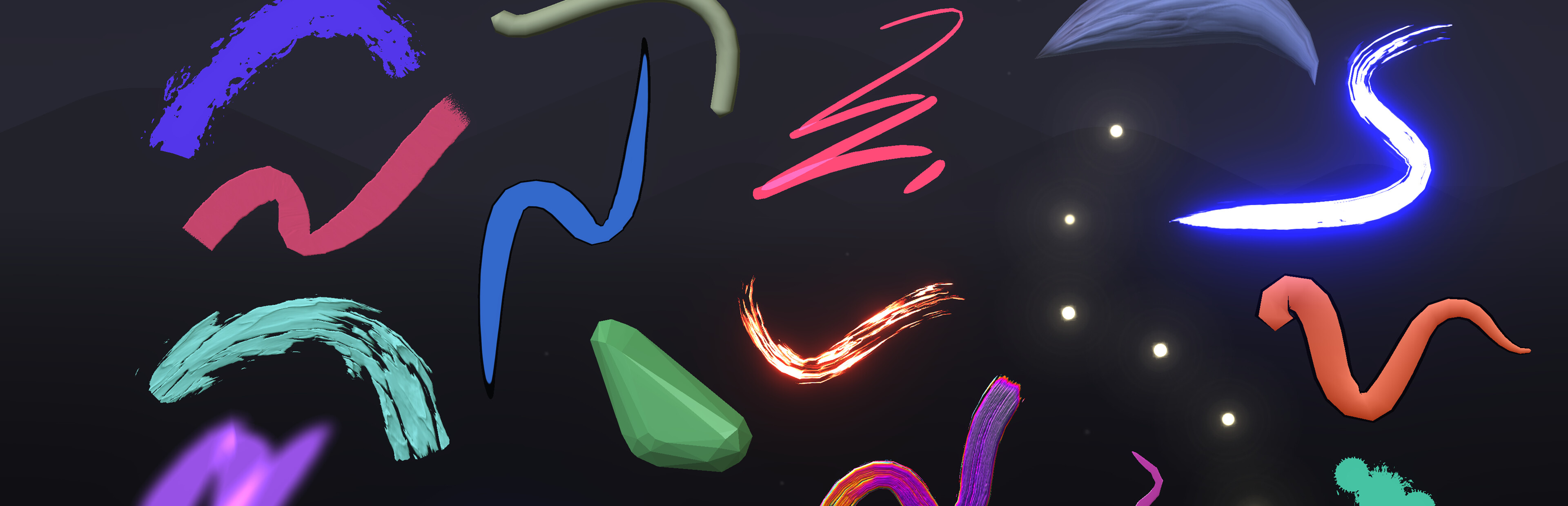
Features Bundled "Featured Sketches" Since Google Poly closed down, the immediate access to some examples by talented artists was sorely missed. So we've added some of the classics back in.

In this update5

Full notes

Full Open Brush update

Read the full published notes in a cleaner layout. The original post stays linked below.

What changed

0 fixes2 additions2 changes0 removals
  • Gameplay
  • UI and audio
  • Compatibility
addedBundled "Featured Sketches"Since Google Poly closed down, the immediate access to some examples by talented artists was sorely missed. So we've added some of the classics back in. We have big plans for sharing and viewing artwork so this is just the start.
changedAdd a button in Setting to switch handednessPreviously the only way to do this was to tap the bottom of the controllers together. This wasn't easy to discover and was unreliable when using some controllers. We've kept that in but added a nice clear button the app settings.
addedAdd a button in Setting to reset the "First Time Use" tutorialThis is something that's especially useful when you want to demo Open Brush to a new user. The current tutorial is very brief but we hope to expand it in the future. Note this button affects the app the next time you launch it.
changedKnown IssuesValve Index Controllers: Grip is too sensitive. It's easy to accidentally trigger a grab when drawing.

Open Brush changes

addedSince Google Poly closed down, the immediate access to some examples by talented artists was sorely missed. So we've added some of the classics back in. We have big plans for sharing and viewing artwork so this is just the start.
changedPreviously the only way to do this was to tap the bottom of the controllers together. This wasn't easy to discover and was unreliable when using some controllers. We've kept that in but added a nice clear button the app settings.
addedThis is something that's especially useful when you want to demo Open Brush to a new user. The current tutorial is very brief but we hope to expand it in the future. Note this button affects the app the next time you launch it.
changedValve Index Controllers: Grip is too sensitive. It's easy to accidentally trigger a grab when drawing.

Features

Since Google Poly closed down, the immediate access to some examples by talented artists was sorely missed. So we've added some of the classics back in. We have big plans for sharing and viewing artwork so this is just the start.

Add a button in Setting to switch handedness

Previously the only way to do this was to tap the bottom of the controllers together. This wasn't easy to discover and was unreliable when using some controllers. We've kept that in but added a nice clear button the app settings.

Add a button in Setting to reset the "First Time Use" tutorial

This is something that's especially useful when you want to demo Open Brush to a new user. The current tutorial is very brief but we hope to expand it in the future. Note this button affects the app the next time you launch it.

Known Issues

  • Meta Quest: Incorrect or missing video thumbnails are shown

  • Meta Quest: Gif capture results in just a black image

  • Meta Quest (Quest 1 only): Selection and erase tools are not working

  • Valve Index Controllers: Grip is too sensitive. It's easy to accidentally trigger a grab when drawing.

  • Issues with controllers not appearing when the wrong OpenXR runtime is selected. Vermillion has suggested some workarounds. (Thanks Vermillion!)

​ ​

Source

Steam News / 31 March 2023

Open original post

Changelog.gg summarizes and formats this update. How we read updates.