
Full notes
Full On The Job update
Read the full published notes in a cleaner layout. The original post stays linked below.
What changed
- Gameplay
- UI and audio
- Fixes
- Compatibility
- Server
On The Job changes
Welcome back to our latest major update! Can you believe it's been over a month since release?! Now, what good is an agency with just *one* agent? Getting all this money is certainly no easy feat, so other, similarly qualified individuals have heard about the job stream and are willing to give you a call about some work prospects... if you're worthy enough!
Here are the patchnotes:
Added 3 new characters to play as! Be careful though, they may not be easy to acquire...
Added a new music track (by https://www.kenney.nl/)!
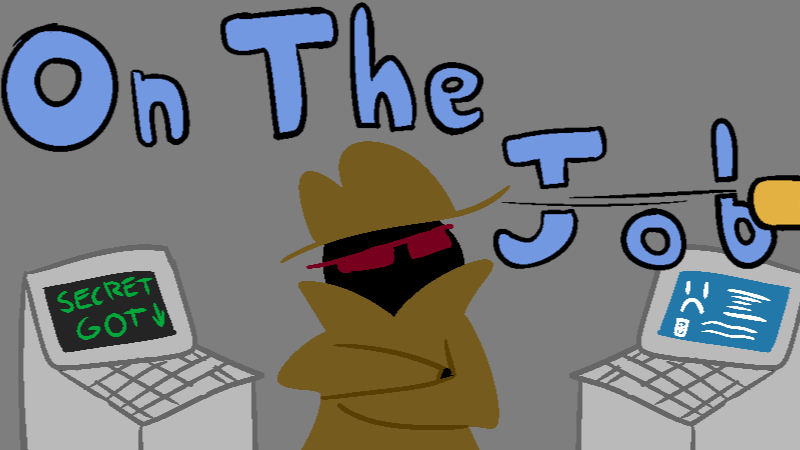
Added a new contract! Now computers can give secret documents too! Watch out for others hearing you click the computer!
6 new achievements to achieve!
Fixed some sprites blurring when they should not have.
Minor random adjustments, fixes and other nonsense.
Wow, that sure is a lotta stuff, huh? Whats more, if there are any issues with the update, your save data should be automagically backed up upon update! Isn't that great? You can access your save data by doing the following:
In your game library list, right-click the game's name and click 'Properties'.
Select 'Local Files'
Click the 'Browse...' button to access the game's folder
All save data is in the directory saved in the folder called 'SaveDir' in a file called 'info.cfg'. You can backup this file wherever and whenever you want. The 'infoBACKUP.cfg' file is the autogenerated copy from the last time the game was run (you can use this as the main save file by just removing the word 'BACKUP' from the name). The 'infopreupdate12.cfg' file is a similarly autogenerated copy, but it is only made once (it never updates).
If any issues come up during the game, you can swap the game back to the previous version as a 'beta' branch. To do so, perform the following:
In your game library list, right-click the game's name and click 'Properties'.
Select 'Betas'
In the dropdown list, select the 'version111' beta version.
Your game will revert back to the previous version (your save data should be cross-compatible between versions but no guarantees).
And as always, if you spot any bugs or just want to say hello, we have a public Discord server to make this easy! Just click the link right here! Thank you once again for supporting the game, and we hope you enjoy the new content.
Source
Changelog.gg summarizes and formats this update. How we read updates.