What changed
0 fixes0 additions5 changes0 removals
changedNew Keyboard LayoutsOn Key Up now supports AZERTY and QWERTZ keyboard layouts! The layout can be changed under Settings in the main menu. Please note that these layouts come with caveats, however. Due to how the game engine reads key inputs, some keys can't be pressed simultaneously, and others require a double tap. But this should still make the game much more playable than sticking with the default QWERTY layout.
changedOther ImprovementsCollision detection has been improved to cut down on objects glitching through each other and/or getting stuck.
changedOther ImprovementsThe Make a Picture level has been slightly tweaked. Most notably, you can rotate the picture pieces by tossing them in the air like so:
changedPrice IncreaseNow that we're back on a regular development cycle and getting closer to the finished version of the game, the price will start increasing alongside major updates. The first increase will take place in about a week, with the next one coinciding with the release of the last set of levels later this year.
changedPrice IncreaseThank you for your support during Early Access!
On Key Up: A Game for Keyboards changes
changedOn Key Up now supports AZERTY and QWERTZ keyboard layouts! The layout can be changed under Settings in the main menu. Please note that these layouts come with caveats, however. Due to how the game engine reads key inputs, some keys can't be pressed simultaneously, and others require a double tap. But this should still make the game much more playable than sticking with the default QWERTY layout.
changedCollision detection has been improved to cut down on objects glitching through each other and/or getting stuck.
changedThe Make a Picture level has been slightly tweaked. Most notably, you can rotate the picture pieces by tossing them in the air like so:
changedNow that we're back on a regular development cycle and getting closer to the finished version of the game, the price will start increasing alongside major updates. The first increase will take place in about a week, with the next one coinciding with the release of the last set of levels later this year.
changedThank you for your support during Early Access!
New Keyboard Layouts
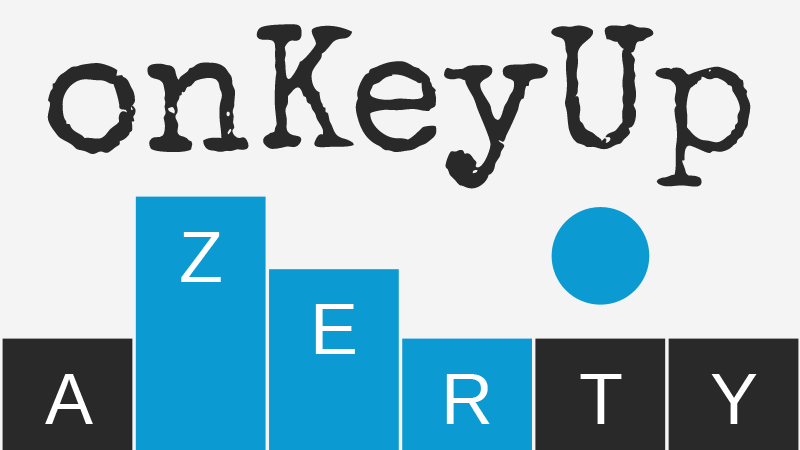
On Key Up now supports AZERTY and QWERTZ keyboard layouts! The layout can be changed under Settings in the main menu. Please note that these layouts come with caveats, however. Due to how the game engine reads key inputs, some keys can't be pressed simultaneously, and others require a double tap. But this should still make the game much more playable than sticking with the default QWERTY layout.
Other Improvements
Version 0.8.4 makes a few other adjustments, including:
It's now more clear that the timer is supposed to stop at 1 hour.
Collision detection has been improved to cut down on objects glitching through each other and/or getting stuck.
The Make a Picture level has been slightly tweaked. Most notably, you can rotate the picture pieces by tossing them in the air like so:
Price Increase
Now that we're back on a regular development cycle and getting closer to the finished version of the game, the price will start increasing alongside major updates. The first increase will take place in about a week, with the next one coinciding with the release of the last set of levels later this year.
Thank you for your support during Early Access!