
Full notes
Full Offroad Horizons: Arcade Rock Crawling update
Read the full published notes in a cleaner layout. The original post stays linked below.
What changed
0 fixes2 additions0 changes0 removals
- Gameplay
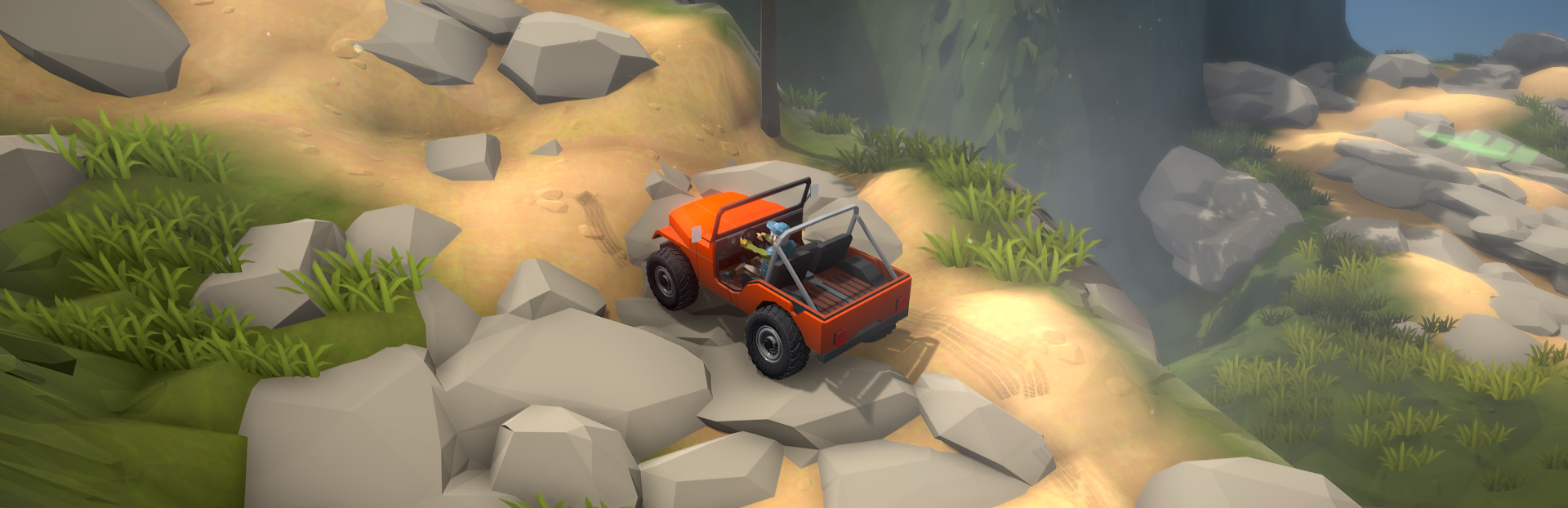
addedNEW Camera modes! You can press Tab or Right Thumbstick to change camera modes from Free, to Follow. You can also change camera from the Options screen.
addedAdditionally, you can now use the Mouse to control the cameras - move it around to look, and use the Scroll wheel to zoom in and out.
Offroad Horizons: Arcade Rock Crawling changes
addedNEW Camera modes! You can press Tab or Right Thumbstick to change camera modes from Free, to Follow. You can also change camera from the Options screen.
addedAdditionally, you can now use the Mouse to control the cameras - move it around to look, and use the Scroll wheel to zoom in and out.
NEW Camera modes! You can press Tab or Right Thumbstick to change camera modes from Free, to Follow. You can also change camera from the Options screen.
Additionally, you can now use the Mouse to control the cameras - move it around to look, and use the Scroll wheel to zoom in and out.
Source
Changelog.gg summarizes and formats this update. How we read updates.