
Update log
Full NSFW Solitaire & Puzzles update
The complete published notes, normalized for clean reading and source attribution.
Extracted changes
- Gameplay
- Performance
- UI and audio
Added Gallery screen with a better overview of your progress with picture unlocking
Winning a solitaire variant for the first time now also unlocks a random picture in the gallery
Can now select any puzzle type to unlock a picture
When playing a puzzle to unlock a picture, now you earn hearts just like in custom minigames
Difficulty of puzzles to unlock pictures now increases slower, and goes from very easy to very hard inside each category
AI-generated pictures now shown in Gallery regardless of your AI setting to reduce confusion around achievements. You can still hide individual categories in the Gallery, or individual pictures
Slideshow roster removed as it was too tedious to deal with checkboxes. Now slideshow just takes all pictures from the currently viewed category
3 new minigames: Lazers, Bombs, Hue (a few more still planned until the end of 2025)
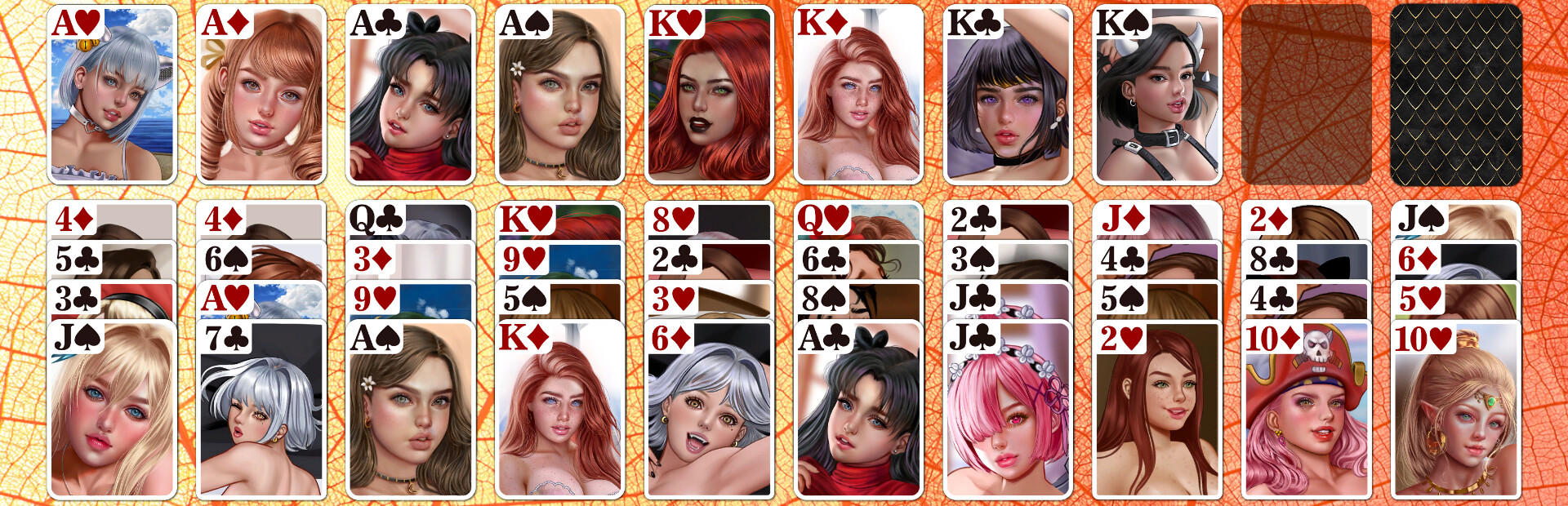
Card set, back, and background selectors now group content into categories. This should make content more manageable for players who have a lot of DLCs installed. Also, I have at least 5 more DLCs in the pipeline, which will probably double the amount of content
Backgrounds of any proportions are now supported, the extra space blurred out. DLC backgrounds now always fit into the screen. If you had the "Max fit" option enabled in Options->Advanced, consider turning it off now because blur in the extra space gives a much better look, and your custom backgrounds won't get important details like faces or pussies cut off
Moved "Darken background image" checkbox to Options->Graphics as you will likely need it for the colorful DLC backgrounds
Background image transition (Options->Advanced) performance improved
Tiled backgrounds limited to 512 pixels, so 1024 will be treated like normal pictures
Content of previous DLCs re-organized a bit to fit the categories structure, your selected card set/back/bg may get reset to defaults
Toggle to disable UI interaction sounds (wet clicks/mouse-over), Options->Audio
Updated my avatar to a catgirl :)
Source