
In this update2
Full notes
Full Nova-111 update
Read the full published notes in a cleaner layout. The original post stays linked below.
What changed
0 fixes0 additions4 changes0 removals
- Compatibility
- Gameplay
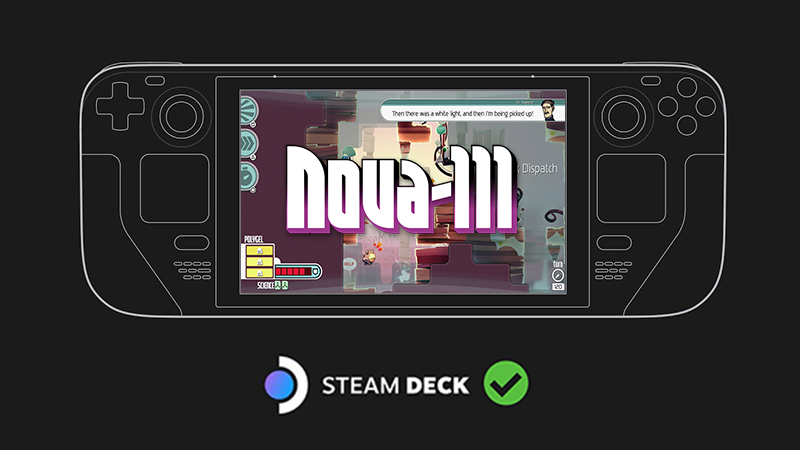
changedThe Steam Deck is now officially supported with a native Linux build!(Some UI will be automatically scaled up for the smaller screen)
changedThe Steam Deck is now officially supported with a native Linux build!We have gotten reports that the current build has some issues on the Steam Deck with some users, and while we are working with Steam to fix these issues, here is the workaround:
changedThe Steam Deck is now officially supported with a native Linux build!Select Properties , then scroll down to Compatibility , then select Force the use of a specific Steam Play compatibility tool , making sure that Proton 7.0-3 is also selected.
changedFor more information and to interact with us directly, join our Discord!Steam post image ( https://discord.gg/funktroniclabs )
Nova-111 changes
changed(Some UI will be automatically scaled up for the smaller screen)
changedWe have gotten reports that the current build has some issues on the Steam Deck with some users, and while we are working with Steam to fix these issues, here is the workaround:
changedSelect Properties , then scroll down to Compatibility , then select Force the use of a specific Steam Play compatibility tool , making sure that Proton 7.0-3 is also selected.
changedSteam post image ( https://discord.gg/funktroniclabs )
The Steam Deck is now officially supported with a native Linux build!
(Some UI will be automatically scaled up for the smaller screen)
We have gotten reports that the current build has some issues on the Steam Deck with some users, and while we are working with Steam to fix these issues, here is the workaround:
Select Properties, then scroll down to Compatibility, then select Force the use of a specific Steam Play compatibility tool, making sure that Proton 7.0-3 is also selected.
For more information and to interact with us directly, join our Discord!
Source
Changelog.gg summarizes and formats this update. How we read updates.