
HomeGamesUpdatesPricingMethodology
Steam News31 October 20223y ago

1.05.00 patch notes

Additions Added the ability to turn on or off individual sound effects. (Options > Sound > Sound effect settings) Added an option to increase the thickness of the five-line dividers.

In this update3

Full notes

Full Nonozle update

Read the full published notes in a cleaner layout. The original post stays linked below.

What changed

2 fixes5 additions1 change0 removals
  • UI and audio
  • Gameplay
  • Fixes
addedAdditionsAdded the ability to turn on or off individual sound effects. (Options > Sound > Sound effect settings)
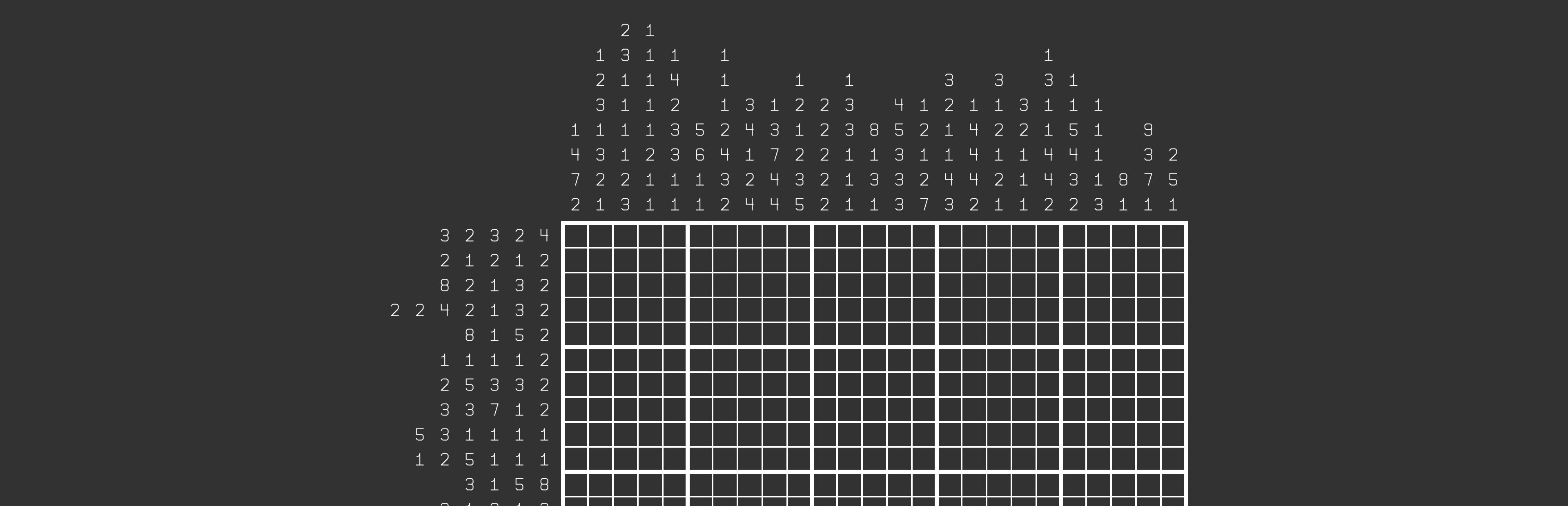
addedAdditionsAdded an option to increase the thickness of the five-line dividers. (Options > Puzzle > Puzzle appearance > Use thicker five lines) Note that this has little to no effect at very low resolutions.
addedAdditionsAdded an option to turn off the expanding ripple of color that appears when you solve a puzzle. (Options > Animations > Show puzzle solved ripple effect)
addedAdditionsAdded an option to disable the button inflation/deflation animation. (Options > Animations > Show button inflation animation)
addedAdditionsAdded an option to not have background music pause upon solving a puzzle. (Options > Sound > Stop music on puzzle solve)
changedChangesChanged the text of some option buttons to start with a verb for more consistency.

Nonozle changes

addedAdded the ability to turn on or off individual sound effects. (Options > Sound > Sound effect settings)
addedAdded an option to increase the thickness of the five-line dividers. (Options > Puzzle > Puzzle appearance > Use thicker five lines) Note that this has little to no effect at very low resolutions.
addedAdded an option to turn off the expanding ripple of color that appears when you solve a puzzle. (Options > Animations > Show puzzle solved ripple effect)
addedAdded an option to disable the button inflation/deflation animation. (Options > Animations > Show button inflation animation)
addedAdded an option to not have background music pause upon solving a puzzle. (Options > Sound > Stop music on puzzle solve)

Additions

  • Added the ability to turn on or off individual sound effects. (Options > Sound > Sound effect settings)

  • Added an option to increase the thickness of the five-line dividers. (Options > Puzzle > Puzzle appearance > Use thicker five lines) Note that this has little to no effect at very low resolutions.

  • Added an option to turn off the expanding ripple of color that appears when you solve a puzzle. (Options > Animations > Show puzzle solved ripple effect)

  • Added an option to disable the button inflation/deflation animation. (Options > Animations > Show button inflation animation)

  • Added an option to not have background music pause upon solving a puzzle. (Options > Sound > Stop music on puzzle solve)

Changes

  • Changed the text of some option buttons to start with a verb for more consistency.

Bug fixes

  • Fixed a bug where, after creating a puzzle, testing it, then editing it and retesting it, the number hints would become smaller than they needed to be.

  • Fixed a bug where holding down a directional input and a page change input on the puzzle select screen could cause two buttons to appear as if they were selected at once (if UI animations were enabled).

Source

Steam News / 31 October 2022

Open original post

Changelog.gg summarizes and formats this update. How we read updates.