
Full notes
Full Nonogram Animal Griddlers update
Read the full published notes in a cleaner layout. The original post stays linked below.
What changed
- Gameplay
- UI and audio
- Performance
Nonogram Animal Griddlers changes
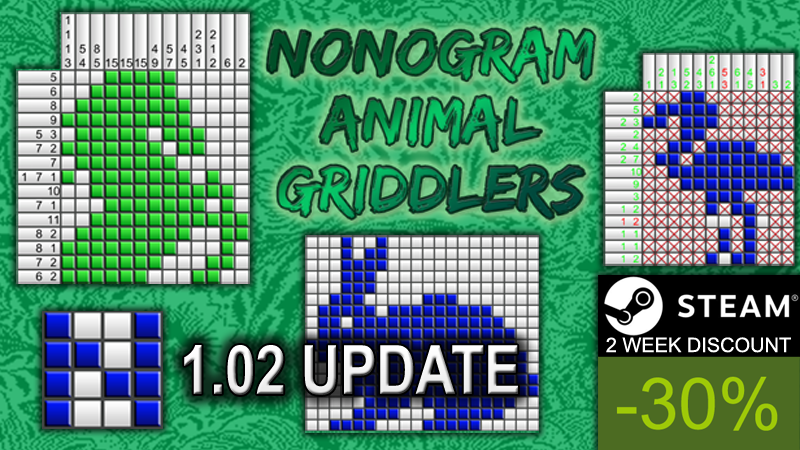
The 1.02 update contains many improvements to the game. For the release of this update, I also put the game on sale for 2 weeks with 30% off!
Achievements The game now contains 12 achievements. You will need to complete all the puzzles and play the game for 3 hours to collect them all.
Improved visual aids: Numbers now turn green one by one. Before only the entire row or column of numbers turned green when correct amounts of squares was filled. The numbers also have a better readable font now.
An option to show green lines every 5 squares. This can improve readability of the squares.
An option to show a position indicator. It will draw yellow lines around the row/column of squares, where you are currently hovering with the mouse cursor. This can help to quickly see in which row/column you currently are, especially on bigger puzzles.
An option to block fill/cross squares. That means, when you fill a square with a cross, you will be unable to fill it. You will first have to remove the cross. This can help if you have a habit of sometimes accidentally overwriting them while clicking or dragging with mouse.
An option to display group lengths, while drag filling or when you mouse over a filled square. When the square has a minimum of 3 filled squares on the sides, it will display the total length of the filled group in the line. This will greatly reduce the amount of having to manually count how many squares you filled in.
By default all these options are enabled. You can always disable them in the options if you don't like them.
Controls You can now choose 4 different mouse control options:
- Left mouse on/off filled. / Right mouse on/off crossed (PC default). This is perhaps the more generally used controls. Left mouse button to fill/un-fill squares, and right mouse to cross/un-cross squares.
- Left mouse cross->empty->filled. / Right mouse filled->empty->cross. This is similar to previous version controls, except while dragging it will stay in the same row/column.
- Left mouse on/off based on selection (macOS default). This is the best option for a mouse with one button, of on touch devices.
- Left cross>empty>fill. Right: fill>empty>cross (free drag), old controls of version 1.00 and 1.01. This is the old original controls, like it was before the update. While dragging mouse it will NOT stay in the same row/column.
If you find bugs: If you find any issues with the game after the 1.02 patch, please let me know under Discussions on the community hub: https://steamcommunity.com/app/1226940/discussions/0/3090023948261213912/
Full list of version 1.02 changes: * Changed numbers fonts for better readability. * Blue lines every 5 cells, for easier overview. (Can be enabled/disabled in options) * Code optimization (should lower cpu usage). * Level completed text and next level button, to quickly go to the next level after completion. * Position indication bars, helps to see the current row/column your on in large puzzles. (Can be enabled/disabled in options) * Mouseover and dragging shows the filled length when 4+ length. (Can be enabled/disabled in options) * Numbers colored one by one. (With 4+ groups, you need the right amount of groups, for the middle numbers.) * Mouse dragging now only works in the current line only, and only applies when releasing the mouse button. (except when you select (free drag) old controls) * Updated and selectable User controls (Can be set in options) - Left mouse on/off filled. / Right mouse
Source
Changelog.gg summarizes and formats this update. How we read updates.