
Full notes
Full Mystery of Melody Memorial update
Read the full published notes in a cleaner layout. The original post stays linked below.
What changed
- UI and audio
Mystery of Melody Memorial changes
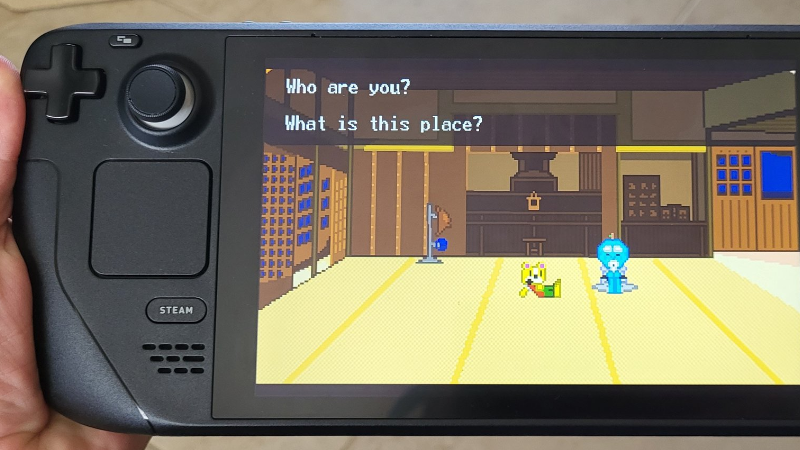
Mystery of Melody Memorial makes for a great experience on the go, so I'm very happy to say and gather testimonial from early adopters that the game works remarkably well on the Steam Deck!
However, it might not be immediately obvious for players how they should configure the buttons to play the game ideally. So allow me to help you on that!
Of course, the arrow keys should be mapped to the D-Pad (analog stick also works well). However, the face buttons on the right should have the W,A,S, and D keys mapped to them.
More specifically: -Y on Steam Deck - W on keyboard -X on Steam Deck - A on keyboard -A on Steam Deck - S on keyboard -B on Steam Deck - D on keyboard
The left bumper/trigger should have the Z key mapped to it. The right bumper/trigger should have the X key mapped to it. And finally, Start (or whatever the equivalent button is called on Steam Deck) should have the Enter key mapped to it.
Of course, this is just how I would set up the controls. If there's a way you feel is easier for you, you take that way!
And if you don't have a Steam Deck, you can still use this advice if you're trying to set up a USB controller to play the game on your computer.
Either way, I wish you the best on your journey to Melody Memorial!
Source
Changelog.gg summarizes and formats this update. How we read updates.