
HomeGamesUpdatesPricingMethodology
Steam News29 July 20232y ago

July 29 Update

? mark is implemented. You can place a ? mark by right-clicking on a square with a flag. You can release it by continuing to right-click.

Full notes

Full Mugen Sweeper update

Read the full published notes in a cleaner layout. The original post stays linked below.

What changed

0 fixes1 addition0 changes0 removals
  • Gameplay
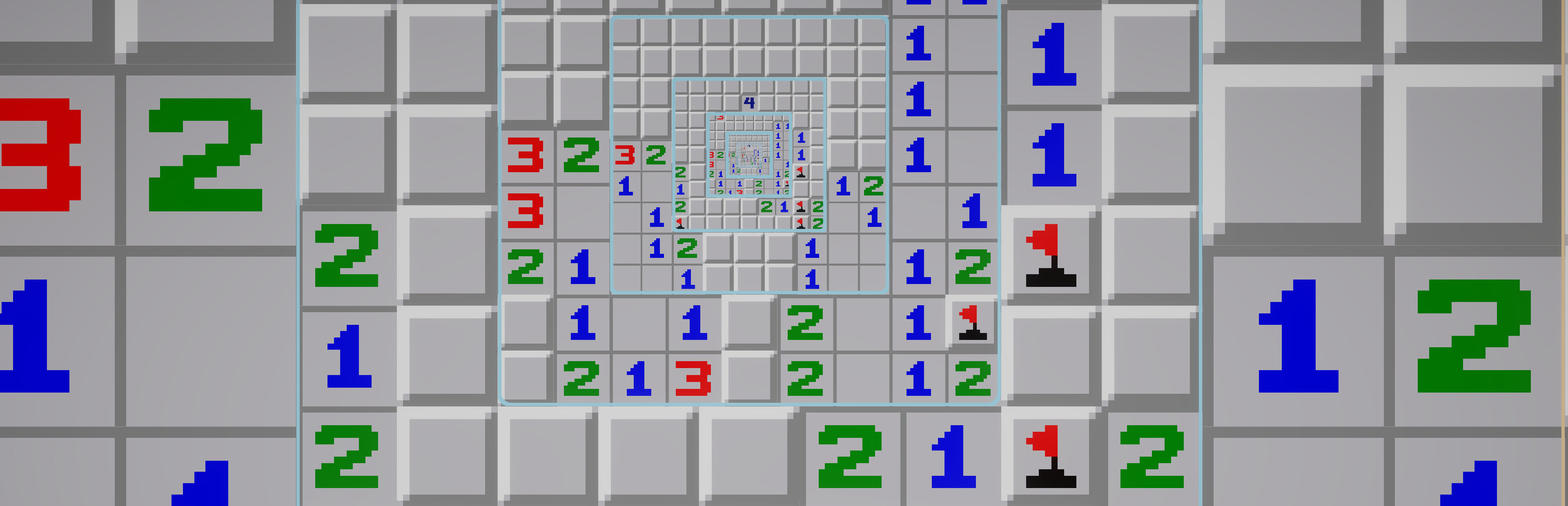
addedThe type of hints indicating the location of mines can now be selected as either normal or subtractive type. The normal type still indicates the number of mines in the surrounding squares. The subtraction type indicates the number of mines in the surrounding square minus the number of flags in the surrounding square. If this value is 0 and there are still closed squares in the surrounding area, it is shown in black; if all the surrounding closed squares have flags, it is shown in gray.

Mugen Sweeper changes

addedThe type of hints indicating the location of mines can now be selected as either normal or subtractive type. The normal type still indicates the number of mines in the surrounding squares. The subtraction type indicates the number of mines in the surrounding square minus the number of flags in the surrounding square. If this value is 0 and there are still closed squares in the surrounding area, it is shown in black; if all the surrounding closed squares have flags, it is shown in gray.
  1. ? mark is implemented. You can place a ? mark by right-clicking on a square with a flag. You can release it by continuing to right-click.

  2. The type of hints indicating the location of mines can now be selected as either normal or subtractive type. The normal type still indicates the number of mines in the surrounding squares. The subtraction type indicates the number of mines in the surrounding square minus the number of flags in the surrounding square. If this value is 0 and there are still closed squares in the surrounding area, it is shown in black; if all the surrounding closed squares have flags, it is shown in gray.

Source

Steam News / 29 July 2023

Open original post

Changelog.gg summarizes and formats this update. How we read updates.