Update history
Latest Moving In updates
Search patches, hotfixes, and dev posts. Load more to keep browsing the timeline.
Browse updates
Published changes
Search updates. Filter by source or date. Open any row for the full patch notes, or load more to continue the timeline.
- Moving In
Moving In 1.0 Release!
Moving In 1.0 Release is here! What is new? -4 New Maps Added! -Lots of new props! -2 Brand new game modes! -Mod support! -Physics tools! -New interactions! -Tons of bug fixes! This is the journey from the start of the…
Store10 changesGameplayWorkshop - Moving In
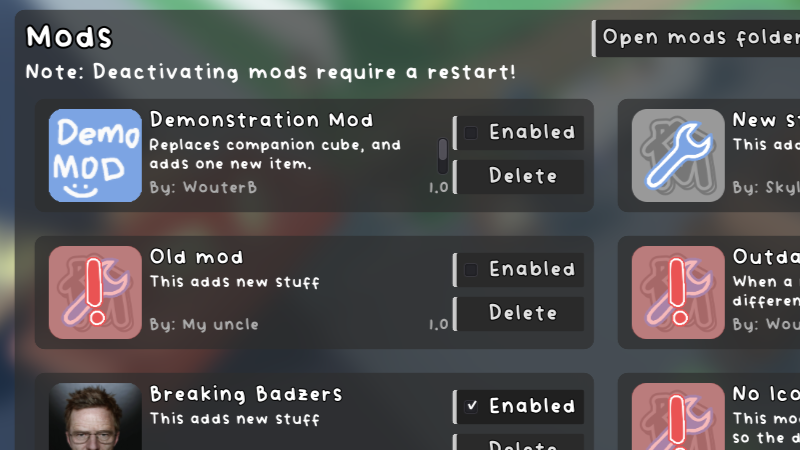
Mod Support!
Moving In now has a basic mod support. Here is a guide on how to make your own mod: https://steamcommunity.com/sharedfiles/filedetails/?id=3070609523
Announcement1 changeGameplay - Moving In
Berry's Mod, Tools, Customization and Blocks!
Change Log v0.01.m0 Customization -Change colors of objects Sandbox Map -A new sandbox map added Sandbox Tools -A set of tools exclusive to sandbox map(can be enabled in other maps via console by typing "sandbox") -Bloo…
Announcement3 changesMapsWorkshop - Moving In
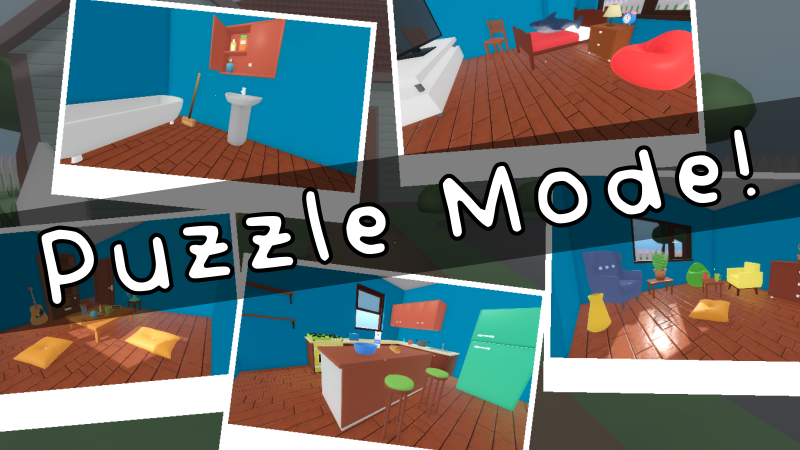
Puzzle Mode Arrives!
Moving In now has a new play mode: Puzzles. In this mode you need to match photo references to finish the puzzles. Each puzzle will give you a different set of photos which you will need to match by placing the object i…
Announcement1 changeGameplay - Moving In
Moving In Now Looks Better!
Item Browser Now you can browser through your items with an in game online shop. Reflections Moving In now looks way better with proper reflection probes. This change affected the overall look of the game. BEFORE AFTER…
Store4 changesGameplay - Moving In
Small Quality of Life Update Before Next Fest
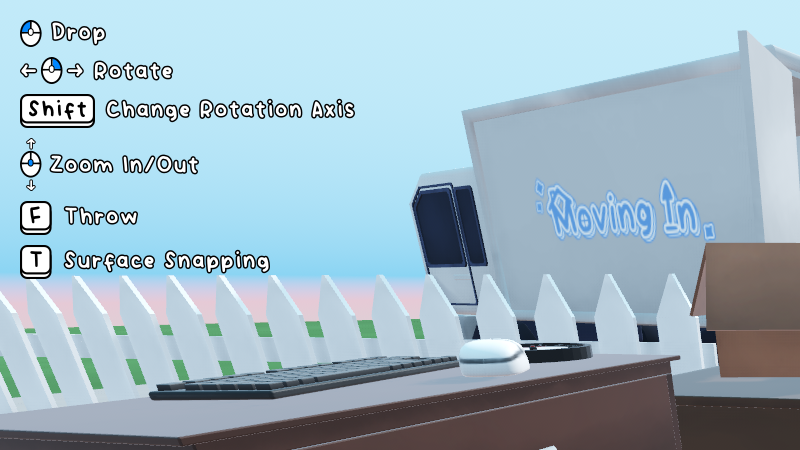
On Screen Controls! Now there are on screen controls to help you better learn the controls :D With this game doesn't really need a tutorial level so that has been removed from the game. You can disable the on screen con…
Announcement1 changeGameplay - Moving In
Better UI Update!
Now with a Better UI! And a Tutorial Level that teaches the basics!
Announcement1 changeUI/audio