
In this update4
Full notes
Full Moonlight Peaks update
Read the full published notes in a cleaner layout. The original post stays linked below.
What changed
- Maps
- Gameplay
Moonlight Peaks changes
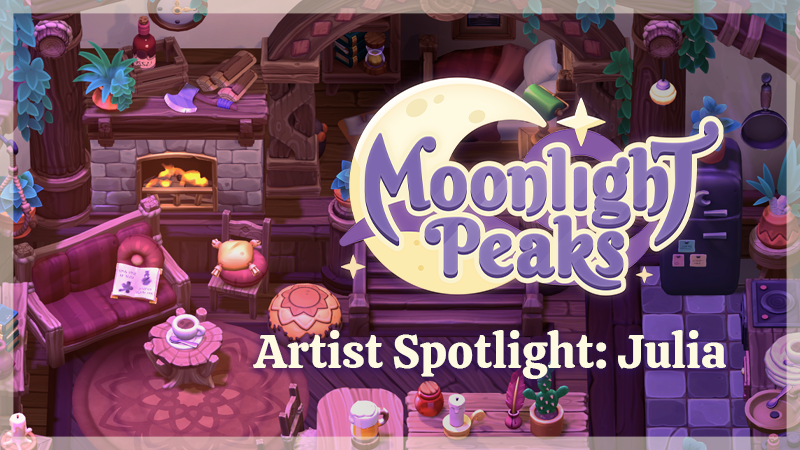
Hi! I’m Julia, a 3D artist working on props and environments for Moonlight Peaks. I’ll walk you through my process of creating one of our many cozy interiors, from getting the concept all the way to final set dressing.
1. Concept & Blockout
I’m starting with this werewolf-themed room concept, the Logan house interior. Since this design was a bit outdated, I’m planning to update the layout while keeping the same color palette and overall vibe. So rather than copying it one-to-one, I’ll use it as a guideline. That gives me quite a bit of creative freedom, which is always a win!
Steam post image Concept by Wietse Treurniet.
The first step in translating this into 3D is making a blockout. I focus on the big shapes and layout first, making sure everything feels right in-engine. Scale is very important at this stage; you don’t want a space to feel too cramped or oversized compared to the character models.
Steam post image Blockout of the room.
I had already finished the exterior of the house, so the interior needed to match that. That’s why I swapped the fireplace and bedroom. The fireplace inside needs to align with the chimney on the left side of the roof.
Steam post image Chimney on the left side of the roof.
The kitchen also got moved to fill in the empty space on the right side of the house. We have a lot of cute unused concepts lying around, so we might as well give it an upgrade while we're at it. This rustic brick kitchen looks like it would fit well here! Steam post image Kitchen concept art by Wietse Treurniet.
Since I’m not the only 3D artist on the team, environment creation is very collaborative. We’ve built up a big asset library over time, so I usually make a few unique models and then fill in the rest by reusing and kitbashing existing assets.
For this interior I created a custom set based on some furniture in the original concept, but I also got some extra references from Pinterest. It includes some furniture, a complete kitchen set, and arches to decorate the walls with. Steam post image Complete concept set.
2. Asset Creation
For props, I also start with a blockout. This helps lock in proportions and ensures everything fits within our grid system. This way, decorating feels nice and model sizes stay consistent. Steam post image Asset blockout.
Once the blockout is approved, I move on to sculpting. This is where I add details like wood grain, dents, chips, and patterns. I always aim for soft, chunky shapes and try not to overdo the details. Steam post image Sculpts.
After sculpting, I retopologize and unwrap the UV's in Blender, and then take everything into Substance Painter for baking.Now the models are ready for texturing! We use a combination of PBR textures and hand-painted details.
This part involves a lot of back-and-forth between Substance Painter and Unity. Since Moonlight Peaks takes place at night, we use darker purple lighting, which affects how colors appear in-game. Yellows and greens in particular are tricky to get right. Although these colors are very prominent in the original concept art, they are not fully achievable with our in-game lighting. Steam post image Substance Painter and Unity color comparison.
When I put the version from Substance Painter and with the in-game lighting next to each other, they look drastically different. Most important is that it looks cohesive and believable in Unity, because that’s where you, the player, will see all of our work. Once everything looks good, I make game-ready prefabs in Unity, and this set is finished! Complete asset set in Unity.
3. Kitbashing & Set Dressing
Now we go back to the interior blockout I showed at the start. It’s time to give it some life.
I reuse a lot of elements from the exterior of the house to keep everything visually consistent. For example, many of the tree parts inside are actually taken from the log structure outside. I just took it apart and rebuilt it into something new. The same goes for parts of the walls; those are kitbashed from the pillars of the shelf! This way, we save time by not modeling the entire thing ourselves. Kitbashing parts.
Right now the interior has nice walls and floors, and is filled with furniture. The only thing is, the colors and values feel off. Not every asset works well together. So I do a second pass on the colors and shapes to make the base more cohesive. Some small changes can make a huge difference. Set dressing pass.
Next, I add foliage. The outside of the house is quite overgrown, and I want that to show in the interior as well. Set dressing foliage.
4. Decorating
Now for my favorite part: decorating! I go through all the assets my teammates and I have created and pick pieces that fit the space. Here are some assets I used to make this room even cozier. Decoration collection.
It’s not just about what looks nice, I also think about the character who lives here. This particular character is going through a difficult time, so I try to reflect their story through little details.
I try to ask questions like: What is their story? What do they do in their free time? You can also get more specific with each character. For example, this time I thought about which clothing pieces they would hang on the coat rack, and how neat their kitchen and bedroom might be. I also placed a broken heart shaped stone in the garden as a small reference to their story. The questions and answers vary per character! Living room details, broken heart stone, messy kitchen.
With all the details added, we’ve reached the end of the environment creation process. Here is the final result! Final result.
I hope you enjoyed seeing how this cozy room came together. I had so much fun building these environments, and I can’t wait for you to explore them for yourself in Moonlight Peaks.
Source
Changelog.gg summarizes and formats this update. How we read updates.