
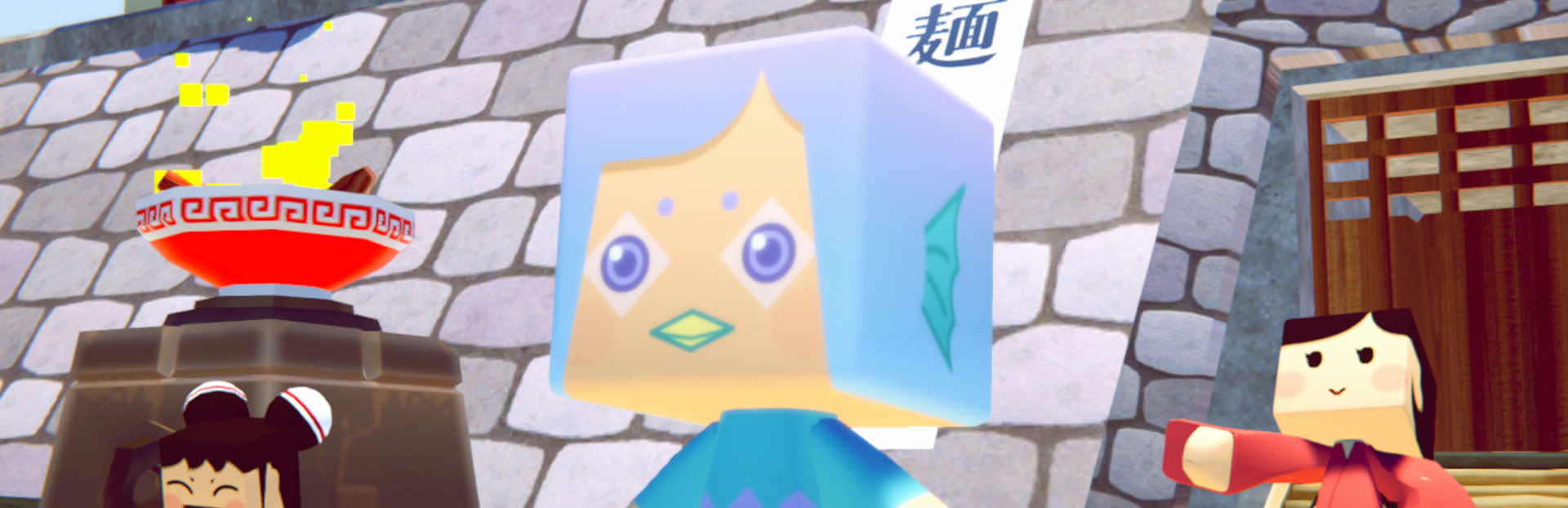
In this update3
Full notes
Full MiNNaDe Counter Fight update
Read the full published notes in a cleaner layout. The original post stays linked below.
What changed
- UI and audio
- Fixes
MiNNaDe Counter Fight changes
How to use the character creation function
Download Design Template
Launch the game and press the download button for the design template on the bottom right.
The browser will start up, so click the download button to download the Zip file.
You can also download it from here → https://www.dropbox.com/s/3cr4e2am6f3e673/mcf_characterEditTemplate.zip
Open the unzipped data and edit it.
sample folder - We have prepared some sample data. You can register in the game as it is
mcf_characterEditTemplate.png - PNG image template
mcf_characterEditTemplate.psd - It is a template in Photoshop format
When you have finished editing, please save PNG format.
Register the character
Start the game and move to the character selection screen.
Click the pink (unregistered) icon from the six icons on the bottom right.
A window will open to open the design data. Select the PNG file you edited earlier and click the [Open] button.
* In this image, a sample file is displayed and registered.
If there is no problem in the referenced file, registration of the character is completed.
To start playing with the registered character, select the character icon again and click the [Play] button in the dialog that appears.
The other changes are as follows
Improvement * Made it hard for the player character to fall over.
Made it easier to grab items that have fallen on the floor, etc.
Made it easier for customers to receive the food they ordered.
It is easy to throw the ingredients into a bowl, plate or glass.
Fixes * Fixed an issue where glasses, etc. placed on the table may not be oriented correctly.
Source
Changelog.gg summarizes and formats this update. How we read updates.