
In this update2
Full notes
Full Midnight Files update
Read the full published notes in a cleaner layout. The original post stays linked below.
What changed
- Gameplay
- UI and audio
- Events
- Performance
Midnight Files changes
Hey, everyone!
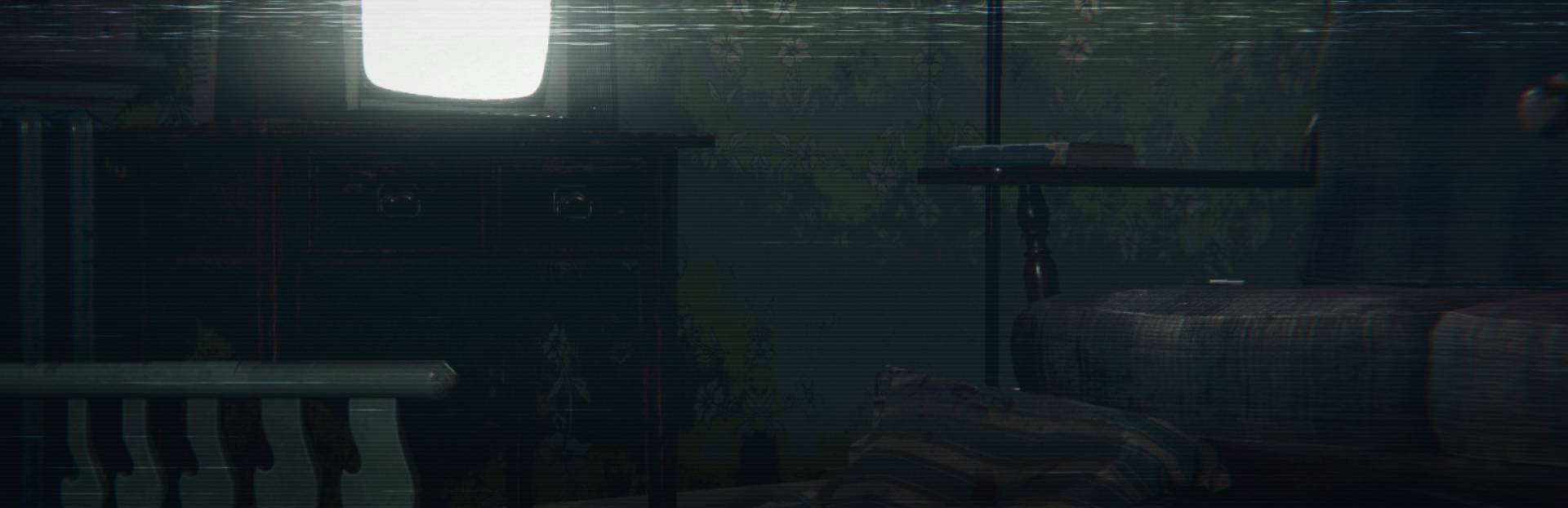
The new Midnight Files Demo is now live. This is the biggest update since the start of the project – a pivot that finally gave the game its true direction. Instead of just reading piles of case files, you now get a proper investigation: from entering the crime scene, to collecting evidence, analyzing it, and finally identifying the suspect and the location of the next crime.
Gameplay changes:
Item inspection – Evidence can be rotated and examined, just like in classics such as Resident Evil. Many clues aren’t visible at first glance – you need to carefully turn objects around to spot hidden details.
Photography – Taking a photo isn’t just clicking a button. Composition and focus matter – a well-framed and focused shot gives you a full, detailed description. Poorly done photos might only result in a basic note, or nothing at all.
Connecting evidence – A single item often doesn’t mean much, but when combined with another, it can reveal a completely new perspective on the case.
Environmental puzzles – Some evidence requires persistence and observation. You’ll need to open things, move objects, or notice subtle details. Simply “scanning the room” won’t be enough.
Streamlined case files – No more walls of text. The case files now only include notes from the evidence you’ve found and the photos you’ve taken.
Investigation board – All notes and photos can be pinned, moved around, and connected to build the bigger picture of the investigation.
MCPD database – Search has been improved with auto-completion and a history of entered commands, so you don’t have to type everything from scratch.
Time pressure – The old random events that disrupted investigations are gone. Now the only real pressure is time. You have from 10:00 PM to 4:00 AM to solve the case.
Technical changes and options:
Brightness setting – Adjust brightness for better visibility in darker areas.
Graphics presets – Quick options for different performance levels.
Performance improvements – Example from my PC: in the office scene on High settings, FPS jumped from ~180 to ~250 (RTX 3080 Ti).
This demo is meant to show the full gameplay loop and the atmosphere I’ve been aiming for since the beginning. Thanks so much for supporting the project – I’m building this solo, and your feedback is what helps me refine it further. Let me know what works and what still needs fixing. Every opinion matters.
Paper Lynx Games (Pawel)
Source
Changelog.gg summarizes and formats this update. How we read updates.