
Full notes
Full Meticulous update
Read the full published notes in a cleaner layout. The original post stays linked below.
Repeated intro
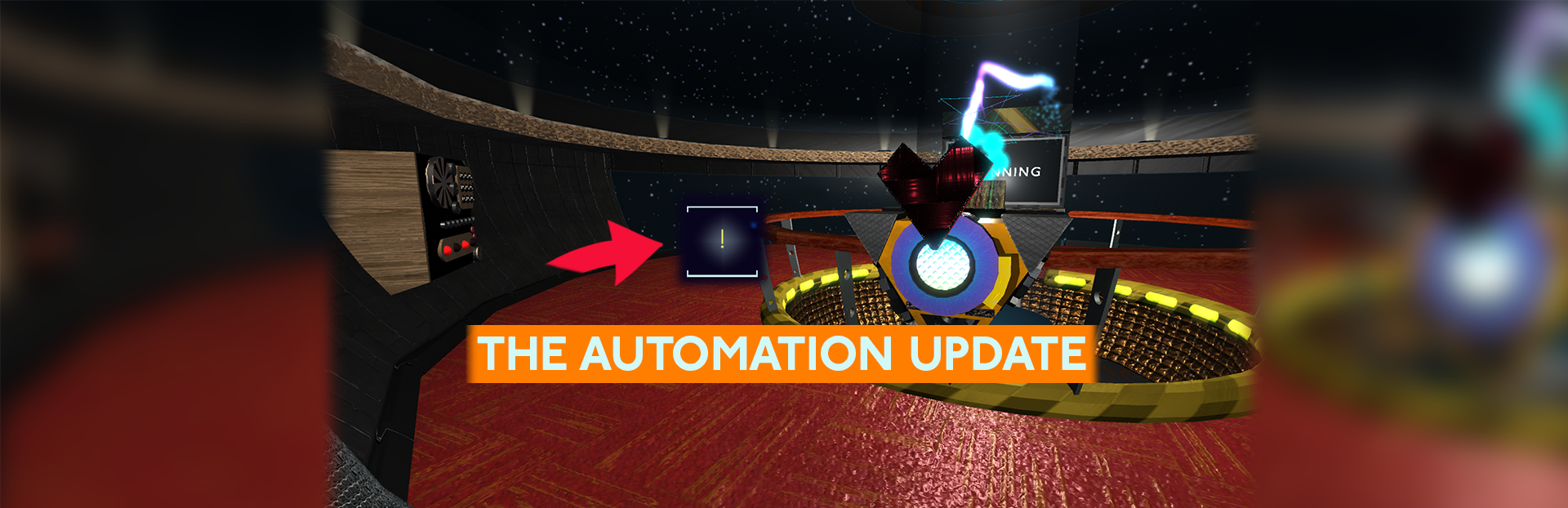
Hello, Captains! Without any further ado, let me present... the Automation Update!
What changed
- Gameplay
- UI and audio
- Fixes
- Store
Meticulous changes
We (I) here on-board Meticulous are (am) dedicated to earning the tagline,'to help you automate your diet and fitness planning', and so here's a brand new feature! Ask me to help you plan out your week!
All you have to do is click on the '!' button in the Planner, and I'll use my highly sophisticated algorithm to try and come up with suggestions for your weekly meal plan. I'll do my best to try and match your Macro and Muscle goals (that's right, it works for Fitness too) by spreading a variety of meals and activities throughout your week. Of course, if you aren't fully satisfied, you can always tweak my suggestions afterwards.
The best part is that I will take any meals and activities already present into account. So, if you know you want to make that pot of chili this week, and you've got plans to go to that pizza party on the weekend, put that into your plan first, and click the '!' button after.
-Metic
P.S. I've also taken the liberty of alphabetizing the Macros terminal for you. I hope you don't mind.
Meticulous v2 Changelist:
Added the 'What's for Dinner' button to the Planning Terminal! Metic's sophisticated algorithm can help you plan out your weekly meals and activites with just a single button press.
Alphabetized the Macros Terminal! Ingredients/Exercises and Recipes/Workouts now display in alphabetical order, and the Ingredients within a Recipe display in alphabetical order.
Ingredients/Exercises with nonzero values now display at the top of the details panel when selecting Recipes/Workouts, making it easy to see which Ingredients are being used in your Recipes.
Added 'X' button to the Settings Terminal, so you don't have to use the X key or right click keybinds to exit the settings menu.
Prevented looking around before your character finishes loading, to ensure you're always looking towards Metic when you hit the 'Play' button in the main menu.
Macros and Muscles panels are now labeled properly in the Planning Terminal, and they display properly when no meals or activities are present.
Added unit text to list items in the Macros Terminal, to make the details panel more readable.
Hiding dropdowns in the Macros Terminal based on the number of Macros and Muscles you have, so you won't be forced to look at duplicate data when you have fewer than 3 of each.
Added version number and the ability to re-access the disclaimer in the Main Menu.
Fixed a bug in the Planning Terminal where the UI would malfunction if no Ingredients were present.
Fixed a bug in the Planning Terminal where adding and removing Activities from the Fitness tab would add Spare Ingredients to the Diet tab.
Fixed a bug in the Planning Terminal where the Grocery List wouldn't update correctly when removing meals with Ingredient amounts equal to their purchase sizes.
Fixed a bug in the Recipe Selection screen so that the mouse wheel scrolls vertically instead of horizontally.
Source
Changelog.gg summarizes and formats this update. How we read updates.