
Full notes
Full Medieval Crafter: Blacksmith update
Read the full published notes in a cleaner layout. The original post stays linked below.
Repeated intro
Hello, blacksmiths!
What changed
- Gameplay
- UI and audio
- Fixes
After an incredible (and exhausting) launch period, we’re now back to polishing Medieval Crafter: Blacksmith based on your reviews and feedback. Once again, thank you for stepping into the forge and becoming part of our journey.
New Features & Improvements
This hotfix focuses on tutorial improvements, quality-of-life adjustments, and fixing several bugs reported by our brilliant community.
Thank you for the feedback that made this update possible.
New Tutorials Added
Sharpener tutorial
Item Base tutorial
Action Bar tutorial
Plier Looting: You can now press R to loot the item currently held in your pliers.
Sharpening Tutorial Improved: Clearer guidance during the sharpening step.
Anvil Minigame UX Improvements: Smoother feel and better visual feedback while hammering away on the anvil.
- Anvil Minigame Rarity IndicatorA bar that shows possible outcome of forging added.
- Adjustable BrightnessA brightness option has been added in settings.
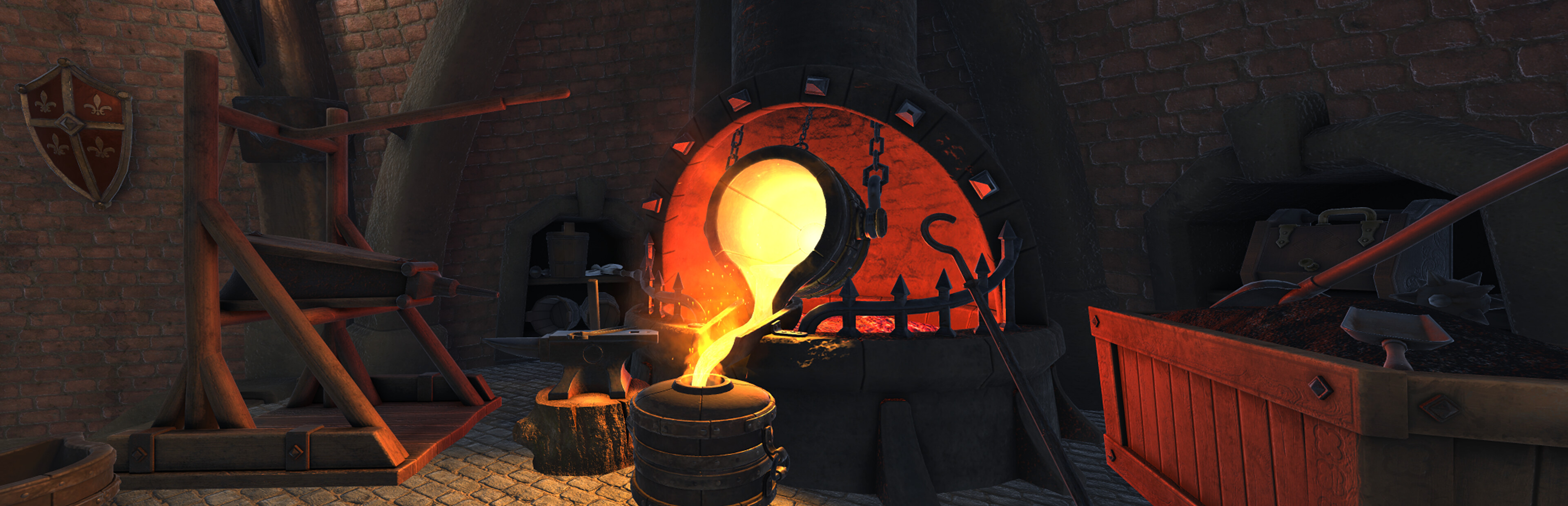
Smelter Handle Outline: The smelter handle now glows yellow by default, making it much easier to spot at a glance.
Metal Heat Color Shift: Heat-based color changes now begin at a higher temperature and span a wider range. This should give better visual cues while working metal.
Localization Improvements: Various translation fixes and refinements across supported languages.
Bug Fixes
- Prices on Racks Not SavingFixed an inconsistent issue where prices set on display racks would sometimes fail to save when closing the screen.
- Widescreen Main MenuResolved a bug where the main menu was being cut off on the left and right sides at widescreen resolutions.
- Order Completion IndicatorFixed a visual bug with the order completion indicator.
- Smelter Molding AnimationCorrected a scaling issue with the smelter's molding animation.
- Build Mode Front FixFixed an issue affecting the front-facing view in Build Mode.
- Equipment Slots SizingCorrected sizing problems with equipment slots.
- Notification UI OverlapFixed notifications overlapping with other UI elements.
- UI Button Hover SizeFixed inconsistent button sizing on hover.
- Dwarf Talk FrequencyReduced how often the dwarf chimes in.
Thanks for playing Medieval Crafter: Blacksmith. Please report any issues you encounter so we can keep improving the game. Join our Discord!
ROCK AND STONE!
Medieval Crafter Team
Source
Changelog.gg summarizes and formats this update. How we read updates.