
Full notes
Full Marblearium update
Read the full published notes in a cleaner layout. The original post stays linked below.
What changed
- UI and audio
Marblearium changes
During the recent public playtest, I noticed that quite a few players were trying to play Marblearium with keyboard and mouse and were having a hard time steering the marble with WASD.
Since the camera is handled automatically anyway, I had the thought: What if the marble could simply be controlled directly with the mouse itself?
It took maybe one minute to implement.
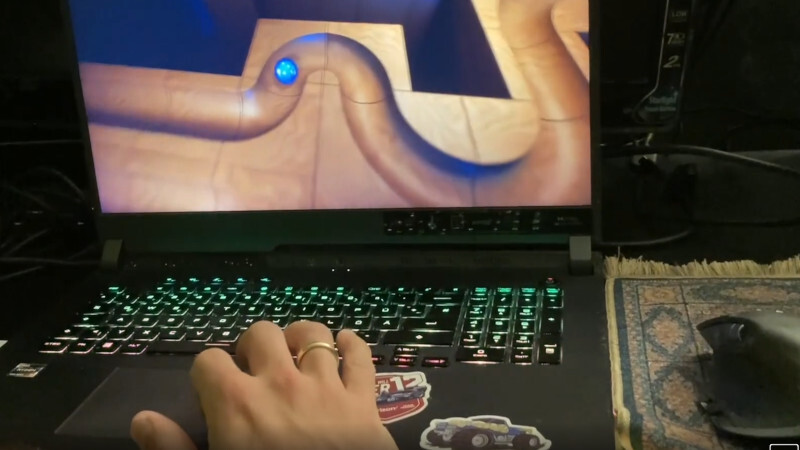
You now steer the marble by moving the mouse, jump with the left mouse button, and open the menu with the right mouse button.
Somehow it feels weirdly natural.
Especially on a laptop trackpad, it almost feels like “petting” the marble through the environment or gently nudging it along the track.
Honestly, it feels surprisingly good.
Source
Changelog.gg summarizes and formats this update. How we read updates.