
HomeGamesUpdatesPricingMethodology
Steam News25 June 20206y ago

Summer Sale and Multiscreen Mode

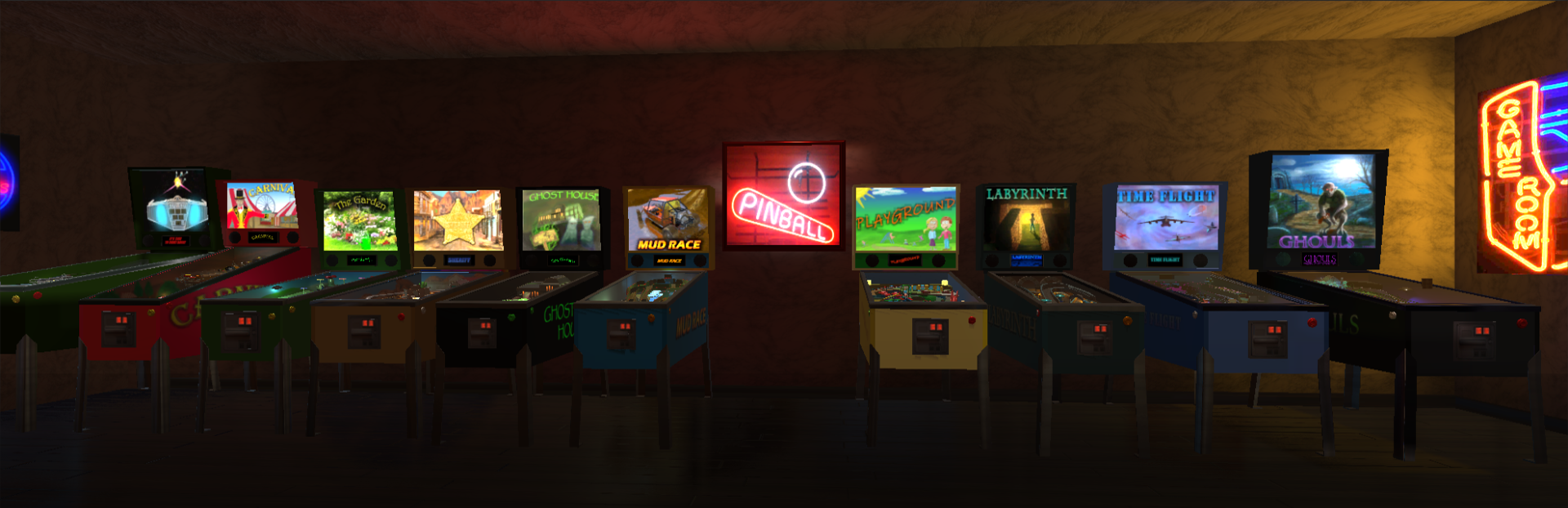
25% discount on all tables. And if you buy an all tables bundle, you will get an extra discount! But that is not all! Now there is a multiscreen mode!

In this update1

Full notes

Full Malzbie's Pinball Collection update

Read the full published notes in a cleaner layout. The original post stays linked below.

What changed

0 fixes1 addition3 changes1 removal
  • Store
  • UI and audio
  • Gameplay
changed25% discount on all tables. And if you buy an all tables bundle, you will get an extra discount!
changedAs you probably know, Malzbie’s Pinball Collection can be played in portrait mode. You must only change your graphics card options to portrait.
addedFrom now on, you can show the DMD and the back glasses on different screens. Both are scale able and moveable. Move the elements by drag and drop and scale them with your mouse wheel, when the pointer is over the object to be scaled. The new positions and sizes will be saved automatically. The back glasses are now within the game.
changedThe multiscreen mode will only work in portrait mode. • It will not work in fullscreen mode. But that is no problem. You will not see any frames. • To activate the multiscreen mode and set the screens for the elements, you must use start parameters. • Screen 1 is always the playfield.
removedAnd this is how it works:It will delete all saved positions and scales. Nothing else. But do not forget to remove the parameter after you used it.

Malzbie's Pinball Collection changes

changed25% discount on all tables. And if you buy an all tables bundle, you will get an extra discount!
changedAs you probably know, Malzbie’s Pinball Collection can be played in portrait mode. You must only change your graphics card options to portrait.
addedFrom now on, you can show the DMD and the back glasses on different screens. Both are scale able and moveable. Move the elements by drag and drop and scale them with your mouse wheel, when the pointer is over the object to be scaled. The new positions and sizes will be saved automatically. The back glasses are now within the game.
changedThe multiscreen mode will only work in portrait mode. • It will not work in fullscreen mode. But that is no problem. You will not see any frames. • To activate the multiscreen mode and set the screens for the elements, you must use start parameters. • Screen 1 is always the playfield.
removedIt will delete all saved positions and scales. Nothing else. But do not forget to remove the parameter after you used it.

25% discount on all tables. And if you buy an all tables bundle, you will get an extra discount!

But that is not all! Now there is a multiscreen mode!

As you probably know, Malzbie’s Pinball Collection can be played in portrait mode. You must only change your graphics card options to portrait.

This is great for pinball cabinets!

So far, it has not been possible to show the DMD (score display) on a separate screen. If you wanted to show the back glass, you had to use a third-party software to do so.

From now on, you can show the DMD and the back glasses on different screens. Both are scale able and moveable. Move the elements by drag and drop and scale them with your mouse wheel, when the pointer is over the object to be scaled. The new positions and sizes will be saved automatically. The back glasses are now within the game.

But there are some limitations:

  • The multiscreen mode will only work in portrait mode. • It will not work in fullscreen mode. But that is no problem. You will not see any frames. • To activate the multiscreen mode and set the screens for the elements, you must use start parameters. • Screen 1 is always the playfield.

And this is how it works:

If you use the following parameter to set the amount of displays, the multiscreen mode will be activated automatically:

-displays 3

With the following parameter you set the screen where you want to see the DMD.

-score 2

With the following parameter you set the screen where you want to see the back glass.

-bg 3

If you want to hide the DMD frame, you can use this parameter:

-frame no

If something went wrong and you want to reset all multiscreen settings, you can use this parameter:

-reset yes

It will delete all saved positions and scales. Nothing else. But do not forget to remove the parameter after you used it.

Have fun!

Source

Steam News / 25 June 2020

Open original post

Changelog.gg summarizes and formats this update. How we read updates.