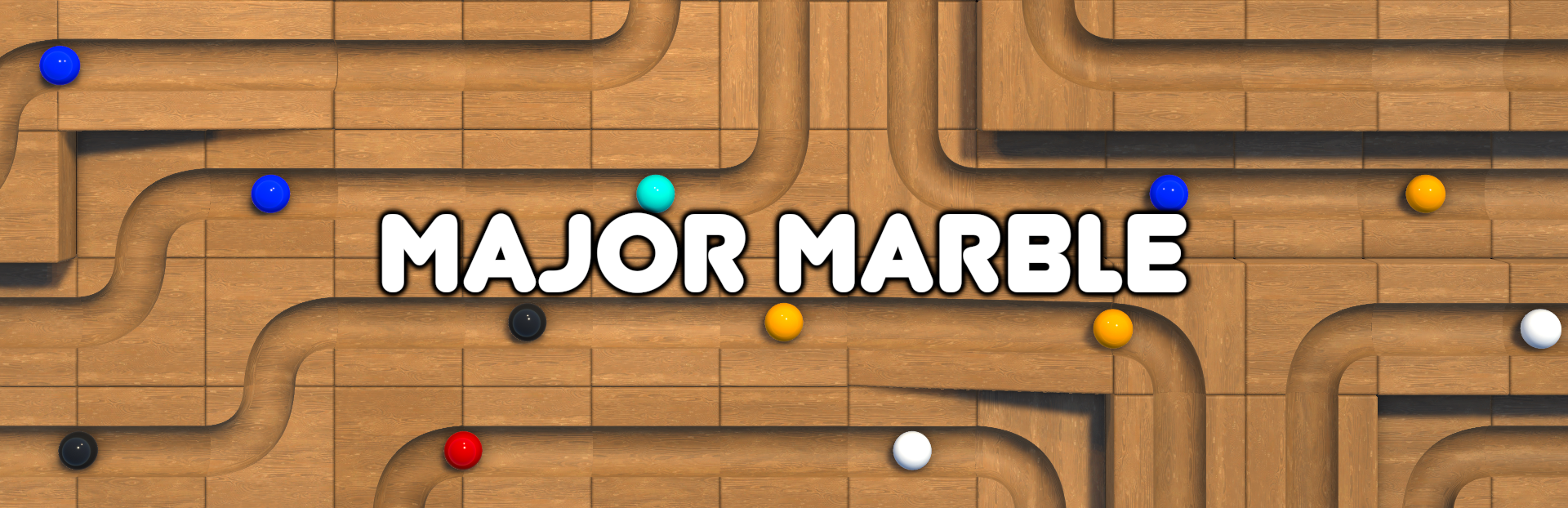
This devlog covers the first steps into making Major Marble. So when I started working on this game it was all about experimenting with Unity rigidbodies.
Full notes
Full Major Marble update
Read the full published notes in a cleaner layout. The original post stays linked below.
What changed
0 fixes2 additions1 change0 removals
UI and audio
Gameplay
addedThe physics were a bit quirky at first. I had to tweak the mass settings and add a bit of drag here and there. Eventually though the blockout became pretty stable and I was pretty happy with the results. Eventually I created this really simple UI that allowed me to select and place the blocks on top of other ones. I wanted the blocks to snap together a little better so I came up with a 4cm grid layout. This was starting to work really well.
addedI could now create the tracks myself and have the marbles roll accross. I also added an availability script which shows you how many blocks you can use in each level. And now the game was starting to look a little more presentable, and much closer to where we are at today.
changedIf you want to check out what the game plays like now, you can check out our gameplay trailer .
Major Marble changes
addedThe physics were a bit quirky at first. I had to tweak the mass settings and add a bit of drag here and there. Eventually though the blockout became pretty stable and I was pretty happy with the results. Eventually I created this really simple UI that allowed me to select and place the blocks on top of other ones. I wanted the blocks to snap together a little better so I came up with a 4cm grid layout. This was starting to work really well.
addedI could now create the tracks myself and have the marbles roll accross. I also added an availability script which shows you how many blocks you can use in each level. And now the game was starting to look a little more presentable, and much closer to where we are at today.
changedIf you want to check out what the game plays like now, you can check out our gameplay trailer .
This devlog covers the first steps into making Major Marble.
So when I started working on this game it was all about experimenting with Unity rigidbodies. Just getting the marbles rolling smoothly was pretty challenging. I had to scale everything up 10 times to get the physics working nicely.
The physics were a bit quirky at first. I had to tweak the mass settings and add a bit of drag here and there. Eventually though the blockout became pretty stable and I was pretty happy with the results. Eventually I created this really simple UI that allowed me to select and place the blocks on top of other ones. I wanted the blocks to snap together a little better so I came up with a 4cm grid layout. This was starting to work really well.
I could now create the tracks myself and have the marbles roll accross. I also added an availability script which shows you how many blocks you can use in each level. And now the game was starting to look a little more presentable, and much closer to where we are at today.
If you want to check out what the game plays like now, you can check out our gameplay trailer.