
Full notes
Full Long Ago: A Puzzle Tale update
Read the full published notes in a cleaner layout. The original post stays linked below.
What changed
- Gameplay
- UI and audio
Long Ago: A Puzzle Tale changes
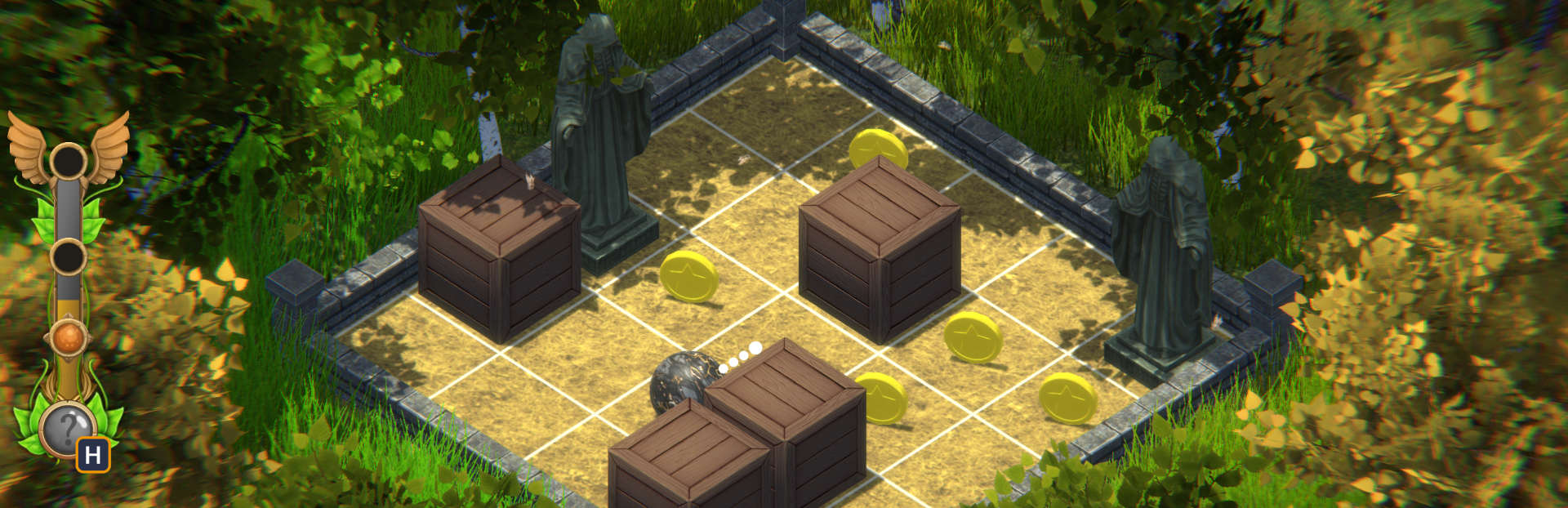
If you're having trouble solving any of the puzzles, the optional hints can help you progress. If they're not active, you can turn them on from Options - Gameplay. When active, the hints bar will charge - faster if you're moving the ball, so keep trying to figure out the puzzle on your own.
When the hints bar is fully charged, first restart the level or just undo all your moves. Then you can press the Hint button and it will show you the first move to make. If you do make that move, you can press the Hint button again to show you the next step and so on.
Use this optional system to get as many hints as you need, even the whole solution if you want. But it might be more fun to let it help you with only a couple of moves to get you started and then to try figuring out the rest of the solution yourself.
For story levels, the hints bar only has one charge threshold, so it needs to be charged fully to use the hints system. But for coins levels, there are three thresholds, the first for getting only one gem, the second for getting two gems and the third, obviously, for getting all three gems. You can start getting hints for the one gem solution when the bar is charged up to the first threshold. Or wait for it to be charged fully to get hints for the best solution. Your choice!
Enjoy your time solving puzzles in Long Ago: A Puzzle Tale!
Source
Changelog.gg summarizes and formats this update. How we read updates.