What changed
0 fixes1 addition1 change0 removals
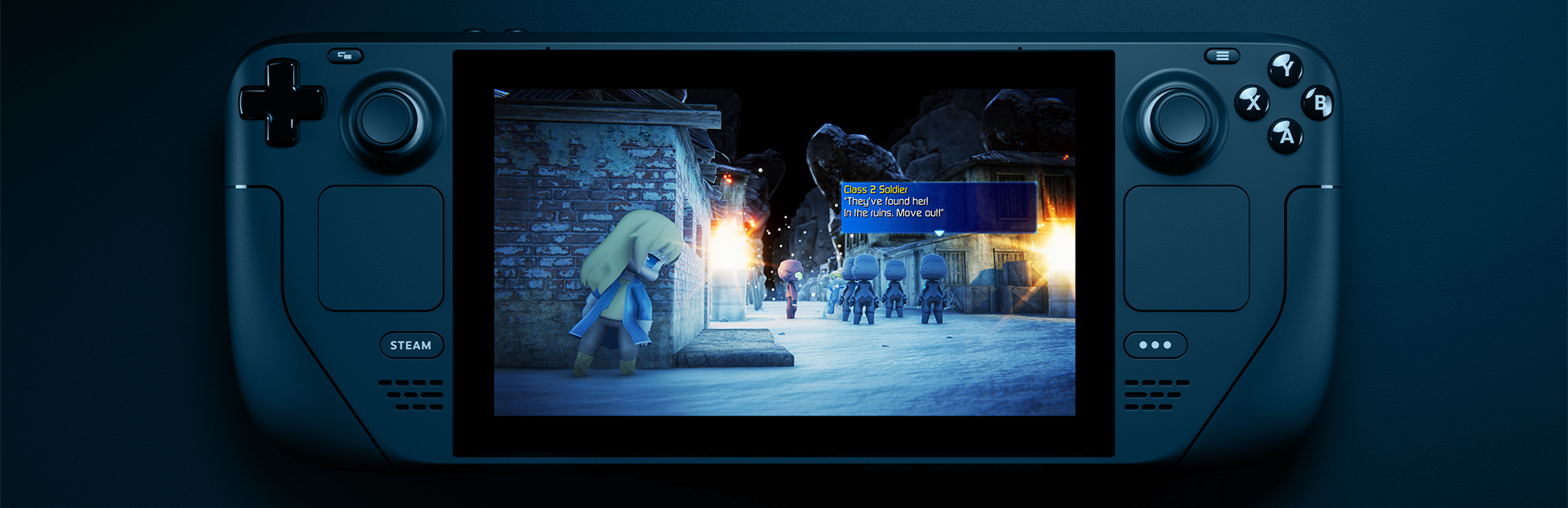
addedBigger font for more readability on small screens such as the Steam Deck. - Aura effect on the top of the screen when walking in a known battlezone, fading from green to red indicating the next encounter. - You can now disable weapon elemental damage by pressing L1-R1 / ARROWS (left-right hand) when on the weapon's command. - The various leaderboards are now visible on the title screen > extras menu. - New option: Dark Theme. - New option for choosing between Xbox and PlayStation gamepad glyphs. - New option: Pixel transition, that looks great when using the CRT filter. - New graphics option: Target framerate, from 30 to 120 FPS. - Added a new movies quality: Very High. - Added MacOSX M1 (Arm) native binaries. - More UI performance optimizations on low-end devices. - Preparations for smaller size updates from now on.
changedAnd many more improvements and fixes!
Light Fairytale Episode 2 changes
addedBigger font for more readability on small screens such as the Steam Deck. - Aura effect on the top of the screen when walking in a known battlezone, fading from green to red indicating the next encounter. - You can now disable weapon elemental damage by pressing L1-R1 / ARROWS (left-right hand) when on the weapon's command. - The various leaderboards are now visible on the title screen > extras menu. - New option: Dark Theme. - New option for choosing between Xbox and PlayStation gamepad glyphs. - New option: Pixel transition, that looks great when using the CRT filter. - New graphics option: Target framerate, from 30 to 120 FPS. - Added a new movies quality: Very High. - Added MacOSX M1 (Arm) native binaries. - More UI performance optimizations on low-end devices. - Preparations for smaller size updates from now on.
changedAnd many more improvements and fixes!
Full Release version 2022-05-24 changelog:
Bigger font for more readability on small screens such as the Steam Deck. - Aura effect on the top of the screen when walking in a known battlezone, fading from green to red indicating the next encounter. - You can now disable weapon elemental damage by pressing L1-R1 / ARROWS (left-right hand) when on the weapon's command. - The various leaderboards are now visible on the title screen > extras menu. - New option: Dark Theme. - New option for choosing between Xbox and PlayStation gamepad glyphs. - New option: Pixel transition, that looks great when using the CRT filter. - New graphics option: Target framerate, from 30 to 120 FPS. - Added a new movies quality: Very High. - Added MacOSX M1 (Arm) native binaries. - More UI performance optimizations on low-end devices. - Preparations for smaller size updates from now on.
And many more improvements and fixes!