
HomeGamesUpdatesPricingMethodology
Steam News17 June 202617d ago

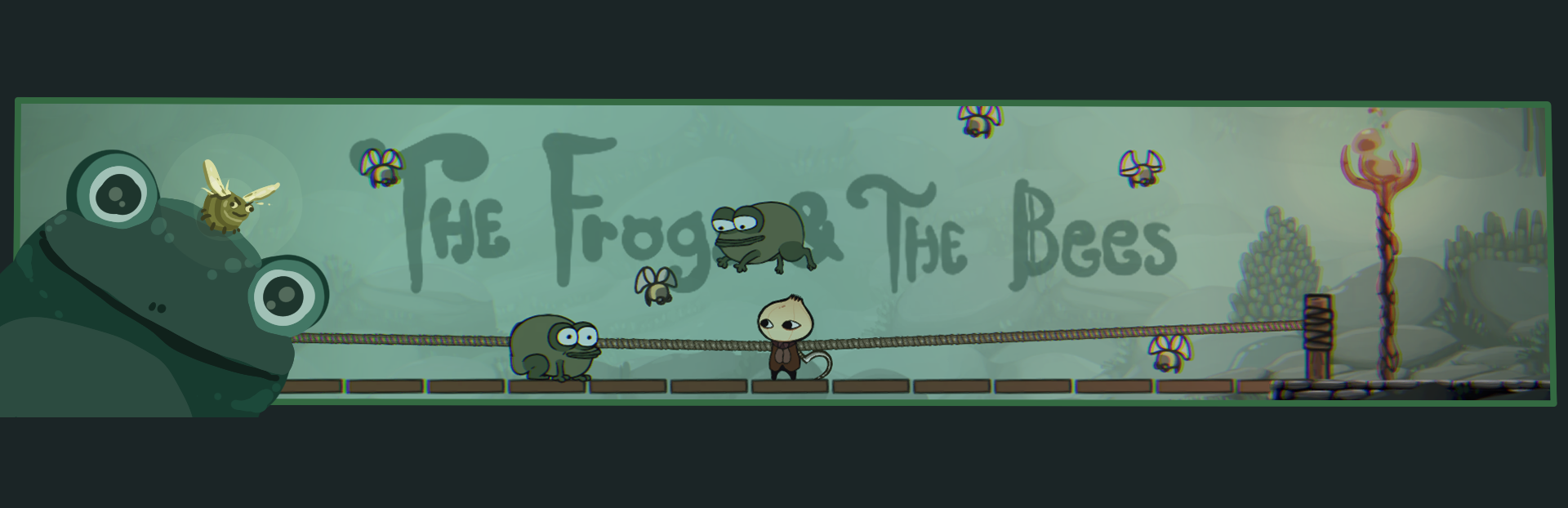
The Frogs and the Bees

Eric here, It's that time again! What? No, not your dentist checkup, it's Layers Deep beta-tester update time!

In this update3

Full notes

Full Layers Deep update

Read the full published notes in a cleaner layout. The original post stays linked below.

What changed

0 fixes4 additions4 changes0 removals
  • Compatibility
  • Store
  • Gameplay
  • UI and audio
  • Performance
changedIt's that time again! What? No, not your dentist checkup, it's Layers Deep beta-tester update time!
changedA time where onion fans from all around the world can enjoy an all around improvement to onions (no matter how bad the grocery-store onions are right now for unknown reasons).
addedOk, stalling out of the way, we've got lots of cool new stuff this update! Although, as is the case with most of game development, much of this work enables future work. While there is a lot of content in this update, there may be more playable content in the next.
changedMenus?Yes, menus! This update, I was able to put in some much needed work on our menus and UI to improve both the look AND the feel. (Just don't look TOO closely yet 😬, there's still lots of temp-art) Much of the work was to ensure that all menus could be comfortably navigated with a controller. I test the game on my Steam Deck often, so I was not a fan of how much I needed to use a mouse. So now you can finally throw your mouse away... I mean... if you want to.
addedMenus?With the navigation all done, I went ahead and implemented our long-overdue save system. To be fair, I already wrote the save system code like a year ago (time flies) but now it can be saved to a file and loaded as well (crazy groundbreaking new tech)! The result is infinite save slots, or at least as many as you have hard drive space for.
addedMore Game?This area will have plenty of frogs (some of which you may see if you explore around) and puzzles to solve. We've put in a lot of time to ensure our quest, dialog, and encounter systems are ready to start making presentable rooms en masse. Every new zone we make, we have to make sure our tools are able to create art assets that perform well on as many devices as we can. Optimization is a persistent beast, we must carry this burden and be ever vigilant for his return.

Layers Deep changes

changedIt's that time again! What? No, not your dentist checkup, it's Layers Deep beta-tester update time!
changedA time where onion fans from all around the world can enjoy an all around improvement to onions (no matter how bad the grocery-store onions are right now for unknown reasons).
addedOk, stalling out of the way, we've got lots of cool new stuff this update! Although, as is the case with most of game development, much of this work enables future work. While there is a lot of content in this update, there may be more playable content in the next.
changedYes, menus! This update, I was able to put in some much needed work on our menus and UI to improve both the look AND the feel. (Just don't look TOO closely yet 😬, there's still lots of temp-art) Much of the work was to ensure that all menus could be comfortably navigated with a controller. I test the game on my Steam Deck often, so I was not a fan of how much I needed to use a mouse. So now you can finally throw your mouse away... I mean... if you want to.
addedWith the navigation all done, I went ahead and implemented our long-overdue save system. To be fair, I already wrote the save system code like a year ago (time flies) but now it can be saved to a file and loaded as well (crazy groundbreaking new tech)! The result is infinite save slots, or at least as many as you have hard drive space for.

Eric here,

It's that time again! What? No, not your dentist checkup, it's Layers Deep beta-tester update time!

A time where onion fans from all around the world can enjoy an all around improvement to onions (no matter how bad the grocery-store onions are right now for unknown reasons).

Ok, stalling out of the way, we've got lots of cool new stuff this update! Although, as is the case with most of game development, much of this work enables future work. While there is a lot of content in this update, there may be more playable content in the next.

Menus?

Yes, menus! This update, I was able to put in some much needed work on our menus and UI to improve both the look AND the feel. (Just don't look TOO closely yet 😬, there's still lots of temp-art) Much of the work was to ensure that all menus could be comfortably navigated with a controller. I test the game on my Steam Deck often, so I was not a fan of how much I needed to use a mouse. So now you can finally throw your mouse away... I mean... if you want to.

With the navigation all done, I went ahead and implemented our long-overdue save system. To be fair, I already wrote the save system code like a year ago (time flies) but now it can be saved to a file and loaded as well (crazy groundbreaking new tech)! The result is infinite save slots, or at least as many as you have hard drive space for.

Ooh and before I forget, I'm currently working getting custom controls working, so that'll almost certainly be ready in the next update!

More Game?

Yes, also more game! There still some work to do with the final room designs, but we've spent time sketching in the layout of the world's next zone: Dendroba

This area will have plenty of frogs (some of which you may see if you explore around) and puzzles to solve. We've put in a lot of time to ensure our quest, dialog, and encounter systems are ready to start making presentable rooms en masse. Every new zone we make, we have to make sure our tools are able to create art assets that perform well on as many devices as we can. Optimization is a persistent beast, we must carry this burden and be ever vigilant for his return.

Are there other fun things to do?

You bet there are! I love games that let you play around and tinker with them. which is EXACTLY why I'll let you in on a few secrets. Remember the 0.1.0 update where we added the admin console and dev-mode? Well there's a TON you can do with this. For instance, I added a command to let you bind a key to a game command, and now those key-binds will show up in the new controls menu.

For example, you can write [c]admin.bind_key('b', 'world.spawn_enemy(game_data.enemies[20], player.get_body(0).global_position + Vector2(0, -150))')[/c]

Now when you're in-game and you press "B" on your keyboard, the game will spawn a Bee above the player!

That's all for now

ok byeee!

Source

Steam News / 17 June 2026

Open original post

Changelog.gg summarizes and formats this update. How we read updates.