What changed
0 fixes1 addition3 changes0 removals
addedIn the options menu there is now a setting to enable "Mouse Targeting" For melee & magic this allows you to select your desired target using the mouse cursor. For some magic spells, while holding the cast button, the targeting circle will follow the mouse cursor, and when you release the cast button, the spell will be cast at that location. To enable playing the game with one hand on the keyboard and one hand on the mouse we have added several new control bindings: For Melee:
changedMouse Side button 1 or Keyboard 1: Magic Element 1
changedMouse Side button 2 or Keyboard 2: Magic Element 2
changedMouse Wheel: Scroll through all 10 spells in the order from the spell book. We look forward to hearing your feedback on this feature so we can continue to improve it! The mouse bindings are currently not editable, but we will look into it if there is sufficient interest. The mouse does not yet work in the UI of the game.
Kingdom of Night changes
addedIn the options menu there is now a setting to enable "Mouse Targeting" For melee & magic this allows you to select your desired target using the mouse cursor. For some magic spells, while holding the cast button, the targeting circle will follow the mouse cursor, and when you release the cast button, the spell will be cast at that location. To enable playing the game with one hand on the keyboard and one hand on the mouse we have added several new control bindings: For Melee:
changedMouse Side button 1 or Keyboard 1: Magic Element 1
changedMouse Side button 2 or Keyboard 2: Magic Element 2
changedMouse Wheel: Scroll through all 10 spells in the order from the spell book. We look forward to hearing your feedback on this feature so we can continue to improve it! The mouse bindings are currently not editable, but we will look into it if there is sufficient interest. The mouse does not yet work in the UI of the game.
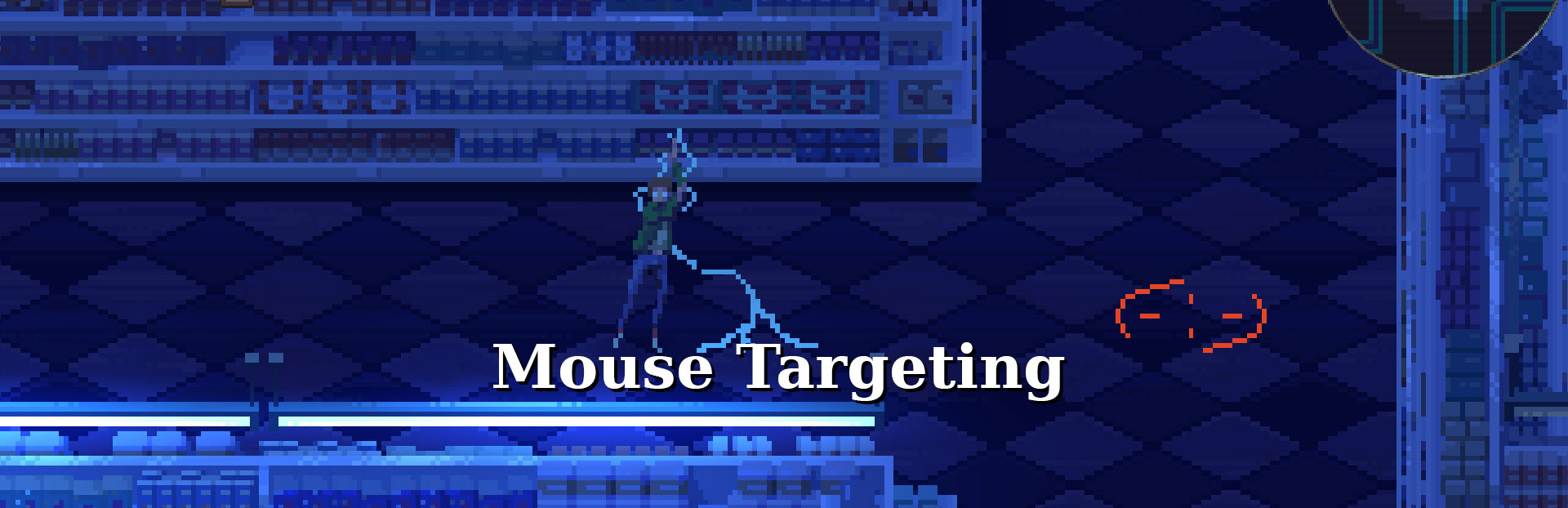
In the options menu there is now a setting to enable "Mouse Targeting" For melee & magic this allows you to select your desired target using the mouse cursor. For some magic spells, while holding the cast button, the targeting circle will follow the mouse cursor, and when you release the cast button, the spell will be cast at that location. To enable playing the game with one hand on the keyboard and one hand on the mouse we have added several new control bindings: For Melee:
Left Click: Attack
Right Click: Dodge
For Magic:
Left Click: Cast
Mouse Side button 1 or Keyboard 1: Magic Element 1
Mouse Side button 2 or Keyboard 2: Magic Element 2
Right Click or Keyboard 3: Magic Element 3
Mouse Wheel: Scroll through all 10 spells in the order from the spell book. We look forward to hearing your feedback on this feature so we can continue to improve it! The mouse bindings are currently not editable, but we will look into it if there is sufficient interest. The mouse does not yet work in the UI of the game.