
HomeGamesUpdatesPricingMethodology
Steam News26 June 20233y ago

Update - V.0.4.05

NEW; -Added a camera switch when opening UI to showcase player and preview equipment. CHANGED; -Fixed text in tutorial questline having mis leading information. -Fixed issue when crafting undead knights.

Full notes

Full Kingdom of Atham: Crown of the Champions update

Read the full published notes in a cleaner layout. The original post stays linked below.

What changed

1 fix4 additions2 changes0 removals
  • Gameplay
  • UI and audio
  • Fixes
addedNEW;
addedAdded a camera switch when opening UI to showcase player and preview equipment.
changedCHANGED;
fixedFixed text in tutorial questline having mis leading information. -Fixed issue when crafting undead knights.
changedOptimized more Skeletal Meshes.
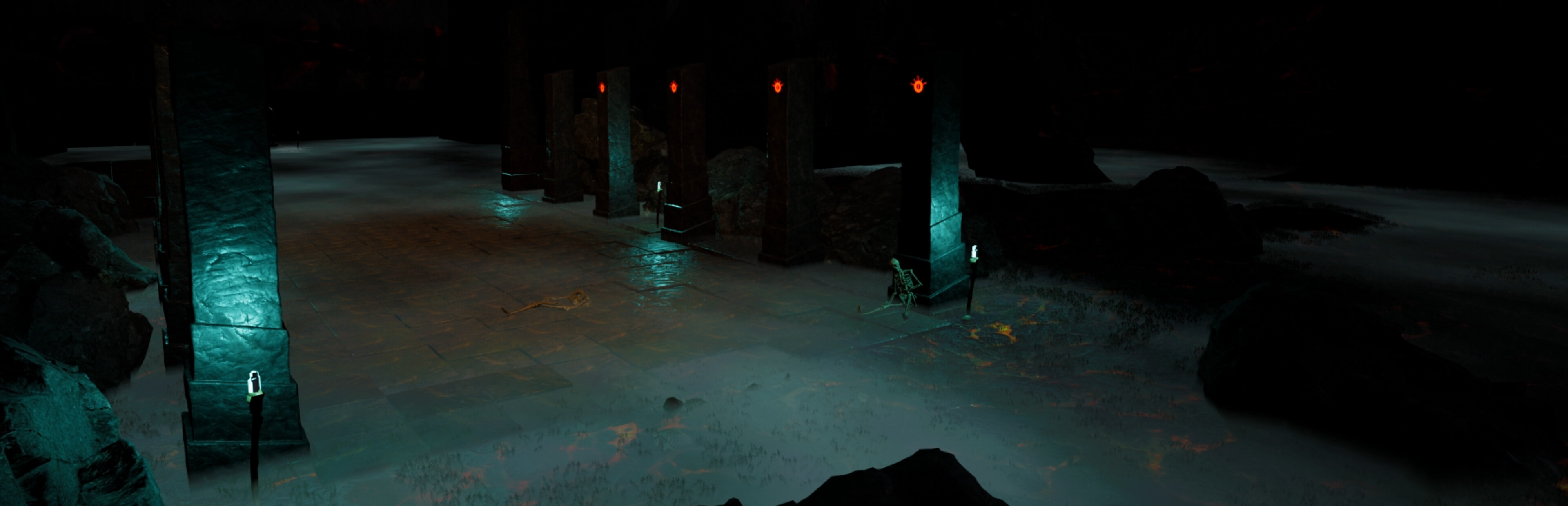
addedTweaked sky light to be more vibrant and adjusted fog particles. -Tweaked nights to not be extremly dark due to auto-exposure. -Tweaked nameplates to be less blurry when moving due to TAA. -Tweaked some trees that were not working great with TAA & DLSS. -Tweaked menu UI to fit the new style. -Tweaked quest information to display less on main HUD more info can be found by pressing (J).

Kingdom of Atham: Crown of the Champions changes

addedNEW;
addedAdded a camera switch when opening UI to showcase player and preview equipment.
changedCHANGED;
fixedFixed text in tutorial questline having mis leading information. -Fixed issue when crafting undead knights.
changedOptimized more Skeletal Meshes.

NEW;

-Added a camera switch when opening UI to showcase player and preview equipment.

CHANGED;

-Fixed text in tutorial questline having mis leading information. -Fixed issue when crafting undead knights.

-Optimized more Skeletal Meshes.

-Tweaked sky light to be more vibrant and adjusted fog particles. -Tweaked nights to not be extremly dark due to auto-exposure. -Tweaked nameplates to be less blurry when moving due to TAA. -Tweaked some trees that were not working great with TAA & DLSS. -Tweaked menu UI to fit the new style. -Tweaked quest information to display less on main HUD more info can be found by pressing (J).

---

Support us by joining discord; https://discord.gg/G3j9hYBTDj

Source

Steam News / 26 June 2023

Open original post

Changelog.gg summarizes and formats this update. How we read updates.