
HomeGamesUpdatesPricingMethodology
Steam News10 September 20196y ago

2D Mode camera systems

With the upcoming release and update to 1.1 you'll be able to play the game without the need of a VR headset.

Full notes

Full KIN update

Read the full published notes in a cleaner layout. The original post stays linked below.

What changed

0 fixes1 addition2 changes0 removals
  • Gameplay
  • UI and audio
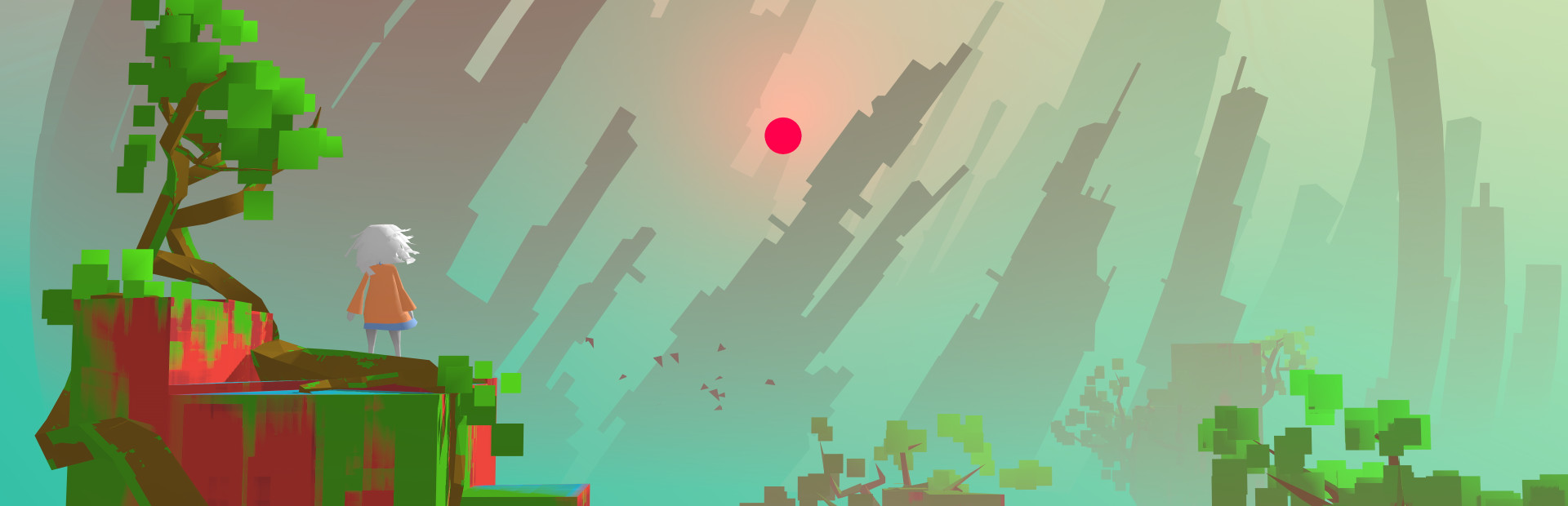
addedWith the upcoming release and update to 1.1 you'll be able to play the game without the need of a VR headset. This feature required us to create a new camera system, which consist of 2 possible modes:
changedOverview modeA mode that allows you to view the game from pretty much the same perspective and position as when playing in VR, this mode is known as overview mode. Overview mode also moves the camera through an area that has a relation to an area the player can move through, giving you camera movement and parallax so to better judge depth.
changed3rd person modeA second mode which is a more traditional over-shoulder / 3rd person view, known simply as 3rd person mode. In 3rd person mode the camera can be tilted and rotated around the player using various input methods (mouse, thumbstick, etc) Both modes can be switched in realtime by simply pressing the corresponding button.

With the upcoming release and update to 1.1 you'll be able to play the game without the need of a VR headset. This feature required us to create a new camera system, which consist of 2 possible modes:

Overview mode

A mode that allows you to view the game from pretty much the same perspective and position as when playing in VR, this mode is known as overview mode. Overview mode also moves the camera through an area that has a relation to an area the player can move through, giving you camera movement and parallax so to better judge depth.

3rd person mode

A second mode which is a more traditional over-shoulder / 3rd person view, known simply as 3rd person mode. In 3rd person mode the camera can be tilted and rotated around the player using various input methods (mouse, thumbstick, etc) Both modes can be switched in realtime by simply pressing the corresponding button.

Source

Steam News / 10 September 2019

Open original post

Changelog.gg summarizes and formats this update. How we read updates.