
HomeGamesUpdatesPricingMethodology
Steam News10 November 20257mo ago

Kana Ka-Boom - Patch 1.1.4

Kana Ka-Boom - Patch 1.1.4 Additions: For those of you using a Japanese keyboard and Japanese IME, you can now hold down the SHIFT key to toggle from Hiragana mode to Katakana mode (for when things are getting intense o

In this update2

Full notes

Full Kana Ka-Boom update

Read the full published notes in a cleaner layout. The original post stays linked below.

What changed

1 fix0 additions1 change0 removals
  • Gameplay
  • Fixes
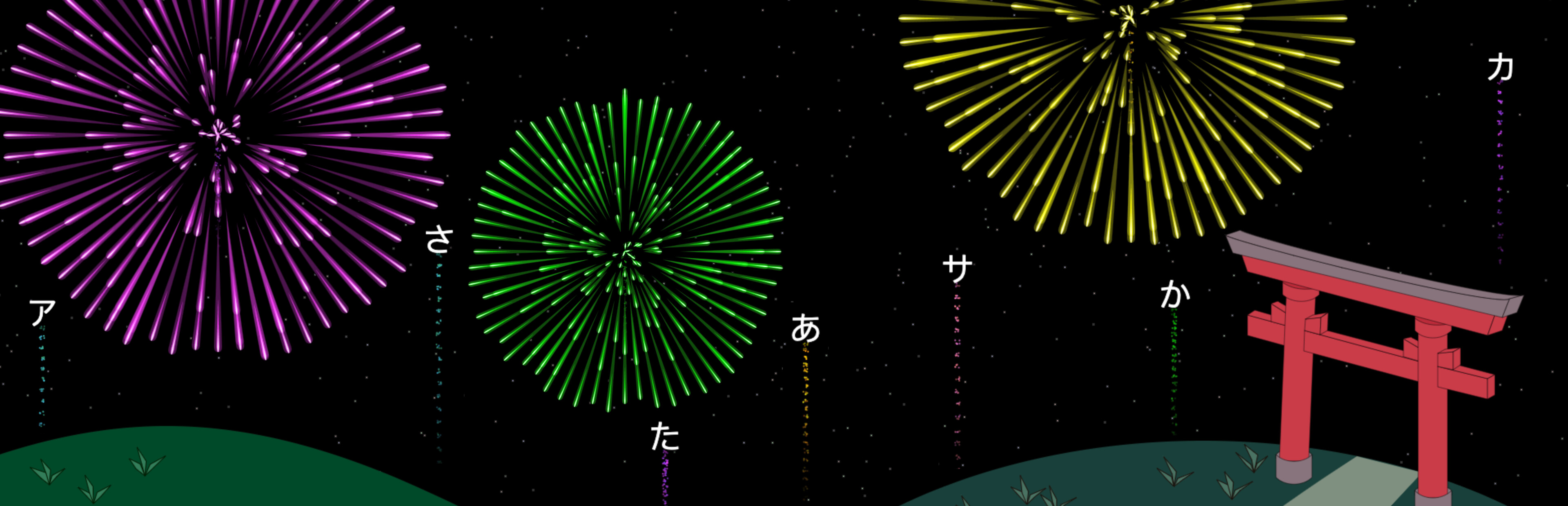
changedAdditions:For those of you using a Japanese keyboard and Japanese IME, you can now hold down the SHIFT key to toggle from Hiragana mode to Katakana mode (for when things are getting intense on a "Both" lesson or during Freeplay). For example; SHIFT + か will convert to カ. For keys that have a Hiragana character already assigned to SHIFT + such as small や, ゆ, or よ, as well as を and ろ, the system will look at what's been previously typed and what fireworks are actively on the screen to decide if you wanted to type a Hiragana or Katakana character.
fixedBug Fix:Fixed a bug that was causing a delay on certain key inputs when a Japanese IME was in use and the keyboard was set to Hiragana mode.

Kana Ka-Boom changes

changedFor those of you using a Japanese keyboard and Japanese IME, you can now hold down the SHIFT key to toggle from Hiragana mode to Katakana mode (for when things are getting intense on a "Both" lesson or during Freeplay). For example; SHIFT + か will convert to カ. For keys that have a Hiragana character already assigned to SHIFT + such as small や, ゆ, or よ, as well as を and ろ, the system will look at what's been previously typed and what fireworks are actively on the screen to decide if you wanted to type a Hiragana or Katakana character.
fixedFixed a bug that was causing a delay on certain key inputs when a Japanese IME was in use and the keyboard was set to Hiragana mode.

Kana Ka-Boom - Patch 1.1.4

Additions:

  • For those of you using a Japanese keyboard and Japanese IME, you can now hold down the SHIFT key to toggle from Hiragana mode to Katakana mode (for when things are getting intense on a "Both" lesson or during Freeplay). For example; SHIFT + か will convert to カ. For keys that have a Hiragana character already assigned to SHIFT + such as small や, ゆ, or よ, as well as を and ろ, the system will look at what's been previously typed and what fireworks are actively on the screen to decide if you wanted to type a Hiragana or Katakana character.

Bug Fix:

  • Fixed a bug that was causing a delay on certain key inputs when a Japanese IME was in use and the keyboard was set to Hiragana mode.

- David @ BinaryCats

Source

Steam News / 10 November 2025

Open original post

Changelog.gg summarizes and formats this update. How we read updates.