
In this update1
Full notes
Full JUMP KING QUEST update
Read the full published notes in a cleaner layout. The original post stays linked below.
What changed
- UI and audio
- Gameplay
- Server
JUMP KING QUEST changes
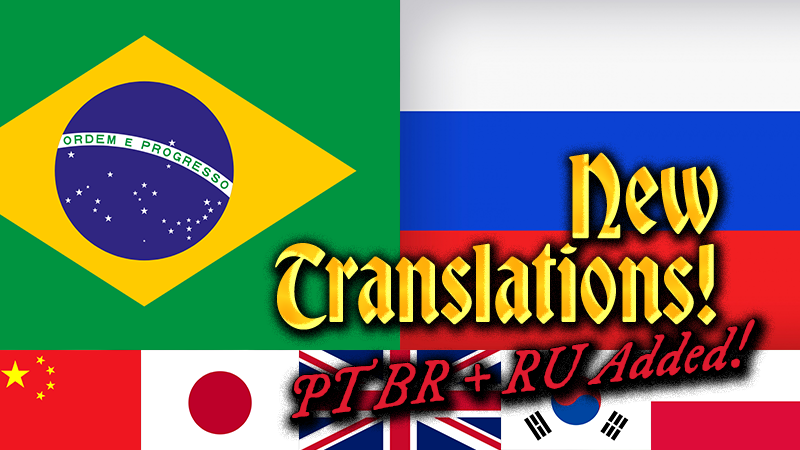
We are happy to announce that Jump King Quest has now been translated to the Russian and Brazilian Portuguese languages! This brings us up to 7 languages in total (including the source english)!
We now have:
🇬🇧 English
🇨🇳 Simplified Chinese
🇯🇵 Japanese
🇰🇷 Korean
🇵🇱 Polish
🇷🇺 Russian
🇧🇷 Brazilian Portuguese
Normally, the game's language setting is synced to your Steam client's language. But you can also change the language for Jump King Quest specifically. So how do you change language for a specific game on Steam?
Open your Steam Library
Right click the game title and select Properties....
Go to the Language tab
Select the language you wish to use from the drop-down menu
If the game supports the language you have selected, files for that language may need to be downloaded before you can play.
Network Related Improvements:
This is also an important patch for the online connectivity: We have migrated our hosting to a different service which Russian players should be able to connect to more reliably without extra tools.
Additionally we have removed the server selection, opting for a single matchmaking server for all players. This should make it easier to connect to your friends, and since the connection is peer-to-peer during gameplay, and we still have a ping-filter, the feeling should be the same as before! This change can be reverted if needed, so please let us know about your experience!
/Team Nexile
Source
Changelog.gg summarizes and formats this update. How we read updates.