
In this update9
Full notes
Full Jotunnslayer: Hordes of Hel update
Read the full published notes in a cleaner layout. The original post stays linked below.
Repeated intro
Greetings, Jotunnslayers!
What changed
- Compatibility
- Balance
- Gameplay
- Store
- UI and audio
- Performance
Jotunnslayer: Hordes of Hel changes
We know we’ve been a bit quiet about the most requested, top-rated, long-awaited feature… But today, we finally have something concrete to share.
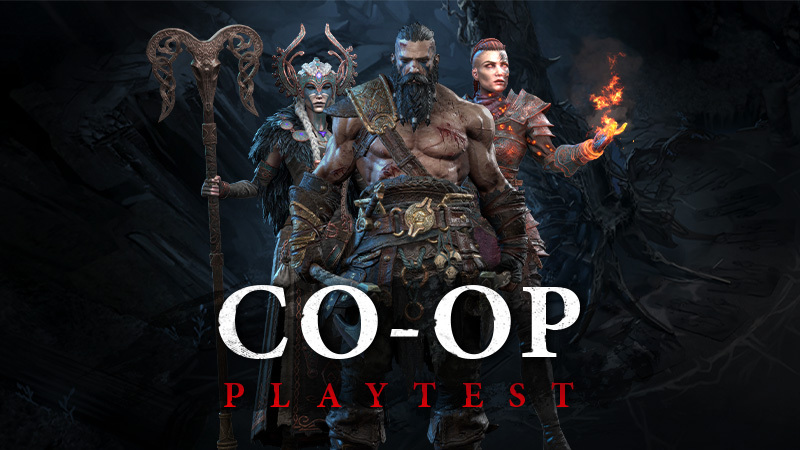
JOTUNNSLAYER LOCAL CO-OP PLAYTEST IS NOW LIVE!
Yes - you read that right.
Before we roll it out publicly, we want to make sure it feels just right. So we’re opening the doors early and inviting you to help us shape it.
Let’s do this!!
When does the playtest start and end?
Starts: TODAY, Monday, January 19th at 7 PM CET / 10 AM PT
Ends: Monday, January 26th
The playtest runs for exactly one week.
How do I get in?
To join this limited co-op playtest, all you`ll need to do is right-click on Jotunnslayer in your Steam Library, go to properties and switch your game beta to the public_playtest branch. No extra steps or passwords required.
IMPORTANT NOTE If the public_playtest beta option doesn’t appear, try restarting Steam.
How can we play?
Couch Co-op: Play locally on a single screen with a friend
Online Co-op: Steam Remote Play is supported
How to use Steam Remote Play together
Navigate to the Co-op Screen: Launch Jotunnslayer and enter the in-game co-op menu.
Open the Steam Overlay: Press Shift + Tab on your keyboard (the default shortcut).
Invite your Friend: Find the friend you want to play with in your Friends List, right-click their name, and select"Remote Play Together."
Accept the Invite: Your friend simply needs to accept the invitation to join your session.
I have opinions. What do I do with them?
Perfect - that’s exactly what this is for.
Please use the in-game feedback form to share all your thoughts, impressions, and suggestions.
Your feedback is our top priority while we tune and balance the co-op experience.
For those who prefer sharing their thoughts freestyle, feel free to drop them in our Discord channel.
Can I make content from the playtest?
Not this time, unfortunately.
Until the feature is fully polished, this playtest will remain confidential.
Please don’t share videos or screenshots publicly - this is still a work-in-progress and not representative of the final version.
⚠️ Known Issues (Work in Progress)
As this is a playtest and not a final product, you may encounter some rough edges. We are already working on fixes for the following known issues:
Gameplay & Level Specifics
Location-specific bugs: Dying on the bridge in Jotunheim, in a gate in Svartalfheim, or gaining a revive while on the elevator in Helheim may cause bugged behavior.
Enemy Spawning: You might see enemies spawning within the camera's view, or occasionally see fewer enemies than intended.
Camera: In very specific cases, it is possible for players to move outside of the camera's boundaries.
Co-op & Progression
Player 2 Unlocks: Currently, Player 2 cannot unlock weapons during co-op sessions.
Gold Collection: If one player is dead and out of revives, Gold cannot be collected.
Selection Memory: The game may not always remember your hero, skin, or weapon choices between sessions.
Control Issues: Input issues may occur after changing video settings in co-op, and gamepad controls cannot currently be reset within the Lobby Screen.
UI & Visuals
Endless Timer: The timer visually counts down instead of up (this is a visual bug only).
Visual Glitches: You may notice some flickering or glitches on hero skins and weapons.
Menu Navigation: There are known navigation issues when moving through the Options menu.
Note: If you encounter a bug not listed here, please report it via the in-game form, your feedback is exactly why we are running this test!
----------------
Thanks for helping us test the game - we truly couldn’t do this without you. <3
Let’s elevate fun.It takes two (especially against Jotunns)
See you down there at 7PM CET / 10 AM PT!
Source
Changelog.gg summarizes and formats this update. How we read updates.