What changed
1 fix1 addition2 changes0 removals
changedWe have released the version (ver 1.1.6) of the PvE shooter game "ITERAZERS" today, including the following improvements and bug fixes:
changed【Improvements】
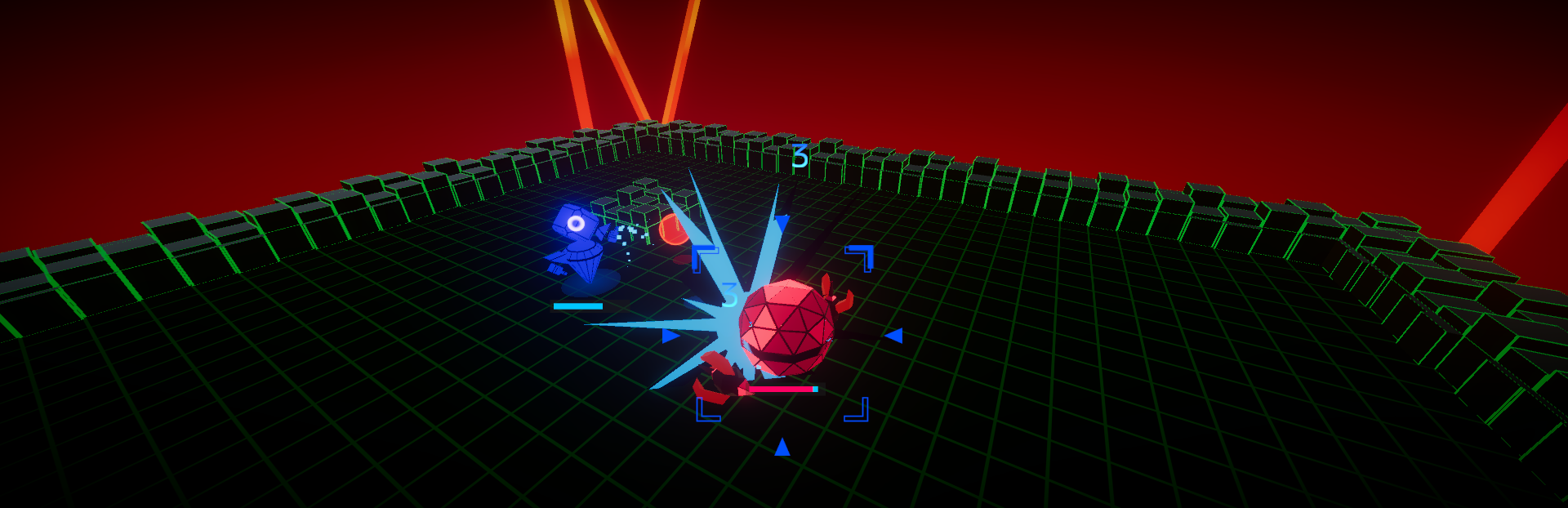
addedAdded the option to switch camera modes from the options screen. Tracking: The camera follows the enemy's distance. (This was the previous camera behavior) Top-Down: The camera remains fixed without zooming, capturing the entire stage. 【Bug Fixes】
fixedFixed an issue where the bullet labels "Right" and "Left" were reversed on the customization screen. Fixed an issue where the performance labels "Right" and "Left" were reversed on the performance test screen. ※The app's version is displayed on the lower-left corner of the title screen.
ITERAZERS changes
changedWe have released the version (ver 1.1.6) of the PvE shooter game "ITERAZERS" today, including the following improvements and bug fixes:
changed【Improvements】
addedAdded the option to switch camera modes from the options screen. Tracking: The camera follows the enemy's distance. (This was the previous camera behavior) Top-Down: The camera remains fixed without zooming, capturing the entire stage. 【Bug Fixes】
fixedFixed an issue where the bullet labels "Right" and "Left" were reversed on the customization screen. Fixed an issue where the performance labels "Right" and "Left" were reversed on the performance test screen. ※The app's version is displayed on the lower-left corner of the title screen.
We have released the version (ver 1.1.6) of the PvE shooter game "ITERAZERS" today, including the following improvements and bug fixes:
【Improvements】
Added the option to switch camera modes from the options screen.
Tracking
The camera follows the enemy's distance. (This was the previous camera behavior)
Top-Down
The camera remains fixed without zooming, capturing the entire stage. 【Bug Fixes】
Fixed an issue where the bullet labels "Right" and "Left" were reversed on the customization screen. Fixed an issue where the performance labels "Right" and "Left" were reversed on the performance test screen. ※The app's version is displayed on the lower-left corner of the title screen.