
Full notes
Full Irsen update
Read the full published notes in a cleaner layout. The original post stays linked below.
Repeated intro
Hello everyone.
What changed
- Gameplay
- Balance
- Performance
Irsen changes
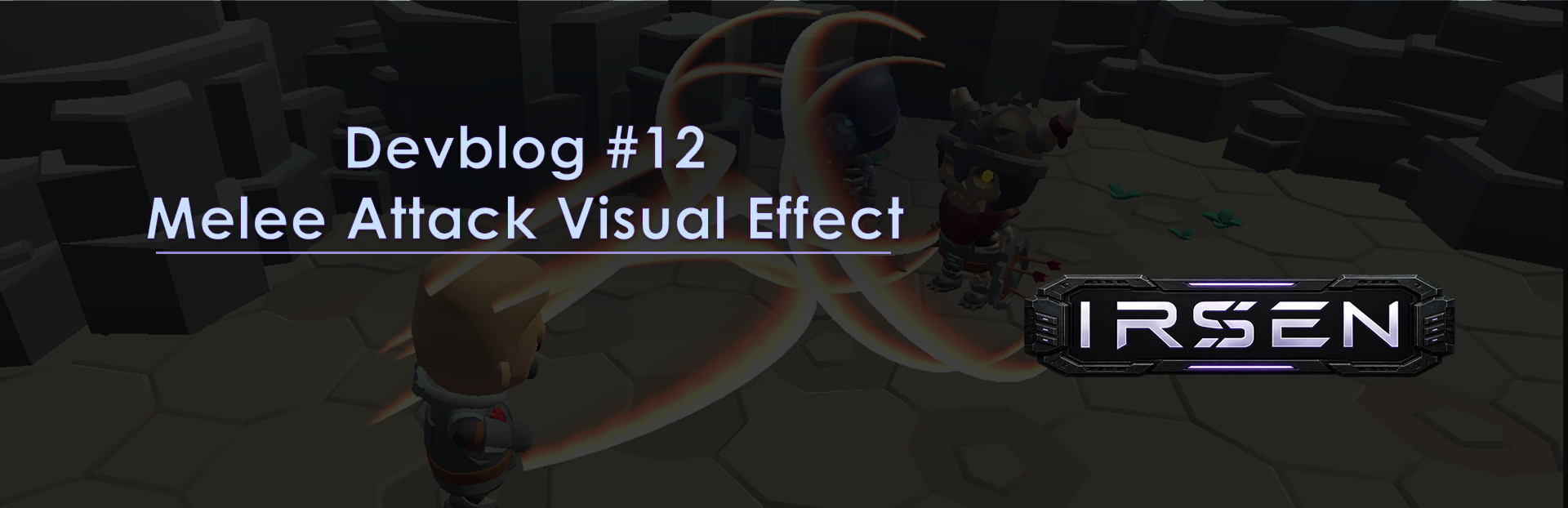
In this devblog, I decided to step away from explaining large gameplay systems for a moment and instead show a small visual improvement I recently added to the game.
I was working on a melee combat effect. For psionic attacks in Irsen, I already have projectiles, beams, and separate hit effects at the moment of impact. Physical melee attacks, however, looked noticeably weaker visually: there was a unit animation and a hit effect on the target, but almost no visible trail for the attack itself. Because of that, these attacks could feel a bit empty. This had bothered me for a while, especially compared to the psionic abilities.
I decided to add a bright 3D arc that appears in front of the unit during a melee attack.
I set several requirements for the effect:
it should be a 3D effect, not a 2D image;
the arc should have a bright edge;
the effect should not simply appear all at once, but be drawn in the direction of the strike;
after appearing, it should remain on screen briefly and then fade out quickly;
and, as usual, I needed control over position, color, size, rotation, and animation duration.
The first thing I made was the shape of the arc itself in Blender. This was a small separate task for me, since I do not use Blender very often, but in this case I really needed a 3D shape rather than a flat image. I then exported the object as an obj file and imported it into Godot.
After that, I created a separate scene for the effect in Godot. It uses a GPUParticles3D node that renders the imported 3D shape. For the material, I prepared a shader with a gradient texture to create a bright glowing edge.
The actual “drawing” of the arc is handled through shader parameters. One parameter controls how much of the arc is currently visible, and another controls the fade-out. These parameters are animated from a regular Godot script using a tween: first the arc gradually appears, then it stays on screen for a short moment, and finally fades away.
Next, I connected the effect to the combat scene. At first, I attached it to the basic attack for debugging, disabled its disappearance, and manually adjusted the size, height, position, and rotation relative to the character and the camera.
After several tests, the final effect looked like this:
It is a small change, but it is immediately noticeable in combat. A physical attack no longer looks like “a unit swings, and then a hit effect flashes on the target.” Now it feels more like a complete strike with its own visual trail.
The next step is to attach this effect to all physical melee skills and see how it feels during regular combat.
Source
Changelog.gg summarizes and formats this update. How we read updates.