
Full notes
Full Interstellar Marines update
Read the full published notes in a cleaner layout. The original post stays linked below.
What changed
- Performance
- Server
- Compatibility
- Balance
- Security
- UI and audio
Update 28 - Engine Upgrade
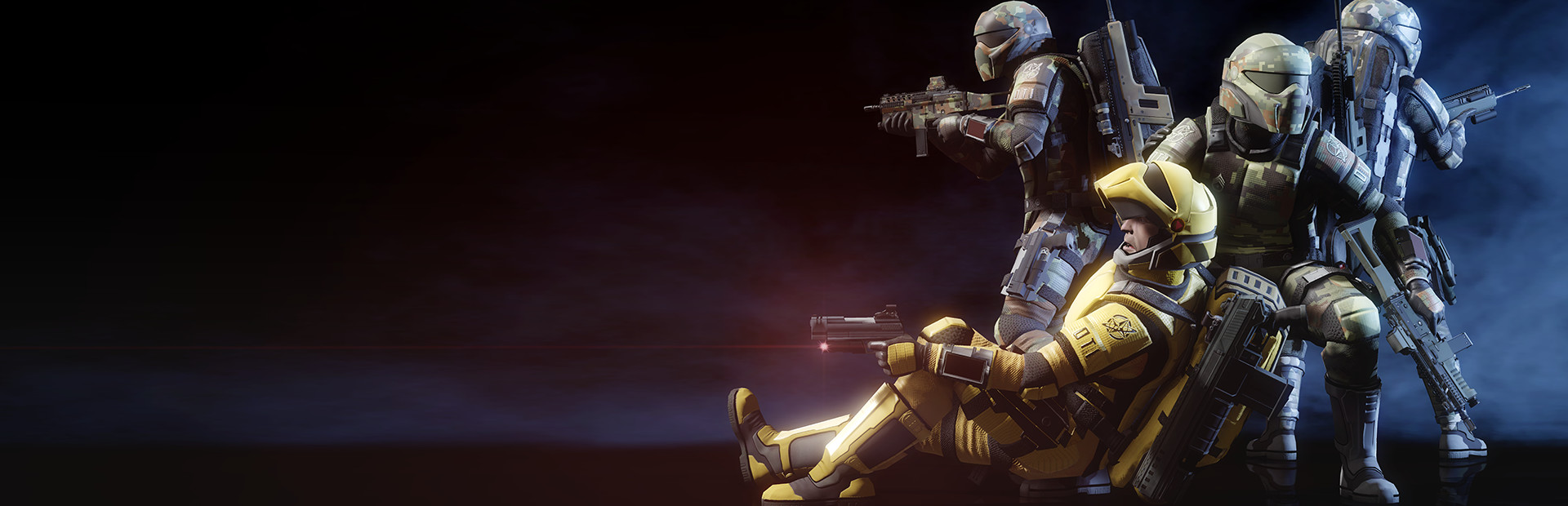
Hello Marines, we’re very excited to announce Update 28! First, we want to thank everyone who participated in ITO Testing - you’re the best! Update 28 has finally been wrapped up and released. In this update we’ve upgraded Interstellar Marines from Unity 5.1.3 (released August 2015) to 5.6.7 (released March 2019). This much needed upgrade allows us to utilize awesome new features and improvements, which includes increased performance/optimization, lighting improvements, shader upgrades, GPU instancing, PBR materials, API changes, deferred rendering, DirectX 11 support for Windows, and more. These improvements will allow for Interstellar Marines to continue to be more immersive, enhance visuals, and set us up to begin adding new features and content. Below is our brand new Update video which showcases the potential of the Unity upgrade and other cool features/content we’ve added to U28. https://youtu.be/wtiOpE2LAYY
Update 29: Planning Phase
We haven't discussed and decided what we're going to do for U29 yet, so we'll post another announcement in the coming weeks with what we have planned. FOR THE LOVE OF THE GAME, Your Team at Zero Point Software Join our official social media and community groups to stay connected and chat:
Discord Server
Interstellar Marines - Update 28
(0.5.28 - Revision 1497) Platforms available, 32-bit & 64-bit Windows, Linux, OSX
Changelog for Update 28
What’s New
ADDED Basic lean mechanics with audio by Eduard ADDED Unity's new Post Processing v1 stack to all cameras ADDED Motion blur settings ADDED Reflection probe intensity is linked to weather state ADDED Reflection probes are eased in on forced weather system ADDED Screen Space Reflections setting ADDED Exhaustion and damage post-processing effects (Chromatic Aberration and Tonemapping) ADDED Jump penalty added to exhaustion ADDED Performance optimizations ADDED ECSChat server host defined in command line arguments ADDED [REDACTED] to Resort (first iteration)
Improvements
UPDATED Unity 5.1.3 (released August 2015) to 5.6.7 (released March 2019) UPDATED Deferred renderer from legacy deferred renderer UPDATED DirectX 9 to DirectX 11 UPDATED Metal on MacOS UPDATED GUIDamageWarning made WARN flash 10x faster for better HUD immersion UPDATED Settings on all audio clips to use "Compress on Load" and now only 2 large mp3 are still using "compress in memory"UPDATED Operations Wargames so lights occlude correctly and reflection probes with adjusted values UPDATED Intro Cinematic scene so IM logo is more lit and MEG spotlight shadows are adjusted correctly UPDATED Option to LightHandler with be able to set emissive boot (glow output) on lights UPDATED Sandbox added vending machine as emissive reference UPDATED Starcrown and NGI with foliage fixes and adjusted location of door buttons UPDATED General emissive materials UPDATED Hell Guardians to be a bit faster and easier to kill UPDATED Hell geysers to glow with orange lava UPDATED Weapon sounds and sway UPDATED Stamina recovery rate
Fixes
FIXED Players may sometimes fall through the floor of a map (Unity 5 bug) FINALLY!! FIXED CP counter bug when player has more than 15 mill. points FIXED Fire button exploit FIXED AR being able to shoot through walls
Known Issues
The game will stop updating when switching out of fullscreen in Windows. If you are on a moving elevator or platform, this will cause you to fall through it. If you are in a Party, this will disconnect you from the Party
View jittering may occur when jumping on lossy networks
Other players will seem to float above or interpenetrate while standing on a moving dynamic platforms (network smoothing will exaggerate this effect)
The gamepad implementation is early and experimental, so may cause issues (Disable Gamepad in menu if mouse/keyboard controls does work as intended)
Standing in a doorway when the door closes may result in the player being pushed vertically
The HUD names and kill messages will be clipped on aspect ratios that are less wide than 16:10
We will continue utilizing the ITO tester program to test progress on upcoming updates. To become an ITO tester join our official Discord server and post “!Enlist ITO Tester” in the role-requests channel. Then you'll receive access to the ITO testing announcements where you’ll find the code to unlock the beta branch in Steam.
Source
Changelog.gg summarizes and formats this update. How we read updates.