
HomeGamesUpdatesPricingMethodology
Steam News23 November 20257mo ago

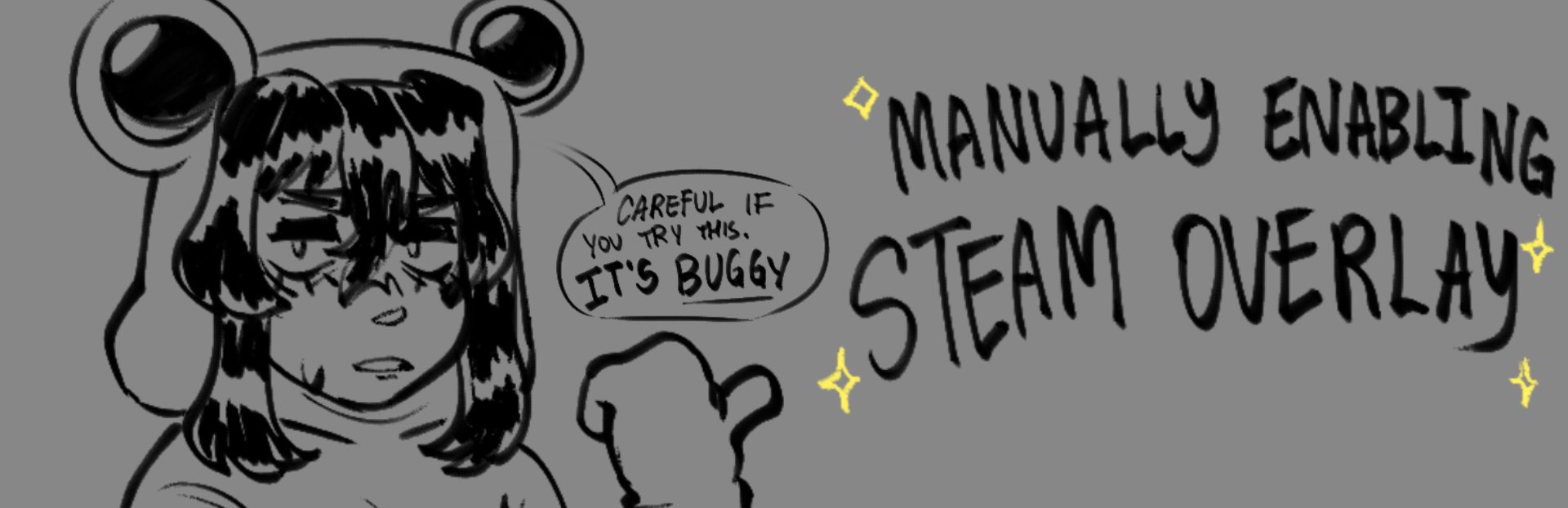
Steam Overlay!

Hey guys! I'm sure by now you have noticed that steam overlay doesn't clearly work with my game, and that is quite the case.

Full notes

Full Humerous (REBOOT) update

Read the full published notes in a cleaner layout. The original post stays linked below.

Repeated intro

Hey guys! I'm sure by now you have noticed that steam overlay doesn't clearly work with my game, and that is quite the case. I'm making this note for the most part to inform about the said solution of this issue, because I'm not so sure so far as to how I'd apply this fully with the game's build. Do keep in mind that enabling this may cause some visual errors when opening the overlay without the game's default resolution. With that said, here's to those who wish to enable Steam Overlay through my game: Properties > General > Launch Options > Either type, or copy paste --in-process-gpu and play the game once more!

What changed

0 fixes0 additions1 change0 removals
  • Performance
changedHey guys! I'm sure by now you have noticed that steam overlay doesn't clearly work with my game, and that is quite the case. I'm making this note for the most part to inform about the said solution of this issue, because I'm not so sure so far as to how I'd apply this fully with the game's build. Do keep in mind that enabling this may cause some visual errors when opening the overlay without the game's default resolution. With that said, here's to those who wish to enable Steam Overlay through my game: Properties > General > Launch Options > Either type, or copy paste --in-process-gpu and play the game once more!

Humerous (REBOOT) changes

changedHey guys! I'm sure by now you have noticed that steam overlay doesn't clearly work with my game, and that is quite the case. I'm making this note for the most part to inform about the said solution of this issue, because I'm not so sure so far as to how I'd apply this fully with the game's build. Do keep in mind that enabling this may cause some visual errors when opening the overlay without the game's default resolution. With that said, here's to those who wish to enable Steam Overlay through my game: Properties > General > Launch Options > Either type, or copy paste --in-process-gpu and play the game once more!

I think that should be all for the most part! Thank you for looking into this. And until then......See you in the void...

Source

Steam News / 23 November 2025

Open original post

Changelog.gg summarizes and formats this update. How we read updates.