
HomeGamesUpdatesPricingMethodology
Steam News28 March 20242y ago

Meat-Shaped Meats and Volume Controls

For reasons I'll never understand - frankly, I don't want to understand - some people want the "music" to be "quieter" so they can "still hear it" but not "hear it so loudly" because they're "not fun at parties".

Full notes

Full Hotdog Kitchen update

Read the full published notes in a cleaner layout. The original post stays linked below.

What changed

1 fix0 additions1 change0 removals
  • UI and audio
  • Fixes
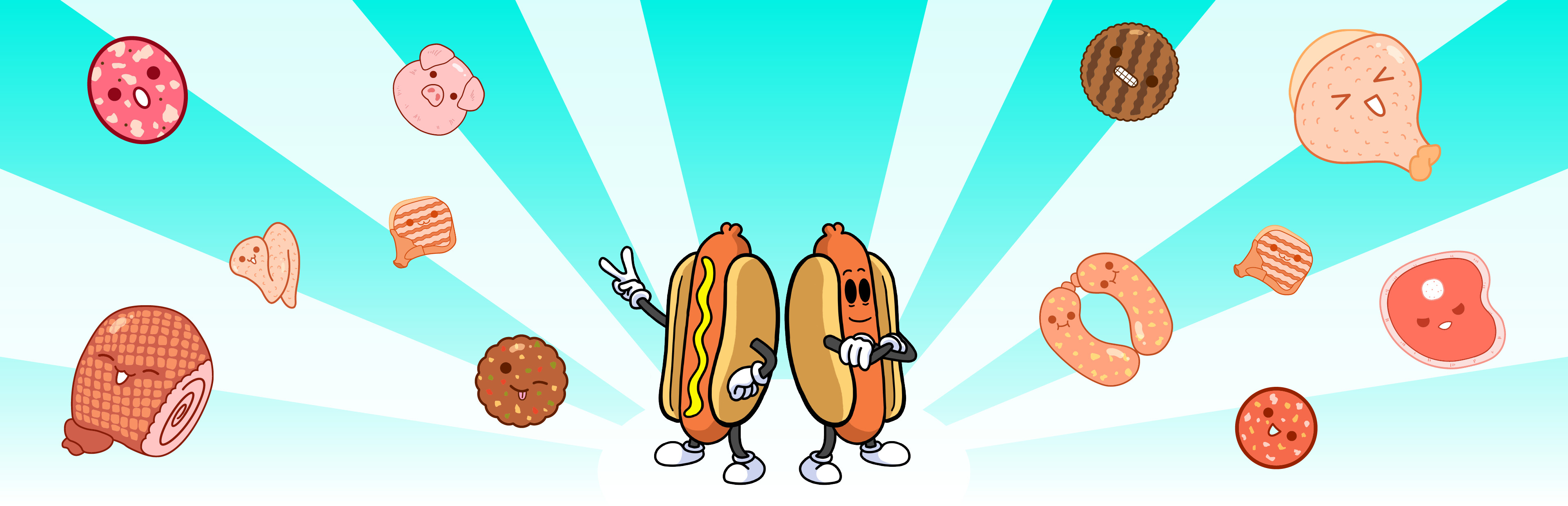
changedThat's why we made that options button in the last update. Now when you click on it, you have two options. One to control the music volume, and the other to change the colliders on the meat to more closely follow the shape of the image. Classic behavior is "Circular Colliders" and is the default. However, if you'd like to try something a little different we have "Meat-Shaped Colliders". Try it out!
fixedAdditional Changes - Menu Music added (it's that soft,supple banger from the trailer) - Fixed a bug where multiple meats out of bounds screwed up the screenshot on the game over screen

Hotdog Kitchen changes

changedThat's why we made that options button in the last update. Now when you click on it, you have two options. One to control the music volume, and the other to change the colliders on the meat to more closely follow the shape of the image. Classic behavior is "Circular Colliders" and is the default. However, if you'd like to try something a little different we have "Meat-Shaped Colliders". Try it out!
fixedAdditional Changes - Menu Music added (it's that soft,supple banger from the trailer) - Fixed a bug where multiple meats out of bounds screwed up the screenshot on the game over screen

For reasons I'll never understand - frankly, I don't want to understand - some people want the "music" to be "quieter" so they can "still hear it" but not "hear it so loudly" because they're "not fun at parties".

That's why we made that options button in the last update. Now when you click on it, you have two options. One to control the music volume, and the other to change the colliders on the meat to more closely follow the shape of the image. Classic behavior is "Circular Colliders" and is the default. However, if you'd like to try something a little different we have "Meat-Shaped Colliders". Try it out!

Additional Changes - Menu Music added (it's that soft,supple banger from the trailer) - Fixed a bug where multiple meats out of bounds screwed up the screenshot on the game over screen

Source

Steam News / 28 March 2024

Open original post

Changelog.gg summarizes and formats this update. How we read updates.