New Input Methods The demo has been updated and now supports a wide range of input methods: keyboard, mouse, touch and almost all controllers (PlayStation, XBox, etc.). Just play the way that works best for you.
In this update2
Full notes
Full Horse Runner DX update
Read the full published notes in a cleaner layout. The original post stays linked below.
What changed
0 fixes0 additions2 changes0 removals
Gameplay
Performance
changedNew Input MethodsThe demo has been updated and now supports a wide range of input methods: keyboard, mouse, touch and almost all controllers (PlayStation, XBox, etc.). Just play the way that works best for you.
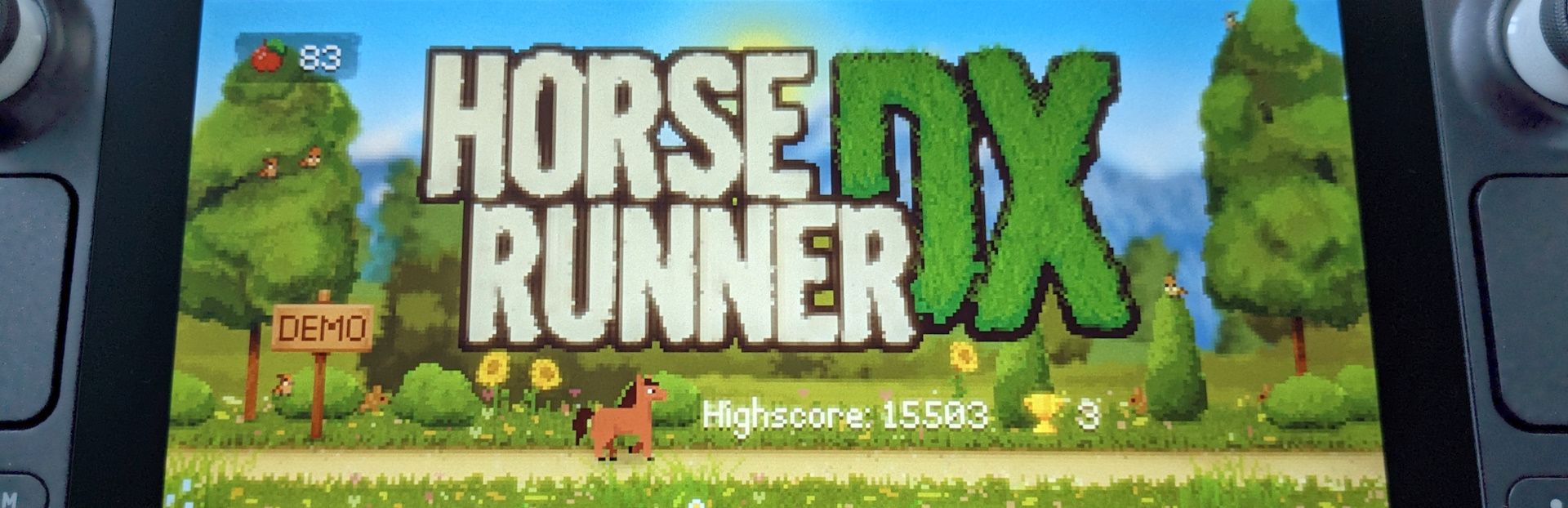
changedSteam Deck SupportThe game has been extensively tested on the Steam Deck, runs perfectly and looks simply beautiful on the deck's screen. The graphics are pixel-perfect and run at a stable 60 FPS. Input via the integrated Steam Deck Controller is wonderfully responsive. All input methods are also supported on the Steam Deck, and you can switch between them at any time while playing.
Horse Runner DX changes
changedThe demo has been updated and now supports a wide range of input methods: keyboard, mouse, touch and almost all controllers (PlayStation, XBox, etc.). Just play the way that works best for you.
changedThe game has been extensively tested on the Steam Deck, runs perfectly and looks simply beautiful on the deck's screen. The graphics are pixel-perfect and run at a stable 60 FPS. Input via the integrated Steam Deck Controller is wonderfully responsive. All input methods are also supported on the Steam Deck, and you can switch between them at any time while playing.
New Input Methods
The demo has been updated and now supports a wide range of input methods: keyboard, mouse, touch and almost all controllers (PlayStation, XBox, etc.). Just play the way that works best for you.
Steam Deck Support
The game has been extensively tested on the Steam Deck, runs perfectly and looks simply beautiful on the deck's screen. The graphics are pixel-perfect and run at a stable 60 FPS. Input via the integrated Steam Deck Controller is wonderfully responsive. All input methods are also supported on the Steam Deck, and you can switch between them at any time while playing.