
Hexalith
Steam News 9 May 202611d ago

Creative Mode is Here 🏗️

You can now build without constraints in the new Hexalith Creative Mode, which provides infinite access to all Blueprints, Resource tiles, and Bonus tiles. This update also introduces a deeper level of map customization…

Update log

Full Hexalith update

The complete published notes, normalized for clean reading and source attribution.

Extracted changes

0 fixes2 additions0 changes0 removals
  • Maps
  • Workshop
addedYou can now build without constraints in the new Hexalith Creative Mode , which provides infinite access to all Blueprints, Resource tiles, and Bonus tiles. This update also introduces a deeper level of map customization, allowing you to auto-generate new worlds using specific seeds and fine-tune the layout by adjusting the grid radius and the number of starting cities. Whether you are experimenting with massive layouts or testing specific synergies, the sandbox environment removes all resource management hurdles.
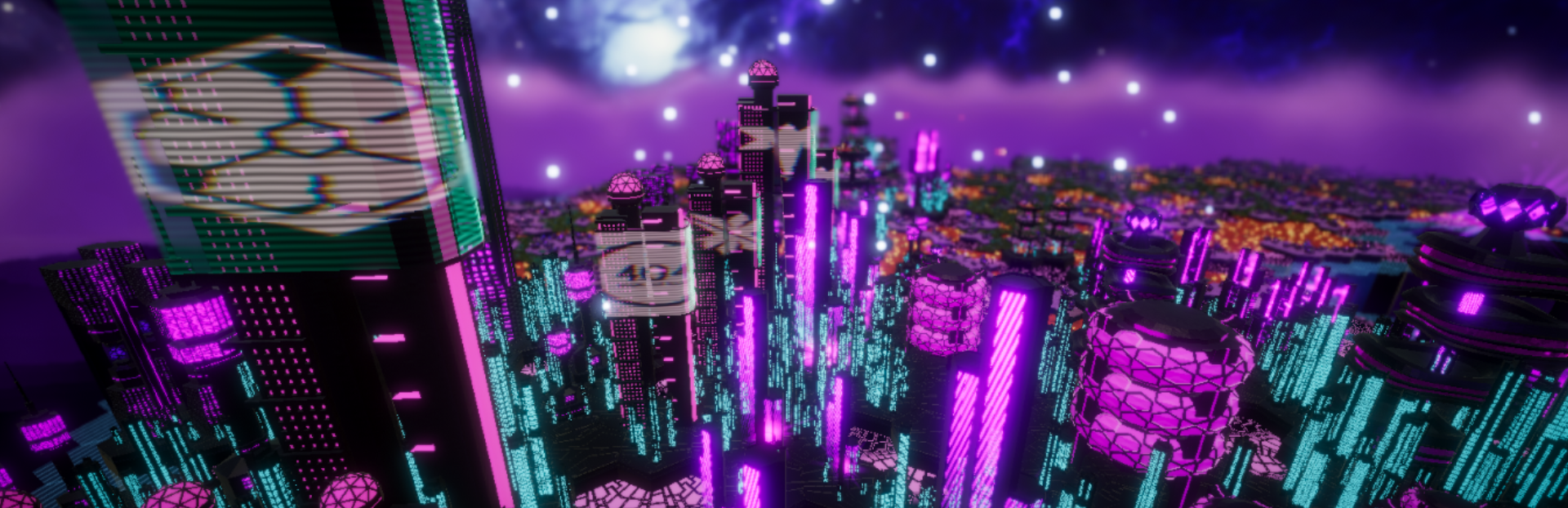
addedTo help you capture your creations, we’ve added a suite of photography and environment tools . You can now toggle world effects to shift the atmosphere, use an auto-rotating camera for cinematic views, and adjust the field of view or camera blur for the perfect shot. For those who want to get technical with the visuals, the post-processing menu offers direct control over exposure, saturation, color balance, bloom, and vignette. Combined with adjustable grid settings and a "hide UI" shortcut, it is now much easier to document your megastructures exactly how you envision them.

You can now build without constraints in the new Hexalith Creative Mode, which provides infinite access to all Blueprints, Resource tiles, and Bonus tiles. This update also introduces a deeper level of map customization, allowing you to auto-generate new worlds using specific seeds and fine-tune the layout by adjusting the grid radius and the number of starting cities. Whether you are experimenting with massive layouts or testing specific synergies, the sandbox environment removes all resource management hurdles.

To help you capture your creations, we’ve added a suite of photography and environment tools. You can now toggle world effects to shift the atmosphere, use an auto-rotating camera for cinematic views, and adjust the field of view or camera blur for the perfect shot. For those who want to get technical with the visuals, the post-processing menu offers direct control over exposure, saturation, color balance, bloom, and vignette. Combined with adjustable grid settings and a "hide UI" shortcut, it is now much easier to document your megastructures exactly how you envision them.

Source

Steam News / 9 May 2026

Open original