
HomeGamesUpdatesPricingMethodology
Steam News6 July 20178y ago

Griptape Backbone now has Steam Controller Support!

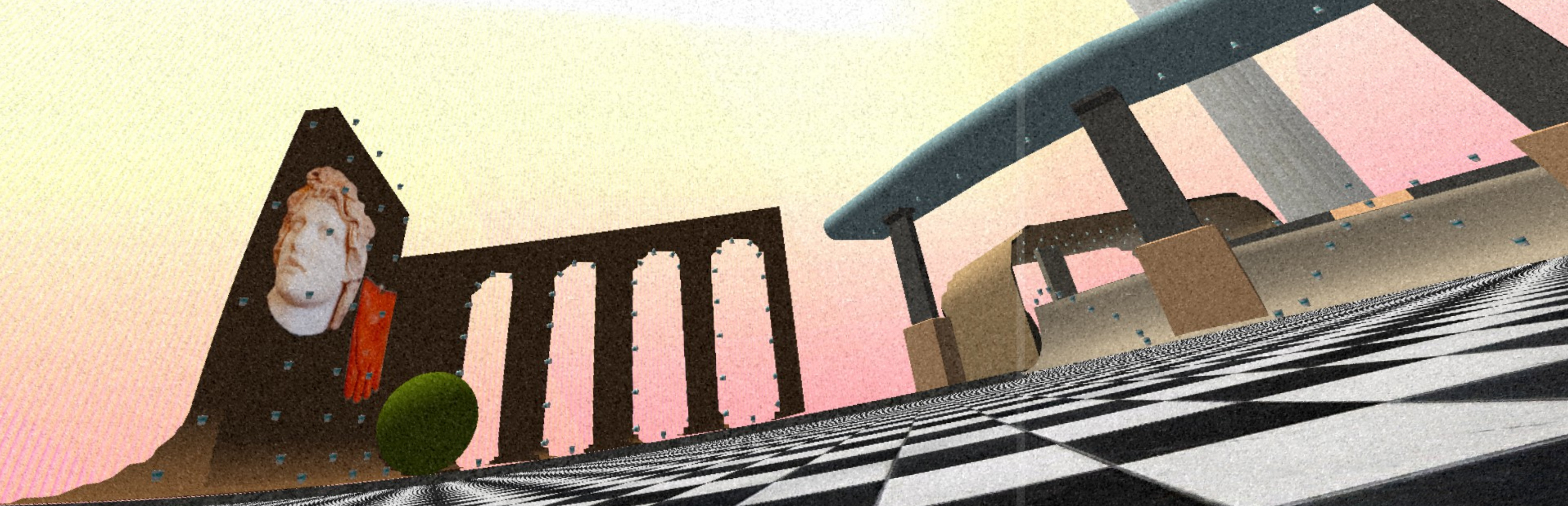
While it'll still display the keyboard and mouse controls in the tutorial, there is now support for the Steam Controller gamepad!

Full notes

Full Griptape Backbone update

Read the full published notes in a cleaner layout. The original post stays linked below.

What changed

0 fixes0 additions1 change0 removals
  • Compatibility
changedWhile it'll still display the keyboard and mouse controls in the tutorial, there is now support for the Steam Controller gamepad! You'll find the binding on recommended bindings tab when viewing the game's controller settings in Big Picture mode. Just select it, apply, and take a mental note of the controls listed. It's my own personal preference, so you can tweak it for yourself for the best experience. Regardless, this is a great way to double down on the relaxation factor of the game. So kick back, relax, and skate into a vaporwave extistential epiphany from your couch! Or bed... Or anywhere really. The limits are endless!

While it'll still display the keyboard and mouse controls in the tutorial, there is now support for the Steam Controller gamepad! You'll find the binding on recommended bindings tab when viewing the game's controller settings in Big Picture mode. Just select it, apply, and take a mental note of the controls listed. It's my own personal preference, so you can tweak it for yourself for the best experience. Regardless, this is a great way to double down on the relaxation factor of the game. So kick back, relax, and skate into a vaporwave extistential epiphany from your couch! Or bed... Or anywhere really. The limits are endless!

Source

Steam News / 6 July 2017

Open original post

Changelog.gg summarizes and formats this update. How we read updates.