Hello Gardeners. Alpha 12 is ready for planting. I'm working towards a player progression system. The first steps for this are in place with a new look and layout for the Menus.
Full notes
Full Gravity Garden update
Read the full published notes in a cleaner layout. The original post stays linked below.
Repeated intro
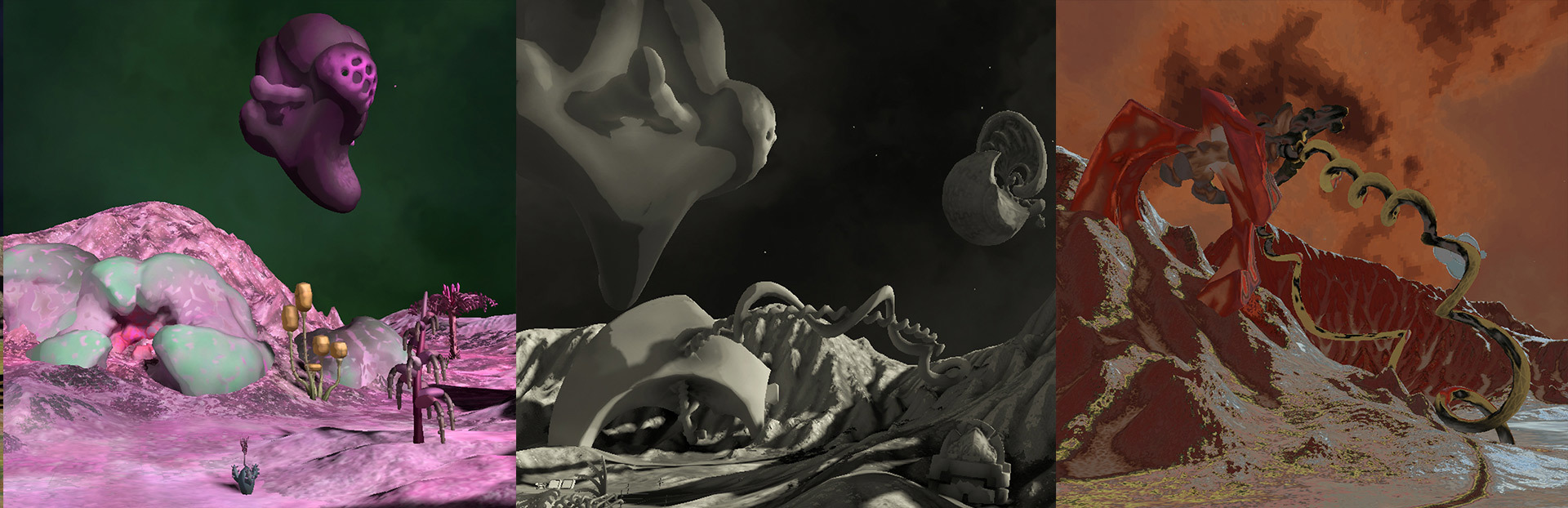
Hello Gardeners. Alpha 12 is ready for planting. I'm working towards a player progression system. The first steps for this are in place with a new look and layout for the Menus. They look less throw together now and more consistent from tab to tab.
What changed
0 fixes3 additions2 changes0 removals
Gameplay
Performance
UI and audio
addedHello Gardeners. Alpha 12 is ready for planting. I'm working towards a player progression system. The first steps for this are in place with a new look and layout for the Menus. They look less throw together now and more consistent from tab to tab.
addedThere's also a new menu tab called Collections. This is where you'll be able to keep track of everything that you find and plant in your Garden. The first page is working now: Vision Mods. Like a camera filter they give you a new view on your world. Collect more Mods by eating new kinds of fruit.
changedThe other major change is more under-the-hood. I set-up Unity's Occlusion Culling system to help cut down on the objects being drawn. It's saving hundreds of thousands of polys from being drawn every frame - which means better performance. There will be more optimization in the future, but this is a good start.
changedThis is a top-down view of the Garden showing what's being rendered as the player sweeps their view in a wide semicircle. The normal Frustrum culling only renders what is within the player's field of view. The Occlusion Culling also removes objects that are hidden behind the terrain or other large objects. This is a common rendering technique, but one I've never used before. I'm surprised how well it works in this open setting.
addedThe next menu tab will feature Tasks for the player to complete. I also want to improve the save/load system to include all of the new plants and other changes.
Gravity Garden changes
addedHello Gardeners. Alpha 12 is ready for planting. I'm working towards a player progression system. The first steps for this are in place with a new look and layout for the Menus. They look less throw together now and more consistent from tab to tab.
addedThere's also a new menu tab called Collections. This is where you'll be able to keep track of everything that you find and plant in your Garden. The first page is working now: Vision Mods. Like a camera filter they give you a new view on your world. Collect more Mods by eating new kinds of fruit.
changedThe other major change is more under-the-hood. I set-up Unity's Occlusion Culling system to help cut down on the objects being drawn. It's saving hundreds of thousands of polys from being drawn every frame - which means better performance. There will be more optimization in the future, but this is a good start.
changedThis is a top-down view of the Garden showing what's being rendered as the player sweeps their view in a wide semicircle. The normal Frustrum culling only renders what is within the player's field of view. The Occlusion Culling also removes objects that are hidden behind the terrain or other large objects. This is a common rendering technique, but one I've never used before. I'm surprised how well it works in this open setting.
addedThe next menu tab will feature Tasks for the player to complete. I also want to improve the save/load system to include all of the new plants and other changes.
There's also a new menu tab called Collections. This is where you'll be able to keep track of everything that you find and plant in your Garden. The first page is working now: Vision Mods. Like a camera filter they give you a new view on your world. Collect more Mods by eating new kinds of fruit.
The other major change is more under-the-hood. I set-up Unity's Occlusion Culling system to help cut down on the objects being drawn. It's saving hundreds of thousands of polys from being drawn every frame - which means better performance. There will be more optimization in the future, but this is a good start.
This is a top-down view of the Garden showing what's being rendered as the player sweeps their view in a wide semicircle. The normal Frustrum culling only renders what is within the player's field of view. The Occlusion Culling also removes objects that are hidden behind the terrain or other large objects. This is a common rendering technique, but one I've never used before. I'm surprised how well it works in this open setting.
The next menu tab will feature Tasks for the player to complete. I also want to improve the save/load system to include all of the new plants and other changes.