
HomeGamesUpdatesPricingMethodology
Steam News3 July 20261mo ago

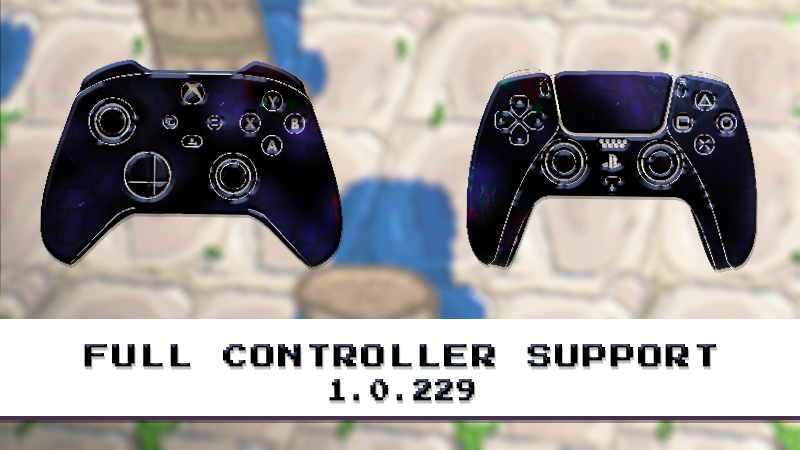
God, Save the Queens! is now fully supported on controllers - 1.0.229 Update

God, Save the Queens! is now fully playable with controllers! New Features New Inspect Mode - Access Inspect Mode at any time during a run by pressing E or the west button on gamepads.

In this update4

Full notes

Full God, Save the Queens! update

Read the full published notes in a cleaner layout. The original post stays linked below.

What changed

4 fixes2 additions4 changes0 removals
  • UI and audio
  • Compatibility
  • Gameplay
  • Events
  • Fixes
addedNew FeaturesNew Inspect Mode - Access Inspect Mode at any time during a run by pressing E or the west button on gamepads. The game pauses and a controller cursor appears, allowing you to inspect your weapons, consumables, and Queen statistics using the left stick.
changedNew FeaturesFull Steam Workshop Controller Support – Browsing and navigating the Workshop is now officially supported with controllers.
addedNew FeaturesNew Setting: Attack with Right Trigger – Added an option to use the Right Trigger for attacking.
changedNew FeaturesVirtual Keyboard Support - Input fields now automatically open the virtual keyboard when using a controller in Steam Big Picture Mode and on Steam Deck.
changedImprovementsImproved gamepad navigation throughout the game.
changedImprovementsImproved controller navigation in the Rewards panel.

God, Save the Queens! changes

addedNew Inspect Mode - Access Inspect Mode at any time during a run by pressing E or the west button on gamepads. The game pauses and a controller cursor appears, allowing you to inspect your weapons, consumables, and Queen statistics using the left stick.
changedFull Steam Workshop Controller Support – Browsing and navigating the Workshop is now officially supported with controllers.
addedNew Setting: Attack with Right Trigger – Added an option to use the Right Trigger for attacking.
changedVirtual Keyboard Support - Input fields now automatically open the virtual keyboard when using a controller in Steam Big Picture Mode and on Steam Deck.
changedImproved gamepad navigation throughout the game.

God, Save the Queens! is now fully playable with controllers!

New Features

  • New Inspect Mode - Access Inspect Mode at any time during a run by pressing E or the west button on gamepads. The game pauses and a controller cursor appears, allowing you to inspect your weapons, consumables, and Queen statistics using the left stick.

  • Full Steam Workshop Controller Support – Browsing and navigating the Workshop is now officially supported with controllers.

  • New SettingAttack with Right Trigger – Added an option to use the Right Trigger for attacking.
  • Virtual Keyboard Support - Input fields now automatically open the virtual keyboard when using a controller in Steam Big Picture Mode and on Steam Deck.

Improvements

  • Improved gamepad navigation throughout the game.

  • Improved controller navigation in the Rewards panel.

  • Smoother and more responsive scrolling with controllers.

Bug Fixes

  • Fixed several issues with the tutorial system.

  • Fixed a save system bug.

  • Fixed an issue affecting Curse rewards.

  • Fixed an issue with the modding API.

Source

Steam News / 3 July 2026

Open original post

Changelog.gg summarizes and formats this update. How we read updates.