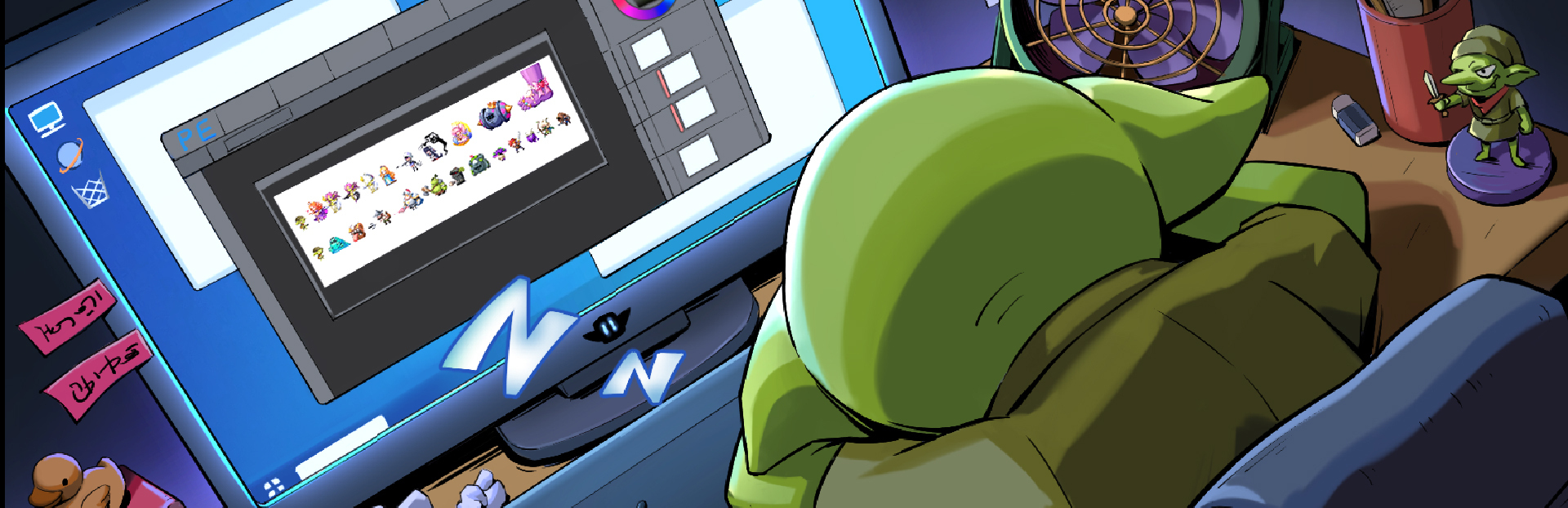
Added Accidental Touch Prevention and Automatic Skill Point Allocation Functions
Hello, fellow goblins! Thank you for your continued enthusiasm and valuable feedback. We've been paying close attention to your gaming experience and have made optimizations based on your suggestions.
Full notes
Full Goblin VS Princess update
Read the full published notes in a cleaner layout. The original post stays linked below.
Repeated intro
Hello, fellow goblins!
What changed
0 fixes1 addition5 changes0 removals
Performance
Gameplay
UI and audio
Balance
changedThank you for your continued enthusiasm and valuable feedback. We've been paying close attention to your gaming experience and have made optimizations based on your suggestions.
changedIn this update, we've primarily improved the following two aspects:
changedOptimizations:
addedPreventing Accidental Touches: To address the issue of accidental touches on the "Restart" button on the main interface, we've added a secondary confirmation menu. A second confirmation is required to reset the progress, making your operation safer.
changedAutomatic Skill Point Allocation Function: To address the issue of accumulating too many points after prolonged AFK (away from keyboard) play and the inconvenience of skill point allocation, now simply press and hold the skill point allocation button for 1.5 seconds to start automatic continuous skill point allocation, freeing your hands and making leveling up smoother!
changedThank you to every goblin for your support and suggestions. You make this game more complete and fun! We will continue to listen to your voices and continuously improve the game.
Goblin VS Princess changes
changedThank you for your continued enthusiasm and valuable feedback. We've been paying close attention to your gaming experience and have made optimizations based on your suggestions.
changedIn this update, we've primarily improved the following two aspects:
changedOptimizations:
addedPreventing Accidental Touches: To address the issue of accidental touches on the "Restart" button on the main interface, we've added a secondary confirmation menu. A second confirmation is required to reset the progress, making your operation safer.
changedAutomatic Skill Point Allocation Function: To address the issue of accumulating too many points after prolonged AFK (away from keyboard) play and the inconvenience of skill point allocation, now simply press and hold the skill point allocation button for 1.5 seconds to start automatic continuous skill point allocation, freeing your hands and making leveling up smoother!
Thank you for your continued enthusiasm and valuable feedback. We've been paying close attention to your gaming experience and have made optimizations based on your suggestions.
In this update, we've primarily improved the following two aspects:
Optimizations:
AddedPreventing Accidental TouchesTo address the issue of accidental touches on the "Restart" button on the main interface, we've added a secondary confirmation menu. A second confirmation is required to reset the progress, making your operation safer.
Automatic Skill Point Allocation Function: To address the issue of accumulating too many points after prolonged AFK (away from keyboard) play and the inconvenience of skill point allocation, now simply press and hold the skill point allocation button for 1.5 seconds to start automatic continuous skill point allocation, freeing your hands and making leveling up smoother!
Thank you to every goblin for your support and suggestions. You make this game more complete and fun! We will continue to listen to your voices and continuously improve the game.
If you have any further thoughts or questions during your experience, please feel free to let us know!