
HomeGamesUpdatesPricingMethodology
Steam News5 February 20264mo ago

Update 9 : Steam Workshop!

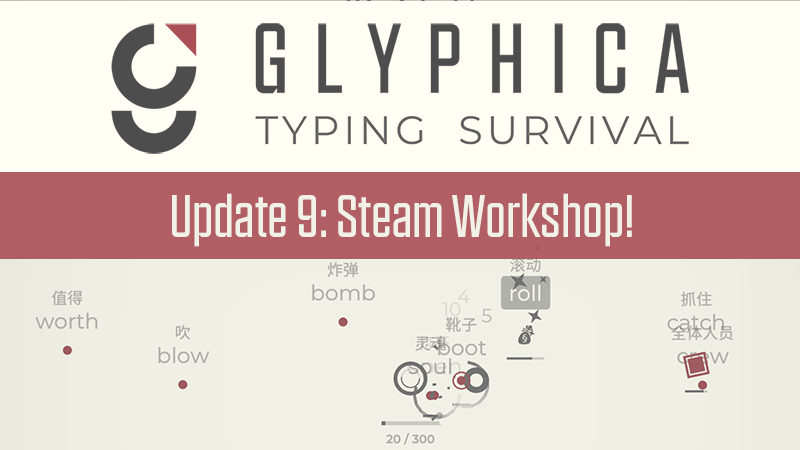
Hello Survival Typists! We’re back with another update to Glyphica. Our big addition to this update is Steam puts the power in the hands of our players. That’s right, we’re finally adding Steam Workshop!

Full notes

Full Glyphica: Typing Survival update

Read the full published notes in a cleaner layout. The original post stays linked below.

Repeated intro

Hello Survival Typists!

What changed

0 fixes4 additions3 changes0 removals
  • Workshop
  • UI and audio
  • Gameplay
addedWe’re back with another update to Glyphica. Our big addition to this update is Steam puts the power in the hands of our players. That’s right, we’re finally adding Steam Workshop!
changedSteam Workshop
addedWith Steam Workshop you can now create custom wordlists that you can share with the world. You can use wordlists to do whatever you want, either making lists as a learning tool or adding your own poetry to the poet boss! The process for uploading a mod to Steam is a little bit complex, so we’ve prepared some documentation for you .
changedThe big addition that Workshop brings is something we call multi-level wordlists. What this means is you can have a word that you are typing, and a reference word above it. So for example, you can do wordlists with translations in other languages! Here’s some examples:
addedGlyphica was not designed as a language learning tool so this will not be added in the main game. However we’re excited to give you this tool to play with on your own.
changedWe’ve uploaded some official wordlists for you to play with. Once you have subscribed to a mod, go to the Language Section and select a Typing Language, where you select the mod you subscribed to.

Glyphica: Typing Survival changes

addedWe’re back with another update to Glyphica. Our big addition to this update is Steam puts the power in the hands of our players. That’s right, we’re finally adding Steam Workshop!
changedSteam Workshop
addedWith Steam Workshop you can now create custom wordlists that you can share with the world. You can use wordlists to do whatever you want, either making lists as a learning tool or adding your own poetry to the poet boss! The process for uploading a mod to Steam is a little bit complex, so we’ve prepared some documentation for you .
changedThe big addition that Workshop brings is something we call multi-level wordlists. What this means is you can have a word that you are typing, and a reference word above it. So for example, you can do wordlists with translations in other languages! Here’s some examples:
addedGlyphica was not designed as a language learning tool so this will not be added in the main game. However we’re excited to give you this tool to play with on your own.

We’re back with another update to Glyphica. Our big addition to this update is Steam puts the power in the hands of our players. That’s right, we’re finally adding Steam Workshop!

Steam Workshop

With Steam Workshop you can now create custom wordlists that you can share with the world. You can use wordlists to do whatever you want, either making lists as a learning tool or adding your own poetry to the poet boss! The process for uploading a mod to Steam is a little bit complex, so we’ve prepared some documentation for you.

The big addition that Workshop brings is something we call multi-level wordlists. What this means is you can have a word that you are typing, and a reference word above it. So for example, you can do wordlists with translations in other languages! Here’s some examples:

Spanish

Simplified Chinese

Glyphica was not designed as a language learning tool so this will not be added in the main game. However we’re excited to give you this tool to play with on your own.

We’ve uploaded some official wordlists for you to play with. Once you have subscribed to a mod, go to the Language Section and select a Typing Language, where you select the mod you subscribed to.

Global Weapons Evolutions

We’ve also added global evolutions to the game. Global weapons offer the player a choice of reinforcing one weapon or choosing an evolution that improves a weapon tag that affects many weapons. For example a player might have a Minefield build with a focus on Explosive, but also has Spectre and Hunter as their other weapons. On the next Minefield evolution they may be given an option to lean into the Explosive Build, or Pick up a Global Drone Evolution.

That’s all for now, Survival Typists! We have some big plans coming up for the next update. But for now, we look forward to seeing all the cool mods you come up with!

Source

Steam News / 5 February 2026

Open original post

Changelog.gg summarizes and formats this update. How we read updates.