
Full notes
Full GlobeXplore update
Read the full published notes in a cleaner layout. The original post stays linked below.
What changed
2 fixes1 addition1 change0 removals
- UI and audio
- Gameplay
- Fixes
addedAdded shortcut UI when the mouse is visible on the flight screen.
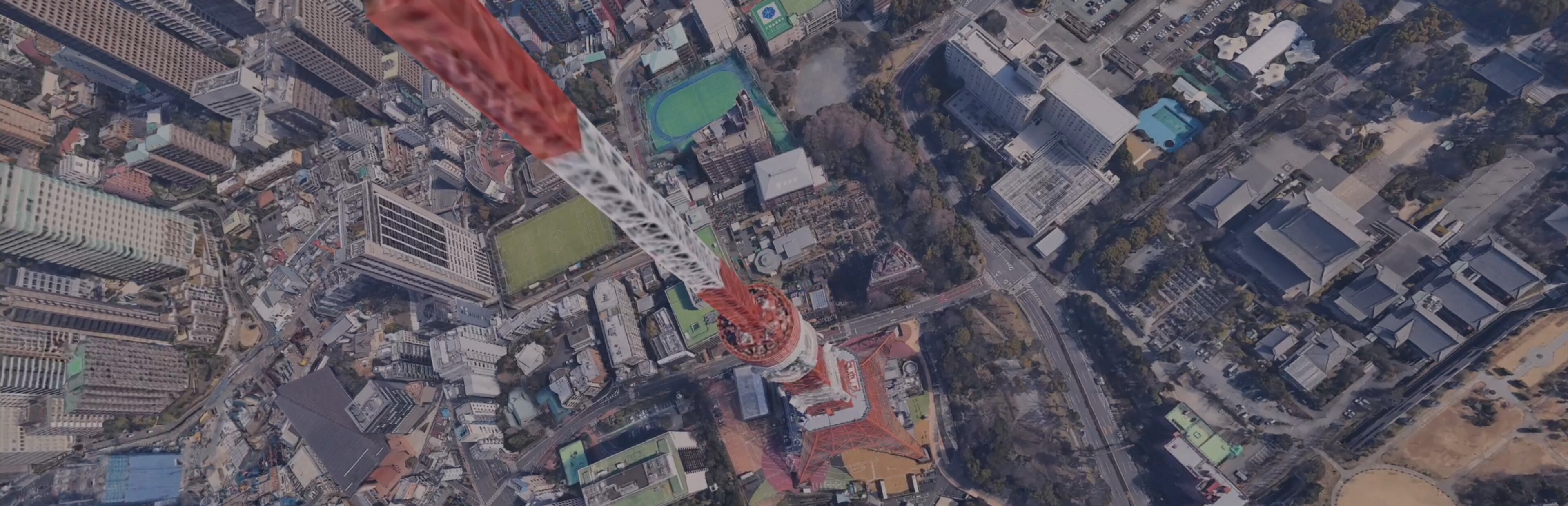
fixedFixed an issue where players could get stuck inside buildings when selecting Japan - Tokyo from the position presets.
changedChanged so that the maximum and minimum values are applied to the input fields of Drone, Advanced, and Rate items on the settings screen.
fixedFixed a bug where the calibration process would continue even if it was interrupted while simultaneously calibrating 4 axes.
Added shortcut UI when the mouse is visible on the flight screen.
Fixed an issue where players could get stuck inside buildings when selecting Japan - Tokyo from the position presets.
Changed so that the maximum and minimum values are applied to the input fields of Drone, Advanced, and Rate items on the settings screen.
Fixed a bug where the calibration process would continue even if it was interrupted while simultaneously calibrating 4 axes.
Source
Changelog.gg summarizes and formats this update. How we read updates.