
In this update10
Full notes
Full Gallium update
Read the full published notes in a cleaner layout. The original post stays linked below.
What changed
- Gameplay
- UI and audio
- Performance
- Fixes
Gallium changes
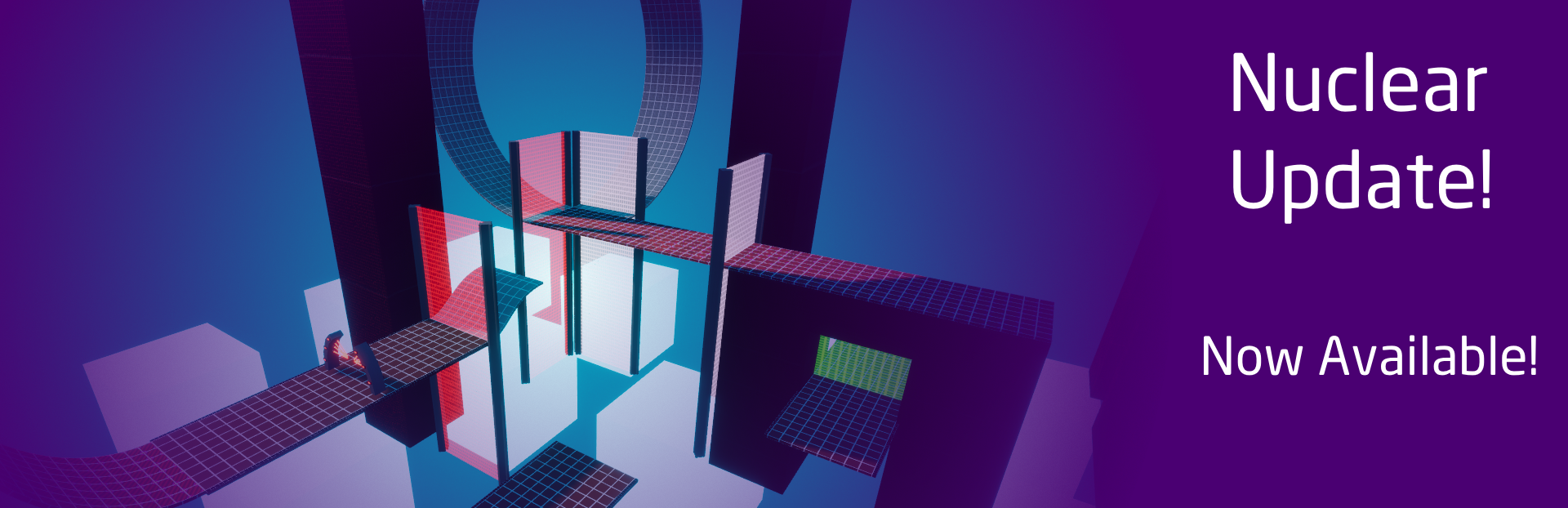
Nuclear Block Update
I am Proud to announce the new Nuclear Block Update! Read down below to see everything that has been added and changed for this update.
Bug Fixes
Fixed the "Acknowledge" button when the game starts.
The ball will now fade when your camera gets close to it when you are Aluminum or Gold.
The Visualizer will no longer flash-bang and blind the player.
Some secret levels have broke due to updates. Those levels have been updated to make them possible.
Text will no longer say "Not Available In Demo" when you have the full game.
Pressing Backspace when on the finish screen will no longer restart the level.
The game will no longer deafen the player by it being so loud for new players.
Some Secret levels were found to be impossible. I updated these Secret levels to be possible again. - Actinium - Cerium
Additions
Discovery
Added a new set of levels called "Nuclear Block". This contains 7 new levels designed to truly test the player's skill, knowledge, and reflexes.
Added (2) new secret levels designed by players in the community.
Level Editor
Added a new "Clone" function. This will duplicate the selected object and its details.
Added a new Device. The Reset Gate. This new Gate removes any effect your ball has. This new gate can be found inside the Object Details Menu inside the Gate Device Object.
Added a new Device. The Lamp. This is a light that you can place down anywhere and modify the color of. Be very cautious when using this. It is very experimental and can cause performance issues.
Added 12 new Floors inside the Object Menu.
Added 12 new Construction Pieces inside the Object Menu.
A brand new Object Menu has been made. The design might not be final, but it is a lot more organized and user friendly.
When you go to an Object's Details, you will now see an Axis on the Object. Red represents X, Green represents Y, and Blue represents Z.
Added a dark background to the center of the screen to make the controls easier to read.
Custom Levels will now have a level screenshot and display the screenshot in-game.
Added another new Device. Introducing the Magnet. This new device will push and pull your ball away or towards the device. The device also has a special feature between the different materials of your ball. Feel free to experiment and have fun with them.
Added more Grid-Snap options
1x
0.5x
0.25x
Level Editor Notice!
The ability for players to use curved surfaces has been a real struggle lately. I was not able to add it to this update, however I am working on getting this set up for a future update.
Please again remember that the Lamp device is experimental and may cause performance issues. The main reason I call them experimental is because they use real-time lighting instead of baked lighting, which is also why they can cause performance issues. You should be fine using a couple of them, but I do not recommend going overboard.
Game Engine
Update my custom rendering pipeline to improve the over-all quality of the game while trying to keep the performance the same.
Updated the physics engine to run smoother on lower framerates. The engine relied on framerate for the physics. This caused people under 120fps to have struggles with curved surfaces as well as having problems with the boost gate. I updated the Physics Engine to force it to run at 120 times per second, no matter what framerate you are running on.
Modifications
Updated the settings menu to look more clean and organized.
Remade the credits.
Added a new song mix into the game.
Fixed Material UVs for following objects ;
Spawner
Wall
Rendering Pipeline Examples
The Rendering Pipeline was previously making the game very flat. I did not really like this look and was causing the game to look very low quality in my opinion. Here in this section, I will describe the issues I have noticed and what I did to make it better. All screenshots were taken in-game.
Shadows
Previously shadows were very sharp and linear. This made the lighting very borderlands-like, which is not what I was wanting to go for. You can notice the shadow in this example image on the glass on the left. You can also notice how the shadows also caused some of the details to look gritty and not all there.
The new shadows are now a lot more smooth and gradient, causing the game to look a lot more detailed. This also allows the game to appear to have more detail than what is actually there by making the level more darker.
Reflections
Another problem was reflections and how the lighting was also making the game more difficult to read, causing issues for players and making them guess when they should not have. The reflections were also not really there and just made everything look very flat. Examples below for Aluminum and Gold. You can also find an example of the Ice Surface.
I have updated the reflections to actually be there now, giving way more detail than before! Do not worry about optimizations either, because I have the reflections based on screen-space. This means that the ball will only reflect what is visible in your field of view. While it isn't the best example image, You can also notice the great amount of detail that the reflections add for the Ice Surface as well.
Source
Changelog.gg summarizes and formats this update. How we read updates.