What changed
0 fixes2 additions0 changes0 removals
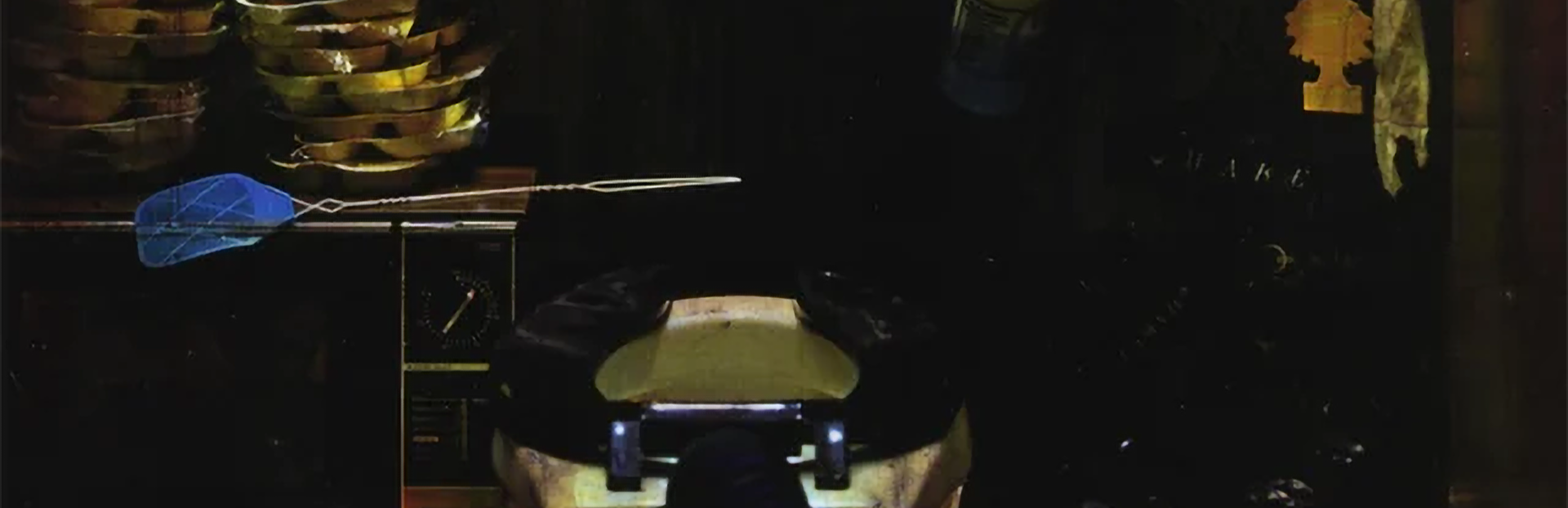
addedI was playing some games on my Steam Deck using ReShade to add a CRT filter to the experience (as an aside, know what game looks really nice on a CRT monitor, or with a CRT shader? Firewatch.) and so I tried it out on Toilet Spiders and I was like... damn this looks nice. But a lover of Toilet Spiders like yourself shouldn't have to use a third-party tool to get this sweet sweet CRT look, I should just put it right in the game! So, dear reader, that's exactly how I spent my Saturday.
addedAnd now, truly, on to maintenance mode as I focus on the next entry in Fullbright Presents. If you run into any show-stopping issues with Toilet Spiders, let me know in the Steam Discussions Forum-- and if you want to be the first to hear about what's new with Fullbright Presents, Follow the Fullbright developer page on Steam , and subscribe to the Newsletter !
Fullbright Presents TOILET SPIDERS changes
addedI was playing some games on my Steam Deck using ReShade to add a CRT filter to the experience (as an aside, know what game looks really nice on a CRT monitor, or with a CRT shader? Firewatch.) and so I tried it out on Toilet Spiders and I was like... damn this looks nice. But a lover of Toilet Spiders like yourself shouldn't have to use a third-party tool to get this sweet sweet CRT look, I should just put it right in the game! So, dear reader, that's exactly how I spent my Saturday.
addedAnd now, truly, on to maintenance mode as I focus on the next entry in Fullbright Presents. If you run into any show-stopping issues with Toilet Spiders, let me know in the Steam Discussions Forum-- and if you want to be the first to hear about what's new with Fullbright Presents, Follow the Fullbright developer page on Steam , and subscribe to the Newsletter !
I was playing some games on my Steam Deck using ReShade to add a CRT filter to the experience (as an aside, know what game looks really nice on a CRT monitor, or with a CRT shader? Firewatch.) and so I tried it out on Toilet Spiders and I was like... damn this looks nice. But a lover of Toilet Spiders like yourself shouldn't have to use a third-party tool to get this sweet sweet CRT look, I should just put it right in the game! So, dear reader, that's exactly how I spent my Saturday.
In the options you'll now find a "CRT" toggle. It's off by default, but if you really want the fully late-90s experience to go with the low poly models and unfiltered textures, toggle that bad boy on. You'll be happy you did.
And now, truly, on to maintenance mode as I focus on the next entry in Fullbright Presents. If you run into any show-stopping issues with Toilet Spiders, let me know in the Steam Discussions Forum-- and if you want to be the first to hear about what's new with Fullbright Presents, Follow the Fullbright developer page on Steam, and subscribe to the Newsletter!
Catch you on the flip side...