
In this update4
Full notes
Full Frostory update
Read the full published notes in a cleaner layout. The original post stays linked below.
Repeated intro
Hello! Today, I'd like to write about how we improved the bridge in our game.
What changed
- Gameplay
- Maps
Frostory changes
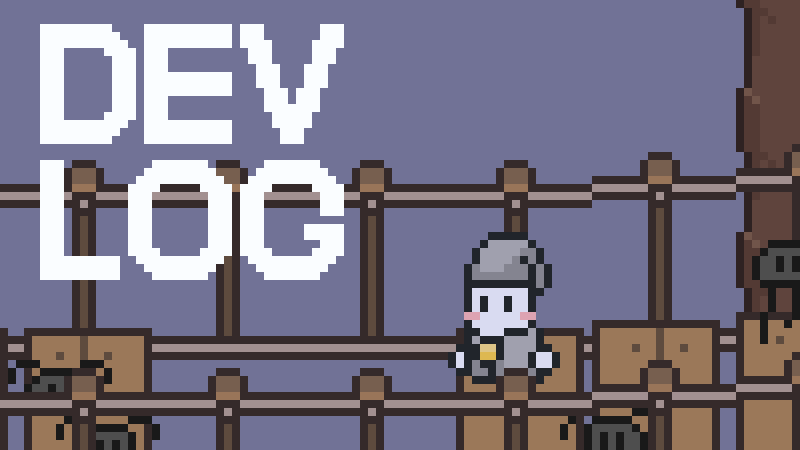
In our game, terrain objects like the bridge shown above appear frequently. Although it looks simple, it was outside of the in-game tile system, so placing it required unnecessarily complex work.
Manual placement was required to position the asset properly in 3D space, and various exception cases had to be handled.
But even when the bridge had no special gimmick, it still felt good as a decorative element, so we wanted to place more bridges.
So, we decided to systematize the bridge.
1. Plan
First, we sketched a concept design for the new bridge.
One thing we had in mind when drawing the concept was a game we saw long ago called Princess Blitz.
It’s something we saw quite a while ago, but it sometimes popped into our heads. We thought it would be great if the newly created bridge could move dynamically.
In the image above, we lowered the bridge, and internally we thought it looked fine.
2. Resource Standardization
We considered how to standardize the assets to easily create bridges of various shapes. Ultimately, we composed the bridge to match the tile size with front/back handles and planks.
The original file on the left is automatically organized into the resource on the right. The width and height of the original resource can be longer, which increases the variation of the result.
There is no rope connecting the bridge in the illustration; the reason will become clear as you continue reading.
3. Bridge Placement Tool
The reason for improving the bridge was to make placement as easy and simple as possible. Explaining how the tool works in writing would be too lengthy, so it’s better to show it in action!
Select a bridge type and drag to create the bridge. Editing and repositioning are also easy.
4. In-Game Polishing
This is the initial look of the newly implemented bridge.
The plan was to tile it and simply sway it with the character’s movement, but that was a miscalculation. The rope appeared to be broken into segments more than expected, and the shape of the bridge didn’t look natural.
So, we began the improvement work. The intermediate steps were not recorded because we were engrossed in the process.
It’s a shame...
After many modifications, this is the completed look. We adjusted various formulas to make it feel natural and replaced the rope with a line renderer.
The new bridge now also supports cases where the start and end heights are different, making it usable in more varied levels.
Additionally, it reacts to the weight of objects placed on the bridge.
Thank you for reading!
Source
Changelog.gg summarizes and formats this update. How we read updates.