{ Forgotten Soundscape } Big Update ! (v1.3.1) - Custom Map and Binaural Audio
In the new version of { forgotten soundscape } I added a new map in which you will be able to use your own audio files : By double-clicking on a cardboard box or a pizza box (cf.
Full notes
Full Forgotten Soundscape update
Read the full published notes in a cleaner layout. The original post stays linked below.
What changed
0 fixes4 additions1 change0 removals
UI and audio
Maps
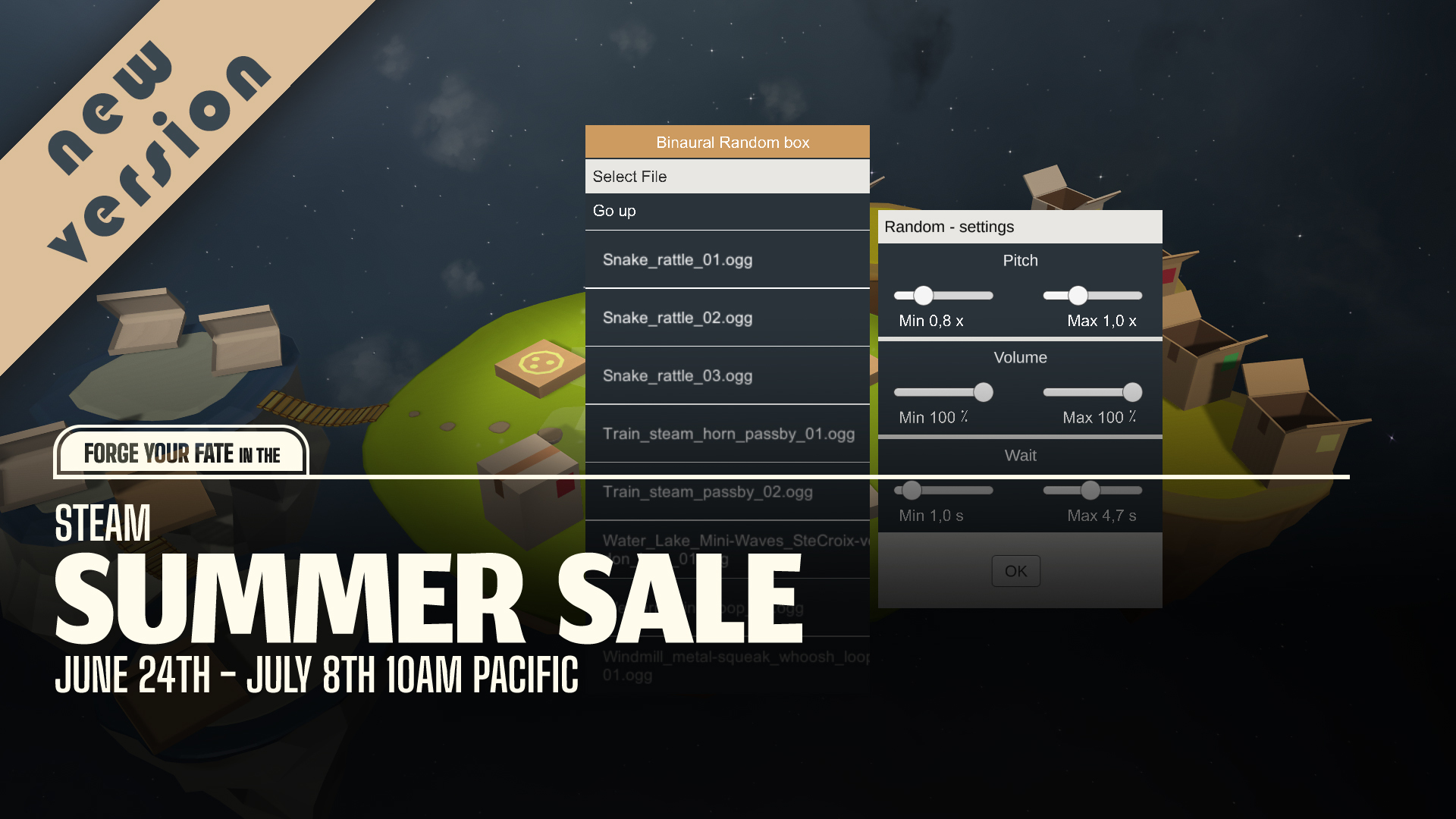
addedIn the new version of { forgotten soundscape } I added a new map in which you will be able to use your own audio files : By double-clicking on a cardboard box or a pizza box (cf. gameplay trailer below) you can browse into your hard drives and select audio files in wav, ogg, flac, mp3 and aif formats. Light brown boxes will spatialize your sounds in stereo whereas darker ones will spatialize in binaural. For each box, you can modify audio settings such as pitch and volume. Pizza boxes are made for loops while cardboard boxes are set up for playing random pitch and volume.
addedAlso, you can now save your game (in all maps) by clicking the floppy disk icon in the top left corner of the screen.
addedMoreover, all maps of the v1.0 are now available in stereo and binaural.
changedTo get the most out of audio immersion, use headphones, especially with binaural sounds.
addedI hope you’ll enjoy all these new features and don’t forget to share your audio creations! ːsteamhappyː #forgottensoundscape
Forgotten Soundscape changes
addedIn the new version of { forgotten soundscape } I added a new map in which you will be able to use your own audio files : By double-clicking on a cardboard box or a pizza box (cf. gameplay trailer below) you can browse into your hard drives and select audio files in wav, ogg, flac, mp3 and aif formats. Light brown boxes will spatialize your sounds in stereo whereas darker ones will spatialize in binaural. For each box, you can modify audio settings such as pitch and volume. Pizza boxes are made for loops while cardboard boxes are set up for playing random pitch and volume.
addedAlso, you can now save your game (in all maps) by clicking the floppy disk icon in the top left corner of the screen.
addedMoreover, all maps of the v1.0 are now available in stereo and binaural.
changedTo get the most out of audio immersion, use headphones, especially with binaural sounds.
addedI hope you’ll enjoy all these new features and don’t forget to share your audio creations! ːsteamhappyː #forgottensoundscape
In the new version of { forgotten soundscape } I added a new map in which you will be able to use your own audio files : By double-clicking on a cardboard box or a pizza box (cf. gameplay trailer below) you can browse into your hard drives and select audio files in wav, ogg, flac, mp3 and aif formats. Light brown boxes will spatialize your sounds in stereo whereas darker ones will spatialize in binaural. For each box, you can modify audio settings such as pitch and volume. Pizza boxes are made for loops while cardboard boxes are set up for playing random pitch and volume.
Also, you can now save your game (in all maps) by clicking the floppy disk icon in the top left corner of the screen.
Moreover, all maps of the v1.0 are now available in stereo and binaural.
To get the most out of audio immersion, use headphones, especially with binaural sounds.
I hope you’ll enjoy all these new features and don’t forget to share your audio creations! ːsteamhappyː #forgottensoundscape