
In this update7
Full notes
Full Firehawk FPV: Drone Fighter update
Read the full published notes in a cleaner layout. The original post stays linked below.
What changed
- UI and audio
- Gameplay
- Maps
Firehawk FPV: Drone Fighter changes
Quality of Life
While working on future content we wanted to make sure all our players are getting the best possible experience!
We've made sure that now all our users can comfortably play whatever resolution they play on and make sure they can structure their HUD in a way each of you want!
We also tackled some gameplay bugs and confusing elements in the game.
Have a blast and we'll be back with content updates soon!
Ultrawide Support:
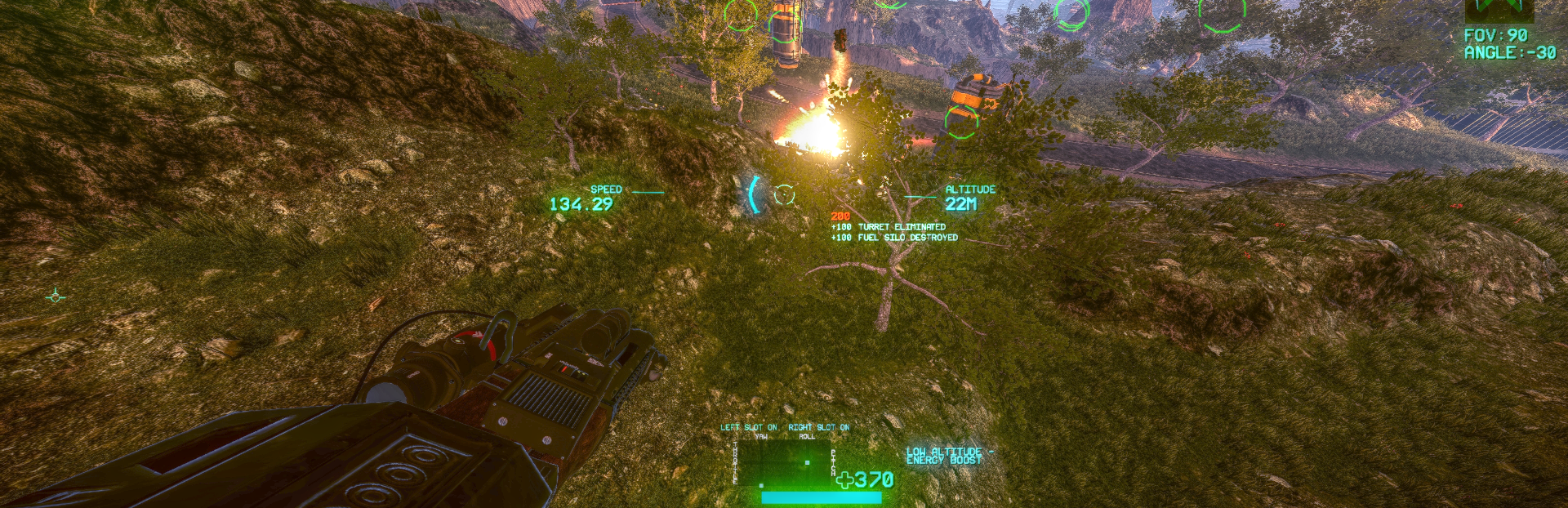
Added ultrawide monitor support, all menu screens and ingame UI are now fully working and polished for all ultrawide resolutions!
New Toggle UI Elements:
Can now turn off/on any of the ingame UI, allowing you to play with no HUD or customize some things.
Want to make the game harder or more cinematic? Turn off hitmarkers or arrow indicators of incoming missiles, or boss health bars.
Increase crosshair size toggle:
New toggle option to enlarge crosshair if you were finding it hard to see on smaller screens like the Steam Deck.
Bug Fixes:
Fixed friendly soldiers sometimes getting stuck during a escort troops in map 4, if troops still get glitched during pathing if they are stuck for more than a minute they count as escorted and mission continues.
Fixed rare case of enemy turrets being able to spawn underneath buildings in map 2 desert survival mode
Various other minor fixes and polish.
UI, Map & Visual Fixes:
Flip Drone UI improved. Now updates UI based on assigned input. Default keyboard input set to [F].
Activate Gadget UI also updates UI based on assigned input. Default keyboard input set to [G].
Some visual changes for enemies like tanks to help differentiate between them
Various UI fixes and map collision/visual fixes across the board.
Support Fixes:
Auto Callibration button now available in game. (takes you to menu to callibrate)
Added Help link to controller guide in Controls
Source
Changelog.gg summarizes and formats this update. How we read updates.