
Full notes
Full Femtazio update
Read the full published notes in a cleaner layout. The original post stays linked below.
Repeated intro
Hey everyone!
What changed
- Gameplay
- Performance
- UI and audio
Femtazio changes
It's been 1 month since Femtazio was released on steam, thank you so much for the overwhelming support!
First some new NSFW scene updates!
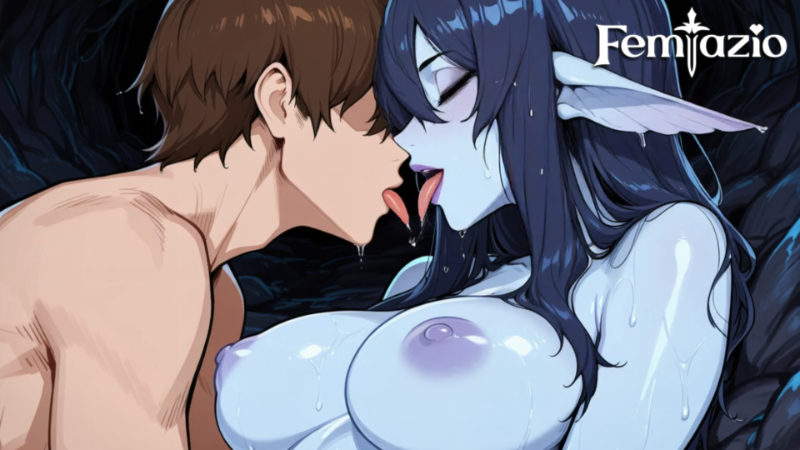
Water Nymph Lose Scene 5 now animated!
Fire Nymph Lose Scene 3 now animated!
In 1.0.8, we took some common feedback from players and made changes
Launcher now updated with more options
Controller now supports Dpad and Analogue stick at the same time by default.
If you need to change it, you can rebind it yourself inside the game:
Analogue stick is in Options > Controller > Player 1 Up/Down/Left/Right
Dpad is in Options > Controller > Player 2 Up/Down/Left/Right
Graphical Problem: Game opens with Green Lines
Change render to SDL
SDL has slightly lower quality than OpenGL, but it solves the problem.
Graphical Problem: Window is too big and you cannot see anything
Change screen to Full Screen instead of windows.
Button Changes
Cutscene - Hide UI is now up/down/left/right buttons
Cutscene - Fast Forward is now Shield Button (hold down)
Thanks everyone for giving feedback again! We will try our best to improve accessibility, our engine is kinda a custom engine, not the unity, unreal people are used to, so we need some time to change it. Thanks!
Source
Changelog.gg summarizes and formats this update. How we read updates.