
Full notes
Full Fay's Factory update
Read the full published notes in a cleaner layout. The original post stays linked below.
Repeated intro
Hello comrades,
What changed
- Gameplay
- Maps
- UI and audio
- Fixes
Fay's Factory changes
Happy International Workers’ Day! Here’s Build 82 of the game, featuring some vibes adjustments and gameplay changes, as follows:
New Time Dilation slider, allowing you to speed up or slow down opponents’ turns and the fighting itself.
Also added post-process and audio effects when changing time scale.
Note: This is in reaction to duels feeling dragged out, and the player having nothing to do during the opponent’s turn. I noticed I myself often speed up the time with internal tools, so I’ve added the same thing for you, dear player. It’s also fun to slow down the spell casting for that cinematic feel.
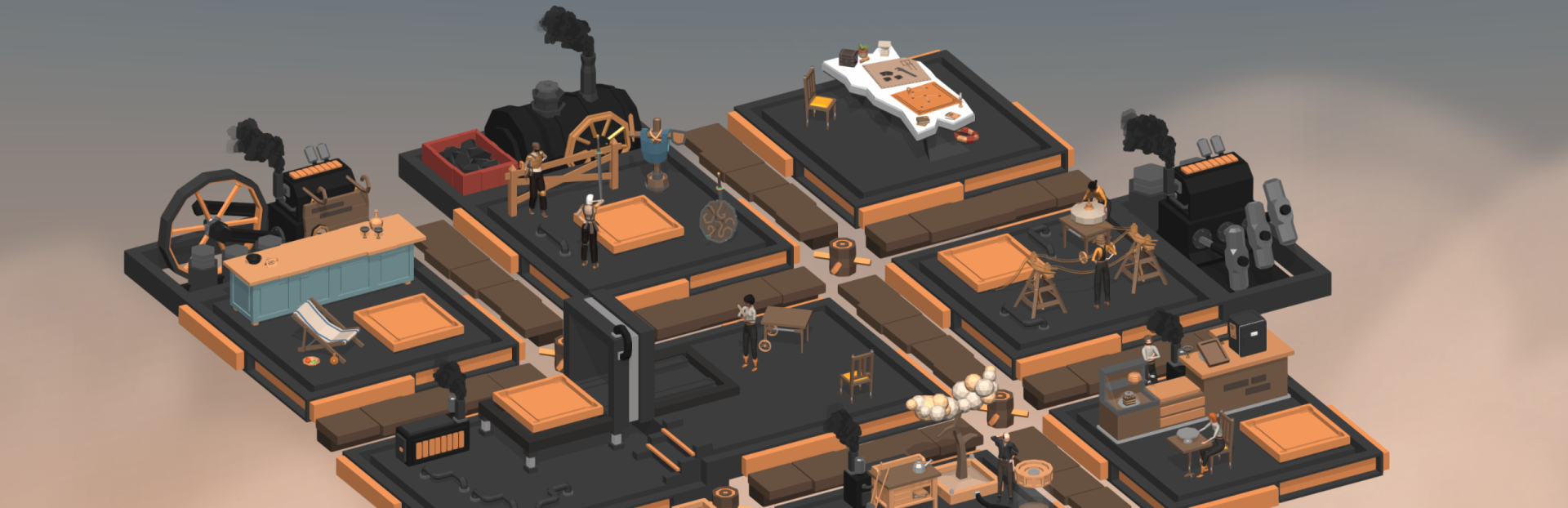
New camera transitions between the islet and the factory. Factory now hangs in the sky, above the clouds.
Kingdoms Map also uses this transition.
Note: This adds a lot of feel to the place, makes background more interesting, and makes camera transitions less nausea-inducing. I might also add birds or high winds — you are in the skies!
Added a new UI for switching between the factory and the islet: a railroad switch! Click or drag it to get around.
Of course, you can still scroll up and down, or use keyboard shortcuts.
Note: It’s been a lot of fun adding a 3D UI element, and I feel it adds to the vibe of the game. For too long Overseers have been oppressed by oversimplified colorless interface elements! Long rein the immersive UI!
UI visual refreshments, including new logo, a few replaced fonts, black background for the pause menu, new animations, and more.
Note: UI designs are certainly not a priority at the moment (releasing the game is!), but it’s something I enjoy doing. It's the little things in life.
Removed black bars at the top and bottom of tall screens (including 16:10 laptop screens, Steam Deck, windowed mode, and whatever else you might think of)
Note: This required remaking my old and stupidly made UI somewhat, and also adjusting the camera size (since I don’t want to cut off the factory or islands on the sides! instead, you get more real estate at the top and bottom of the screen.)
- New traversal mechanism for Edge Harboryou now have to click through gates and stairs to get around town. Or use a new signpost UI for a shortcut!
Remodeled some parts of Edge Harbor a bit, especially the area where your home is located (which is now known as The Wall.)
Rewrote some older dialogues, especially the first meeting with the Board. You now have some lines to say there!
Note: I think Edge Harbor still feels empty, and I’m working on making it not so!
Added save files renaming (double click on the header of your manual save to do so.)
Adjusted color correction somewhat.
Fixed scroll bars not working sometimes.
Fixed settings toggles acting up on not-1080p screens.
While I continue working on new main adventures and side errands, I feel these changes bring the game ever closer to its release state. I'll keep in touch, and thank you for your support!
egor
Source
Changelog.gg summarizes and formats this update. How we read updates.