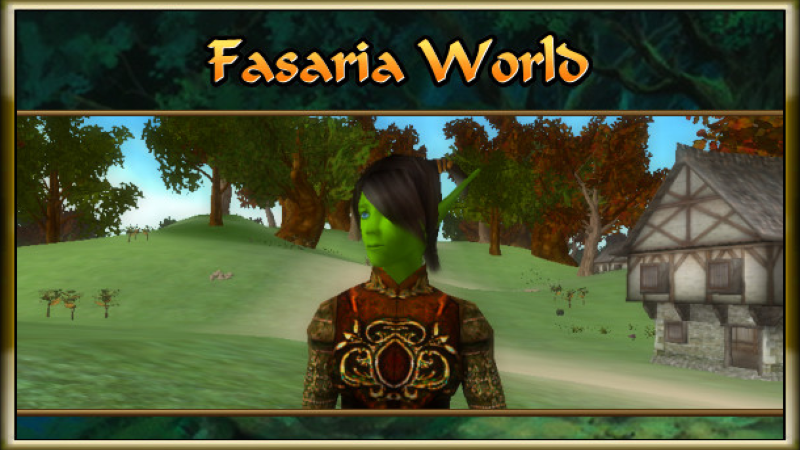
If you have any issues with getting started a single player game, we added some simple instructions here to help you get going.
Full notes
Full Fasaria World: Ancients of Moons + Server update
Read the full published notes in a cleaner layout. The original post stays linked below.
What changed
0 fixes2 additions6 changes0 removals
Server
Gameplay
addedIf you have any issues with getting started a single player game, we added some simple instructions here to help you get going. Keep in mind, our game requires that you launch the simple server to play locally as this was once an mmo.
changedThe server needs to be on to play.
changedInstall and load the simple server from Steam. (On the left side of your Steam Panel under "Games and Tools" Select "Tools".)
changedThe option to download Fasaria World Server should now appear in your list under the client game. Select the server option and install the server.
changed4, Once the server is installed, Select "Play" and then turn your server on by selecting "Unlock Server". Once on, a small green light will appear under "Server Status".
changedNow go back to your list and select the option for the actual game client, install it and then select "Play". Once the client loads, select start, agree to the terms and conditions, now select the first server option on the list.
Fasaria World: Ancients of Moons + Server changes
addedIf you have any issues with getting started a single player game, we added some simple instructions here to help you get going. Keep in mind, our game requires that you launch the simple server to play locally as this was once an mmo.
changedThe server needs to be on to play.
changedInstall and load the simple server from Steam. (On the left side of your Steam Panel under "Games and Tools" Select "Tools".)
changedThe option to download Fasaria World Server should now appear in your list under the client game. Select the server option and install the server.
changed4, Once the server is installed, Select "Play" and then turn your server on by selecting "Unlock Server". Once on, a small green light will appear under "Server Status".
If you have any issues with getting started a single player game, we added some simple instructions here to help you get going. Keep in mind, our game requires that you launch the simple server to play locally as this was once an mmo.
The server needs to be on to play.
Install and load the simple server from Steam. (On the left side of your Steam Panel under "Games and Tools" Select "Tools".)
The option to download Fasaria World Server should now appear in your list under the client game. Select the server option and install the server.
4, Once the server is installed, Select "Play" and then turn your server on by selecting "Unlock Server". Once on, a small green light will appear under "Server Status".
Now go back to your list and select the option for the actual game client, install it and then select "Play". Once the client loads, select start, agree to the terms and conditions, now select the first server option on the list.
Create a new account. (You should see it appear in the server list).
Create a character.
Exit the first screen and start to play.
*Resolution options can also be changed but full screen will not work through Steam.